Hello! Seems like hiding videos via the ‘short video’ tag isn’t working consistently.
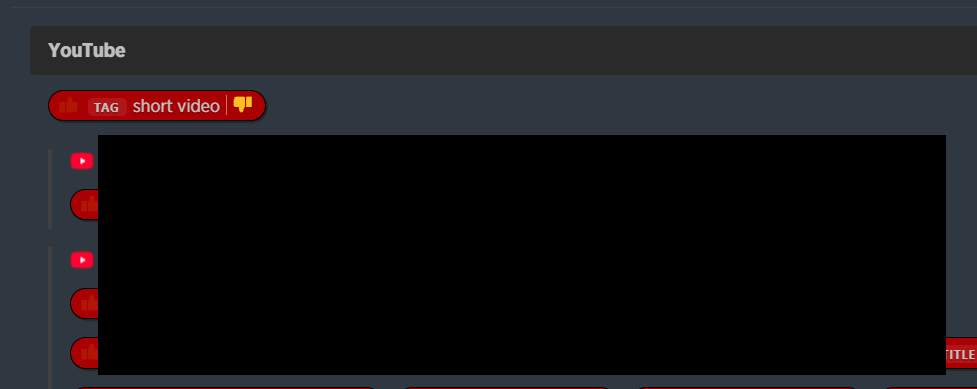
I currently have my YouTube folder set up to hide videos with the ‘short video’ tag via the intelligence system:
However, there’s a few problems:
- Not all YouTube Shorts appear to be given this tag. This isn’t related to length: a 1 minute Shorts video might not have the tag, whereas a 2 minute video will.
- Some YouTube Shorts which have the tag aren’t filtered, even though I have the filtration applied on the ‘YouTube’ folder which all those sites sit in.
- I can’t tell if I’m imagining things, but it seems like the tag is being applied late. It’s then working to hide videos at a later point in very few cases, but it seems slow and inconsistent.
This was working reliably for my first few sites which I set up the hide intelligence for, but now it seems to be missing a significant amount of Shorts which should be hidden as they have the tag. I’m having to grab their whole title and just hide that to get them to disappear.
Is this a case of just needing to wait for the system to catch up (I am a new user so I’m adding a lot all at once)?
(Somewhat related: sometimes the ‘show hidden videos’ button in the top right likes to disappear and not show when you hover over it, until the page is refreshed).
Give me some example feeds (using the newsblur.com url when you open the feed on newsblur on the web) so I can take a look.
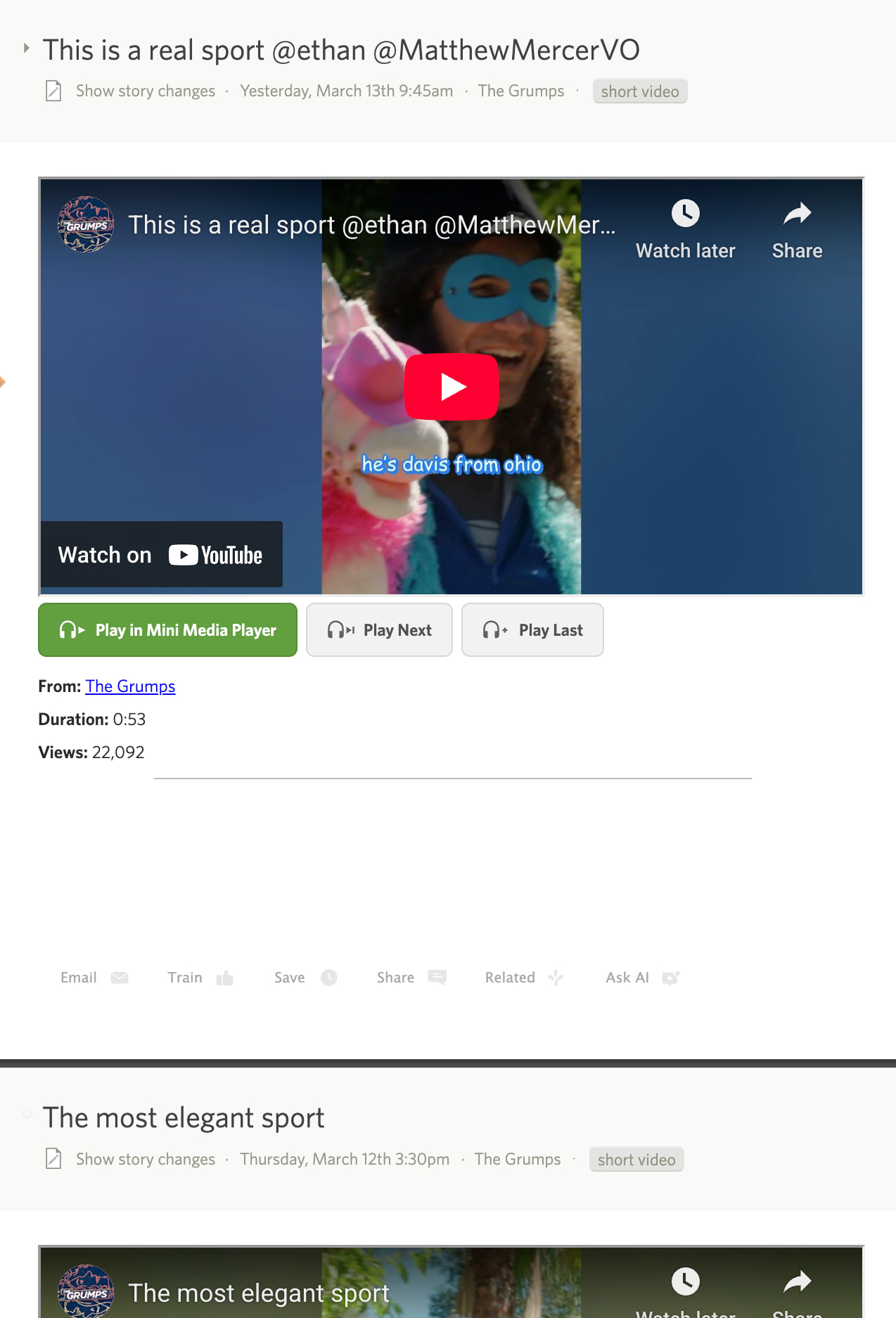
Looks like they all show short video on all of videos under 3 minutes. Can you show me a screenshot of a yt video that doesn’t have the short video tag and is under 3 minutes? The tag is added synchronously when fetched, so it shouldn’t come in after the fact.
Lemme try and search for some!
The main issue is that while they have the short video tag, they aren’t being hidden by the intelligence system even though I’ve got that set-up to hide at folder level for these sites. Even if I change it to site-only, it still only hides some of them and not others, despite them all having the tag.
Looks like potentially older uploads aren’t hiding automatically, but more recent ones are?
How old are we talking? I only added the tag a few weeks ago, so it’s not retroactive.
Ah, interesting - this might be a case of confusing UI in that case!
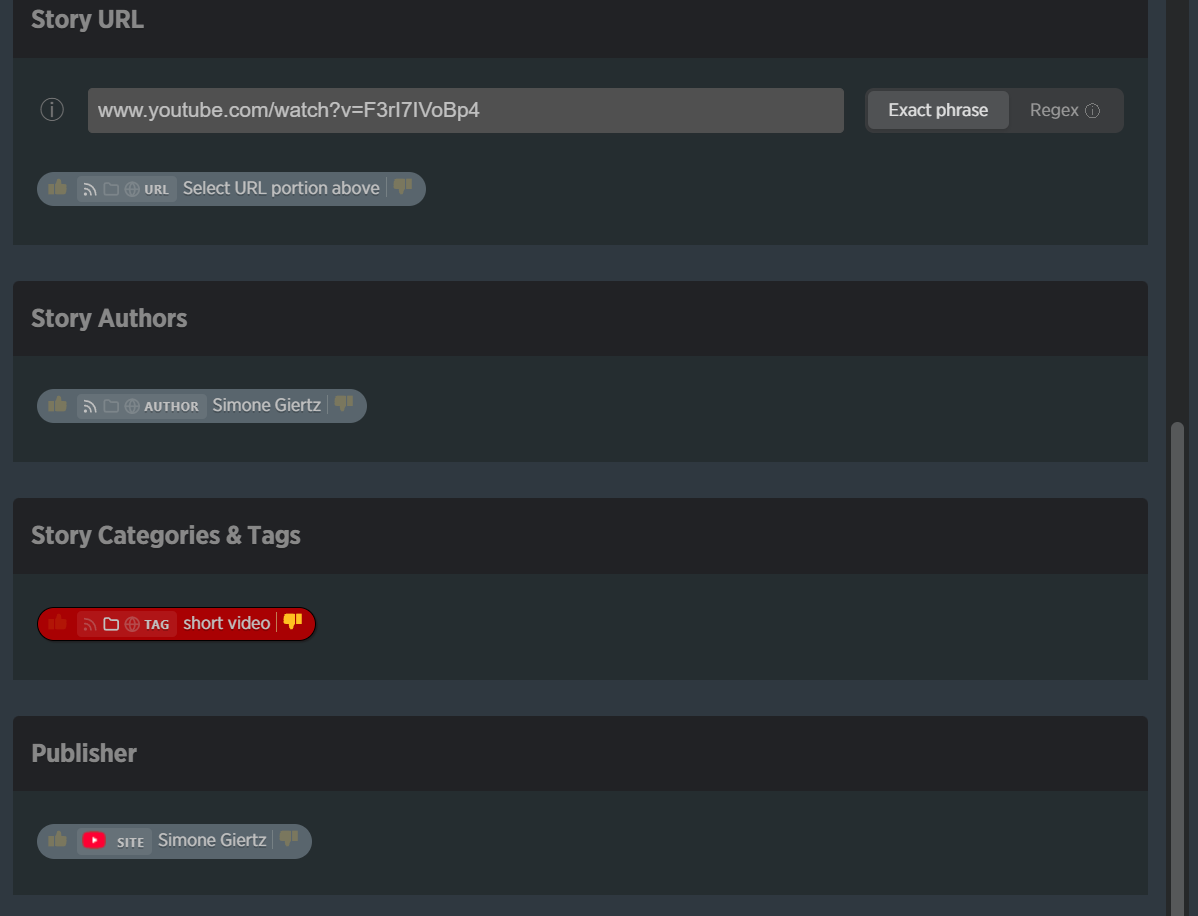
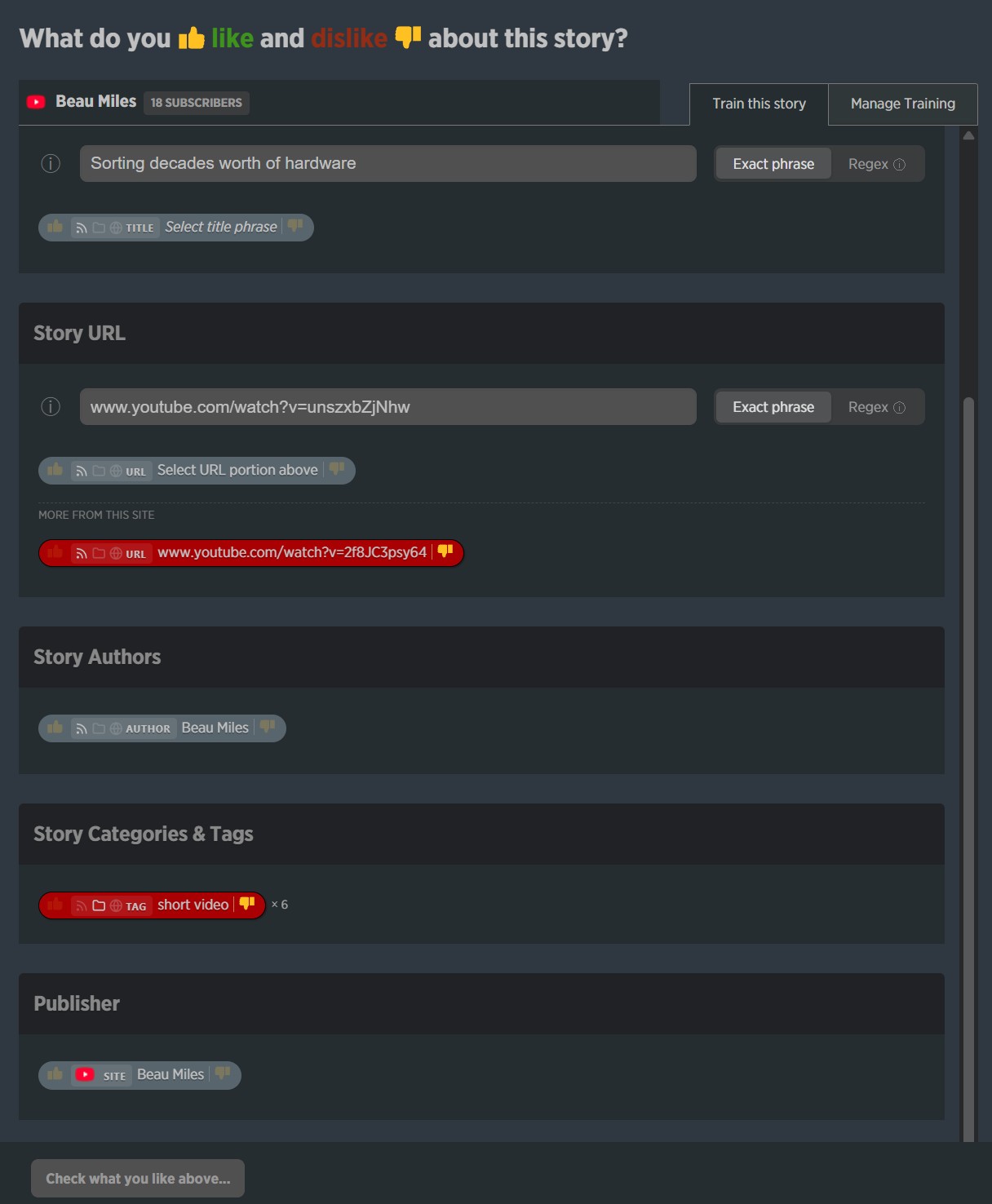
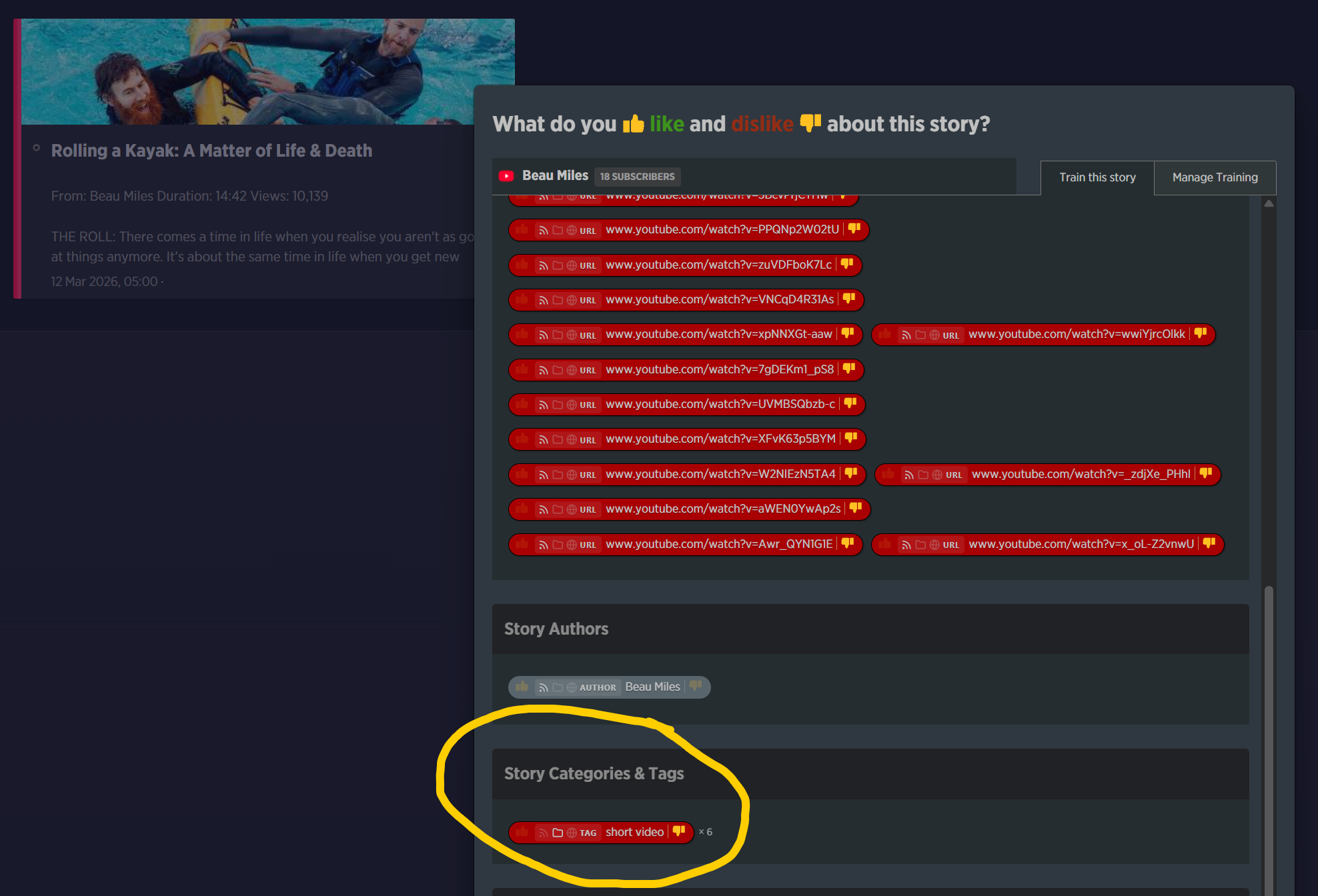
A tagged short video looks like this in the intelligence view:
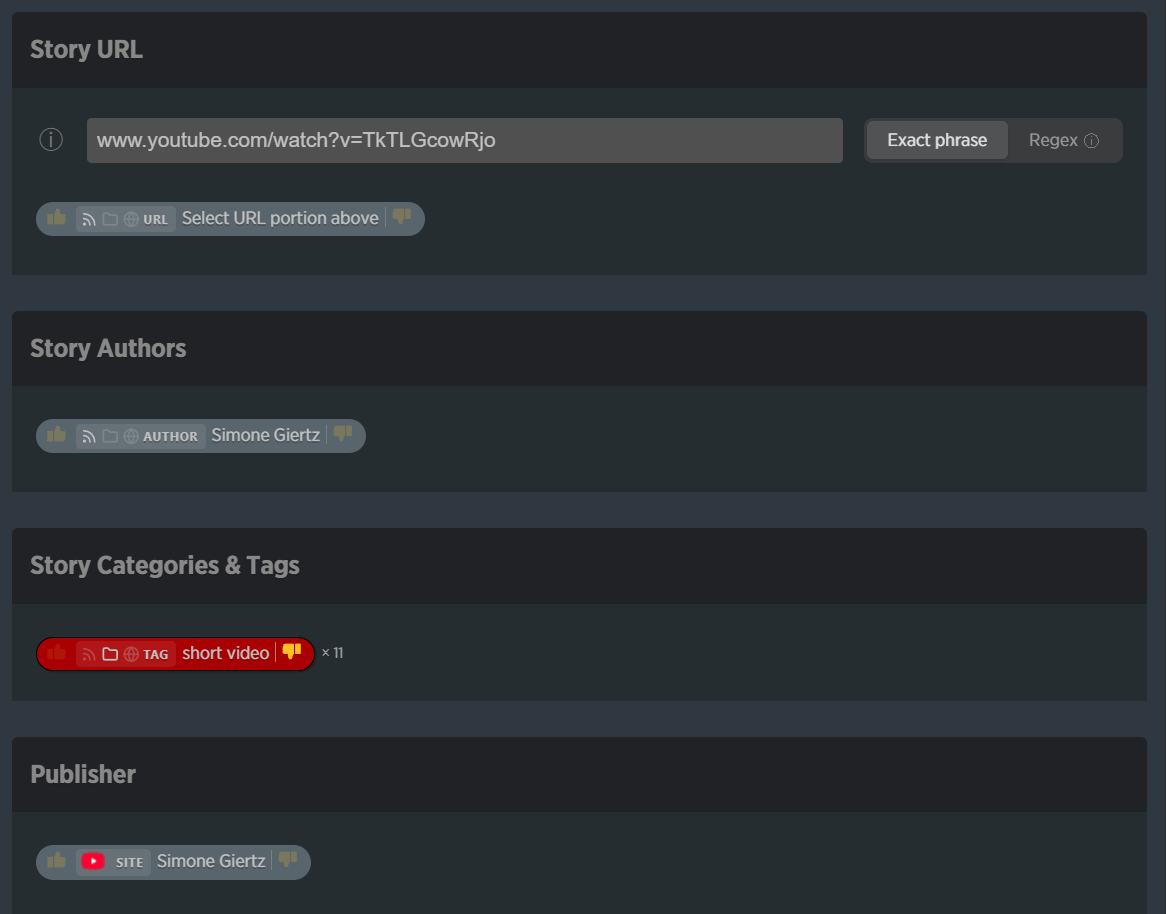
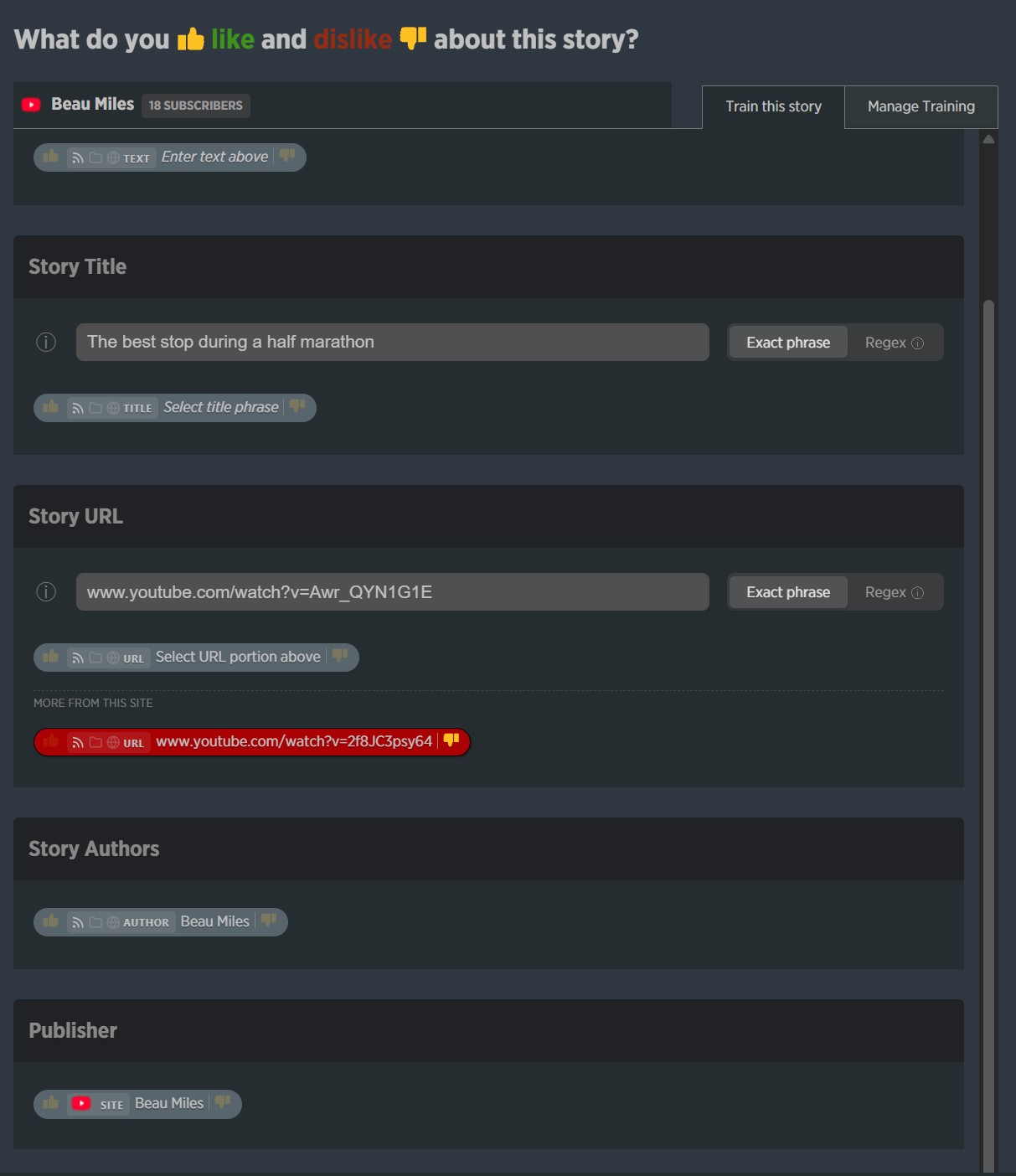
An untagged video looks like this:
The only difference to see if the tag is applied or not is the ‘x11’ next to the tag. I don’t think I would have worked that out without understanding they’re not applied retroactively from when they were implemented.
So… I guess this is more of an idea, then! Would it be possible to manually apply the ‘short video’ tag myself to fill in that retroactive gap? Or perhaps add custom tags to the intelligence system? I would love to be able to mark a video as ‘archived’ or define my own ‘short video’ tag, and get the intelligence system to hide those.
Thanks for chatting this through 
Stories are retroactively scored based on newly saved classifiers, it’s just that the short video tag itself was not added to videos until a few weeks ago.
Right, I think I’m understanding that: if a video from a year ago, and a video today, both had the phrase ‘review’ in the title, and that phrase was added as a dislike tag, it would hide both. However, because the ‘short video’ tag was implemented a few weeks ago, and can’t be added manually by the user, it currently only works for videos added to the feed since the ‘short video’ tag was implemented.
The confusion was that it’s difficult to tell from the intelligence tagging UI whether that tag has or hasn’t been applied to a video or not. The only difference between a tagged and untagged video is the ‘x11’ next to the short video tag in my screenshots. Maybe some ‘No tags’ text under the ‘Story Categories & Tags’ heading would do the job!
Idea-wise, allowing users to manually add the short video tag to a video on their end, or allowing users to add custom intelligence tags, would help with retroactive sorting for videos older than a few weeks.
Good catch on the missing count. What was happening: when a story has the tag, the trainer shows it in the “this story” section at the top. But story tags come through as plain strings without a count, while the feed-wide tags have the count (“x 11”). Since the tag was
already shown for the story, it got filtered from the feed section below – taking its
count with it.
I’ve fixed it so story tags now pick up their counts from the feed data. So you’ll see “short video x 11” whether or not the current story has that tag. The trainer already separates story-specific tags from other feed tags with a “More from this site” divider underneath, which should make it clearer which tags belong to the current story vs. tags available across the feed.
And thanks for your persistence. If this is still confusing, and you can provide screenshots, I’d love to continue working to fix it.
Think I’ve finally figured out why this has been so confusing for me, and it might be a tiny little bug(?)
Thing one: short videos with the ‘short video’ tag aren’t being hidden by the intelligence system.
False: they are, within the window of implementation as you described. So, working as intended… however!
I think the ‘more from this site’ text / divider is missing for the ‘Story Categories & Tags’ section where the tag is available for the feed, but doesn’t belong to that current story. This caused a lot of confusion for me when you mentioned the tags not being applied retroactively, because it looked to me like all short videos have the tag and so were being applied retroactively, like this:
This screenshot is from a short video which I know 100% does not have the ‘short video’ tag, so it should read ‘more from this site’. Similarly, this screenshot is from a non-short video, as you can see:
There is no ‘more from this site’ text!
Much less important thing two: it looked like some shorts were missing the ‘short video’ tag on first import.
Managed to reproduce this today:
The ‘Story Categories & Tags’ section is missing, but only until I refreshed the page. When I refresh, the ‘short video’ tag for the site (whether applied to this story or not) appears as expected. A non-issue I think!
Hope this helps 
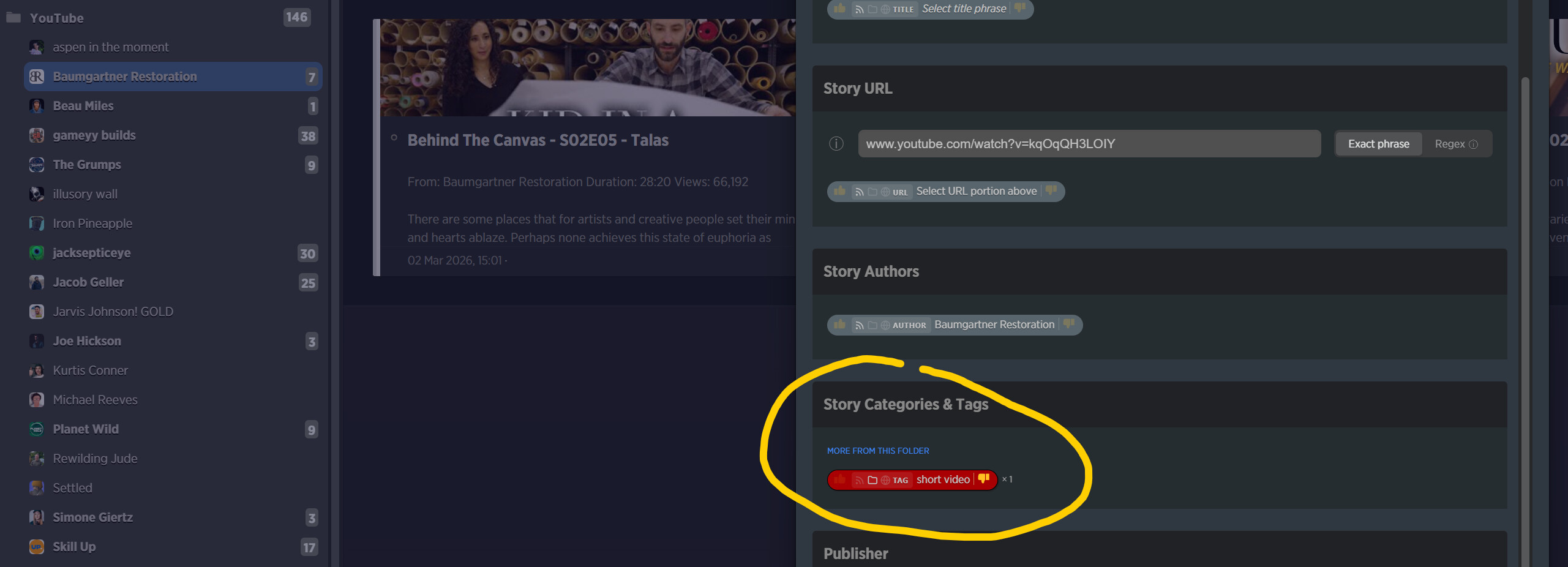
Okay, it looks like this might have something to do with the type of folder that you’re opening up the story trainer on, so I made some changes and hopefully this is fixed. Take a look.
Solved! Formatting is a little funky but it’s there:
Thanks!
1 Like