Hello… I did search but couldn’t find an answer. I do have a premium account.
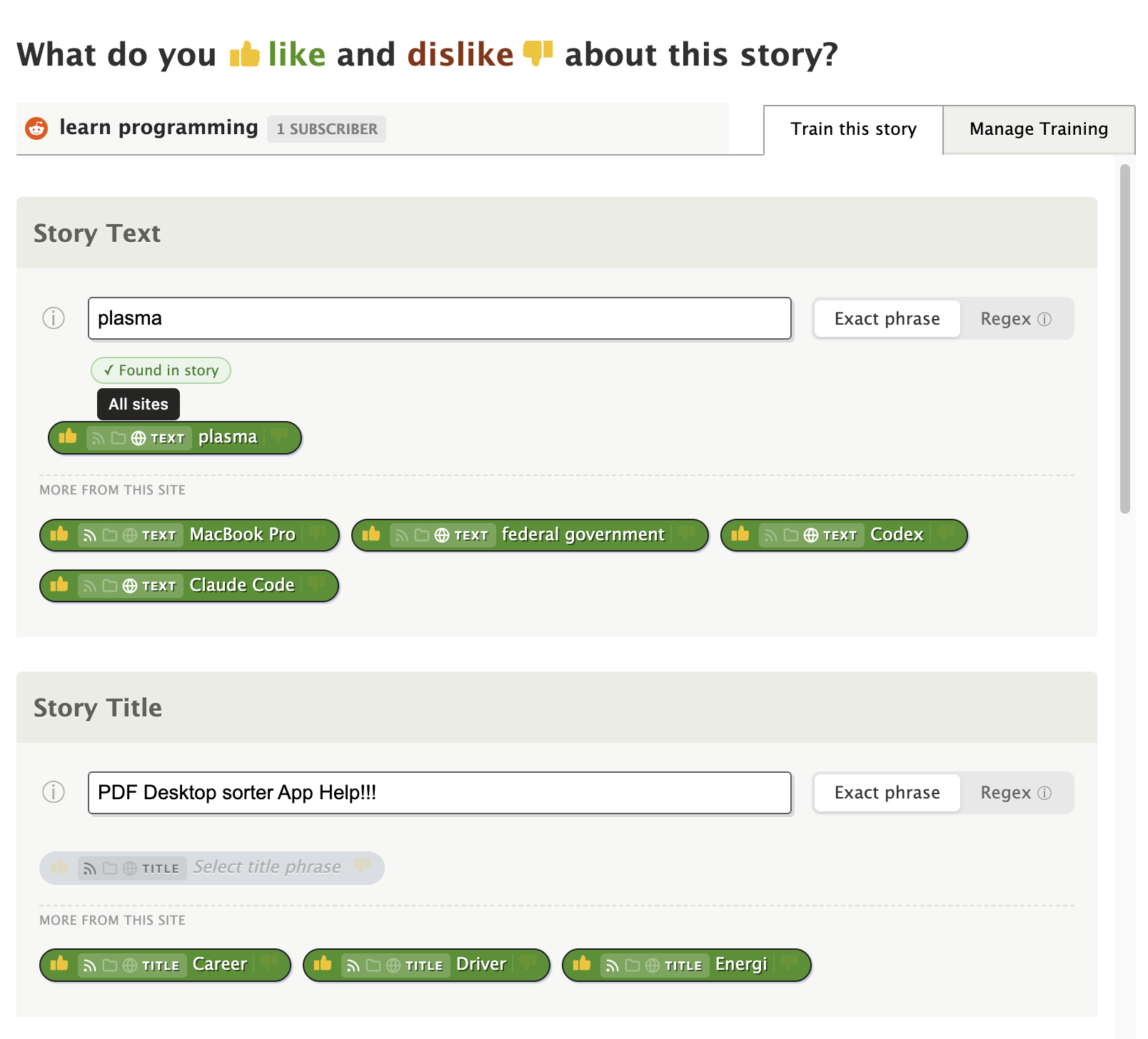
Where do I find Global Filters? I am using windows pc version thru browser, not a phone app.
Thanks
Hello… I did search but couldn’t find an answer. I do have a premium account.
Where do I find Global Filters? I am using windows pc version thru browser, not a phone app.
Thanks
We don’t yet have any global filters. That was recently suggested in another thread and I’m planning to build it next week, but as a premium pro tier feature.
Are you asking about the recently launched manage training tab? That’s available everywhere you can train: per story, per feed, and in the intelligence trainer dialog under Manage.
Hi,
Thanks for the quick response. I had asked AI if newsblur had global filtering and it said yes, and gave instructions on where to find it, but it was obviously wrong. No, I’m not referring to the managed training tab. I just want to make filters global. i.e., if I don’t want to see any stories about Taylor Swift in the TMZ feed, no, I don’t want to see them in any feed.
Thanks
It’s coming along nicely, might even be ready for launch. Just needs more testing, but I did the hardest part which is getting a nice UI in there for choosing between feed scope, folder scope, or global scope.
Good news, this is now live! You can now set intelligence training at three scope levels: per-site (the default), per-folder, and global (across all feeds).
Train a keyword like “sponsored” as a dislike once at the global level, and it hides matching stories everywhere. Or scope it to a folder to fine-tune a group of feeds without affecting the rest.
All classifier types are supported: titles, authors, tags, text, URLs, and regex. You can manage everything from the new scope filter in the Manage Training tab.
Full details on the blog: Global and folder-scoped intelligence training: Train once, apply everywhere | The NewsBlur Blog
This feature is available for Premium Archive subscribers.
Thanks - I only have the regular premium account though so it’s unlikely I’ll be able to use this.
Premium Archive is $99/year and reflects the value you’d be getting out of this feature. It’s a good deal!