Thanks for the report, and sorry for the confusion.
The “Web Feed” tab is actually for adding sites that have no RSS feed at all. It fetches the page and builds a feed out of it, which is why it asks for a Premium Archive account. But bubbles.town/briefing/feed is already a normal RSS feed, so you don’t need any of that.
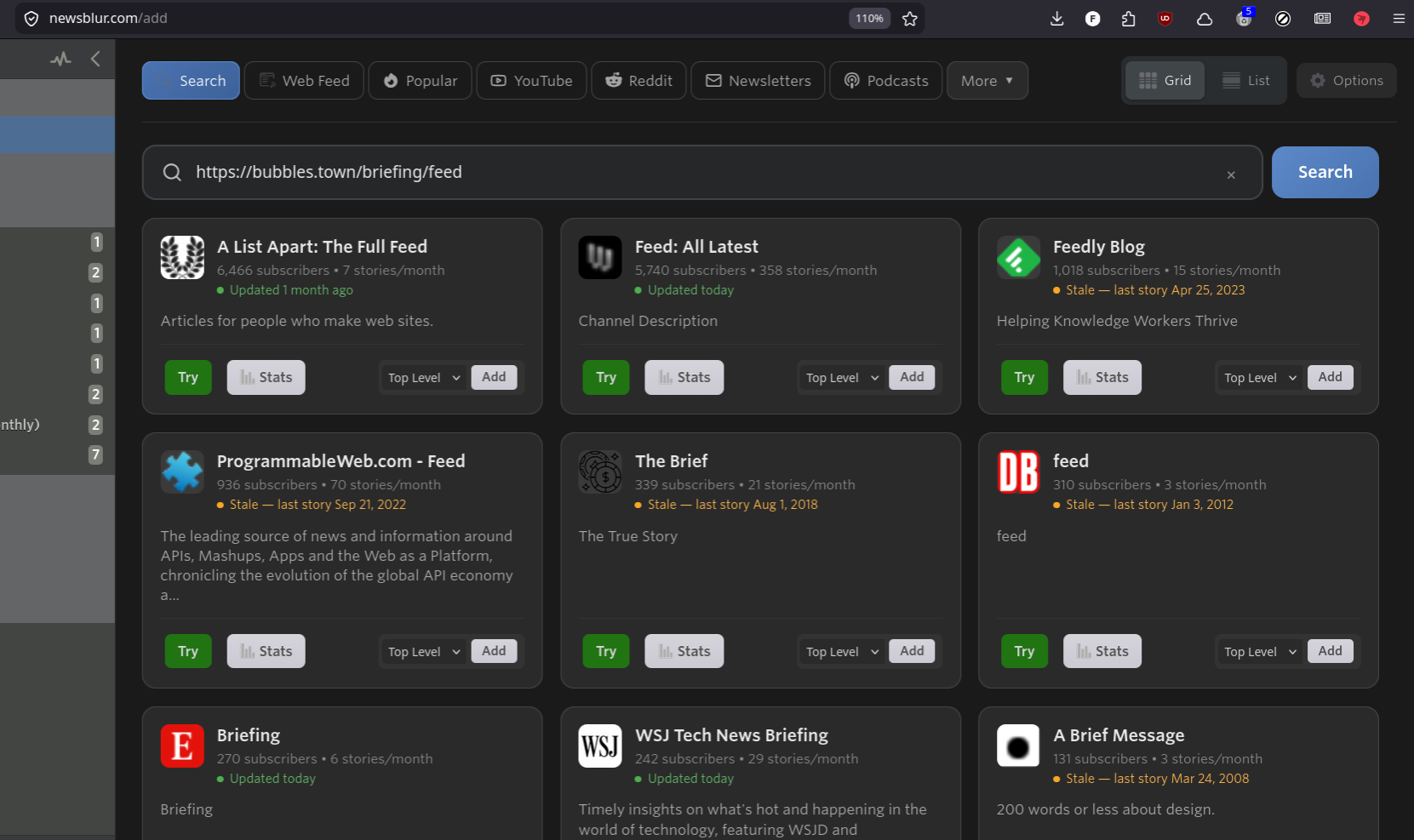
To subscribe right now, click the + and use the Search tab (the first one), then paste https://bubbles.town/briefing/feed into the search box. It shows a Subscribe card and adds it for free. The feed is healthy on our end and already has a handful of subscribers.
The naming is misleading since a “web feed” usually just means an RSS feed. I’m pushing a change so that pasting a real feed URL into the Web Feed tab will just subscribe you directly instead of sending you down the page monitoring path.