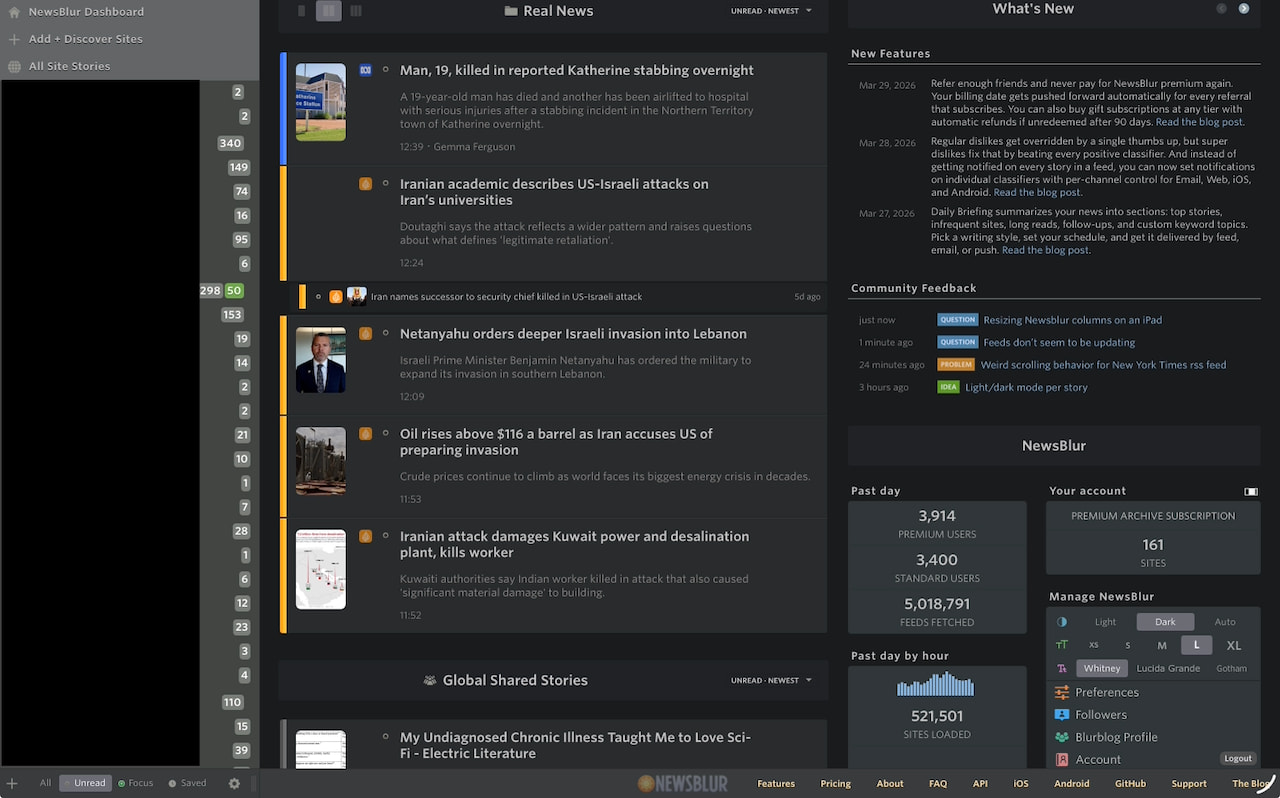
What I was trying to do:
On the bottom row after All Unread Focus Saved, and the gear icon, I was trying to grab the ||| symbol with my finger, or with my Apple Pencil, and move it to the left. When you hover over that icon on the desktop, it turns into a <>, which is when I would drag it and it resizes fine.
However, on the iPad, the <> never appears, as there’s not really a “hovering” that you do.
At some point, however, using the Pencil, something catches on something, I don’t know if it’s the ||| icon, or the line to the right of it, or what, but, without my Pencil touching the iPad, moving it left and right would resize the column.
After doing it wrong and making almost the entire page my feed list, I kept poking at it with the Pencil and even though nothing visible changed (<> never appeared), something triggered and the movement of the Pencil worked again. I slowly moved to the left, and then when it was the right size, I tapped the screen, and ta-da, it’s now where I want it.