<p>A few weeks ago I shipped <a href="https://blog.newsblur.com/2026/03/05/newsblur-v14-for-ios-and-mac/">NewsBlur v14 for iOS and Mac</a>, a major redesign of the Apple apps. Today, Android gets the same treatment. Every screen has been reworked: the feed list, the story list, the reading view, preferences, and menus. Along with the visual overhaul, several features that were previously web-only are now on Android: Ask AI, Discover Related Sites, and the Daily Briefing.</p>
Here’s what’s new.
Ask AI
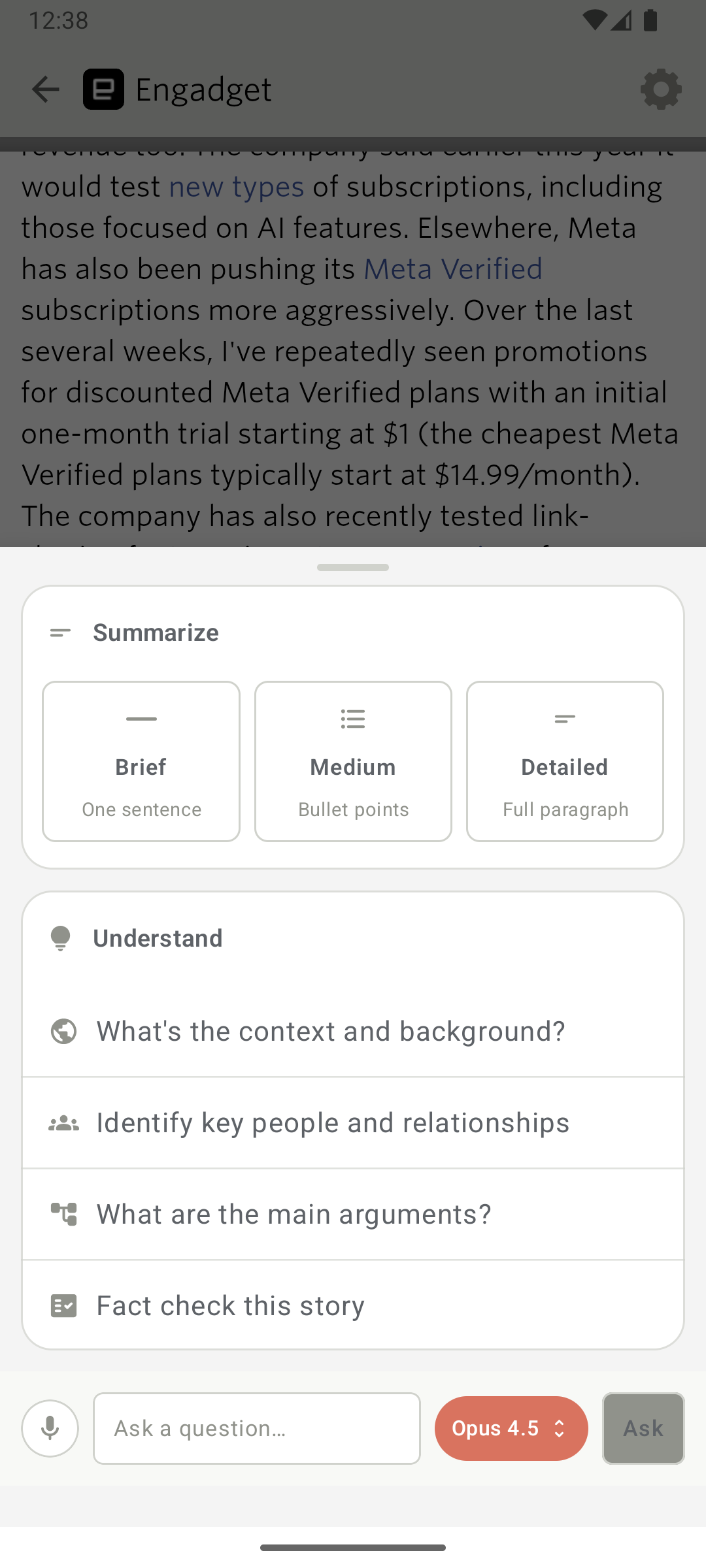
Ask AI brings the same AI-powered Q&A from the web and iOS to Android. Open any story, tap Ask AI, and ask questions about it. Summarize a long article, get background on a developing situation, or fact-check a claim. Pick your preferred AI model and keep the conversation going with follow-ups. The Ask AI sheet matches your current theme and slides up as a bottom sheet, consistent with the share and trainer dialogs.
Discover related sites
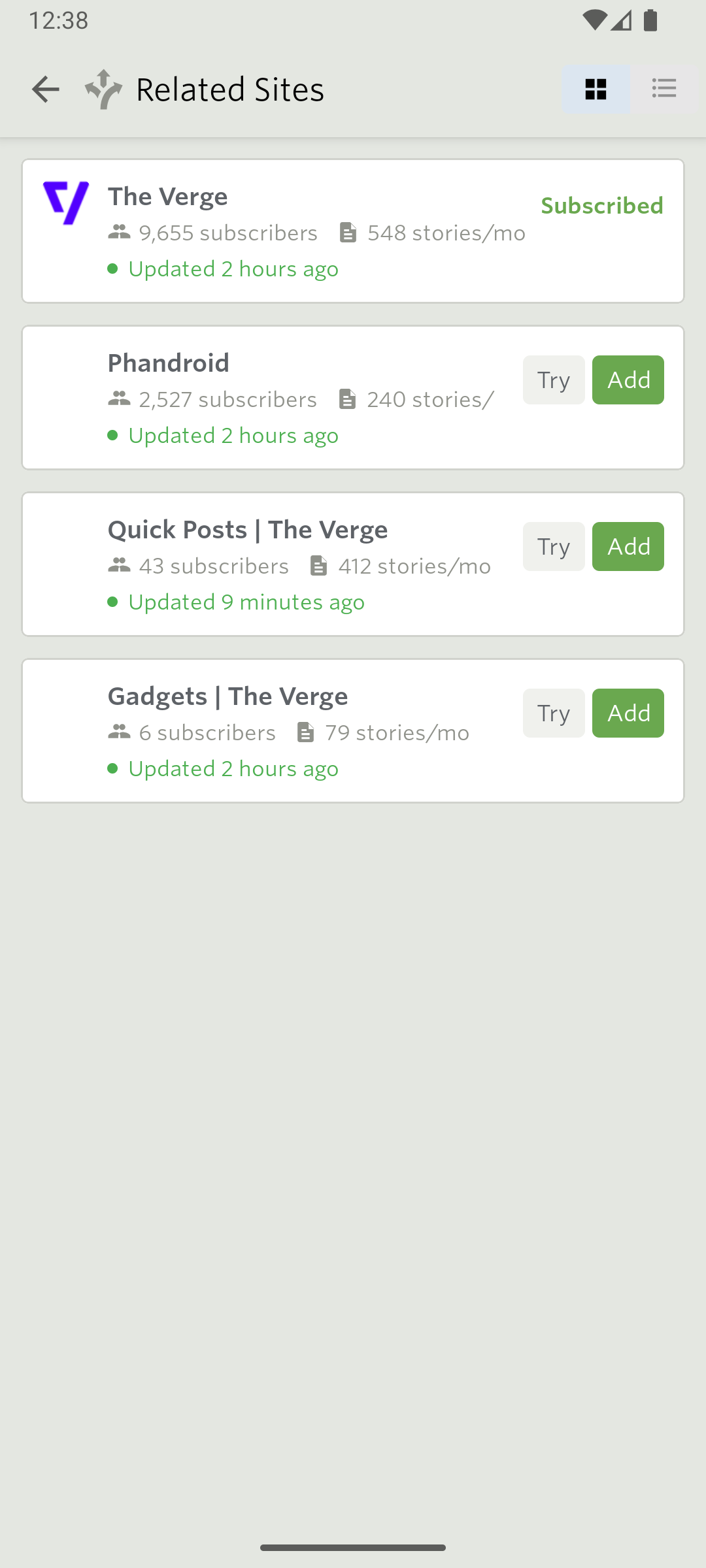
Discover Related Sites lets you find new feeds related to any feed you’re already subscribed to. Tap the Discover button in the story list header bar, browse what’s available, and preview a feed before subscribing. Duplicate feeds are filtered out so you only see new options.
Daily Briefing
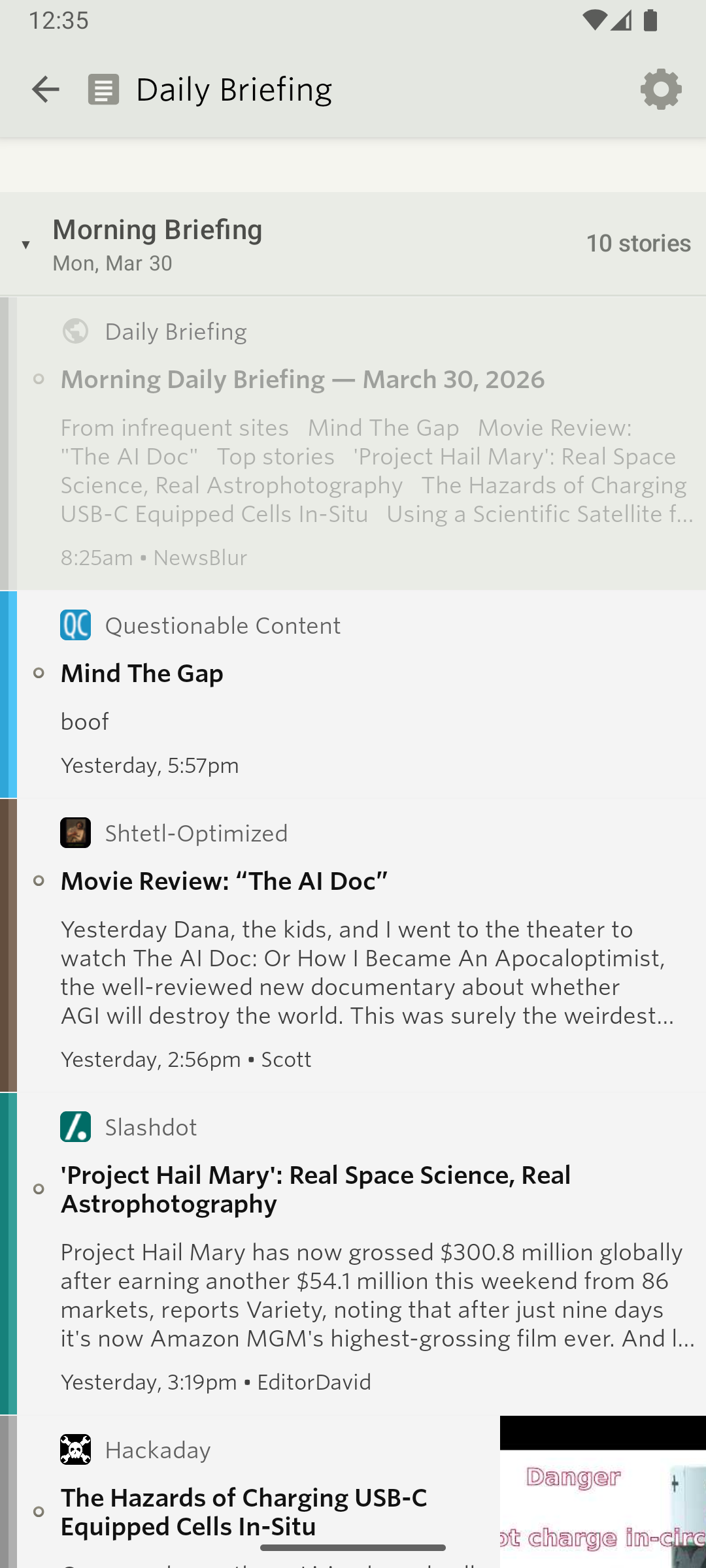
The Daily Briefing generates a personalized summary of your news, organized into sections like Top Stories, Based on Your Interests, and Long Reads. It uses native Android story rows, so it feels like a regular feed rather than a bolted-on feature. Configure your briefing frequency, writing style, and sections from the briefing view in your sidebar.
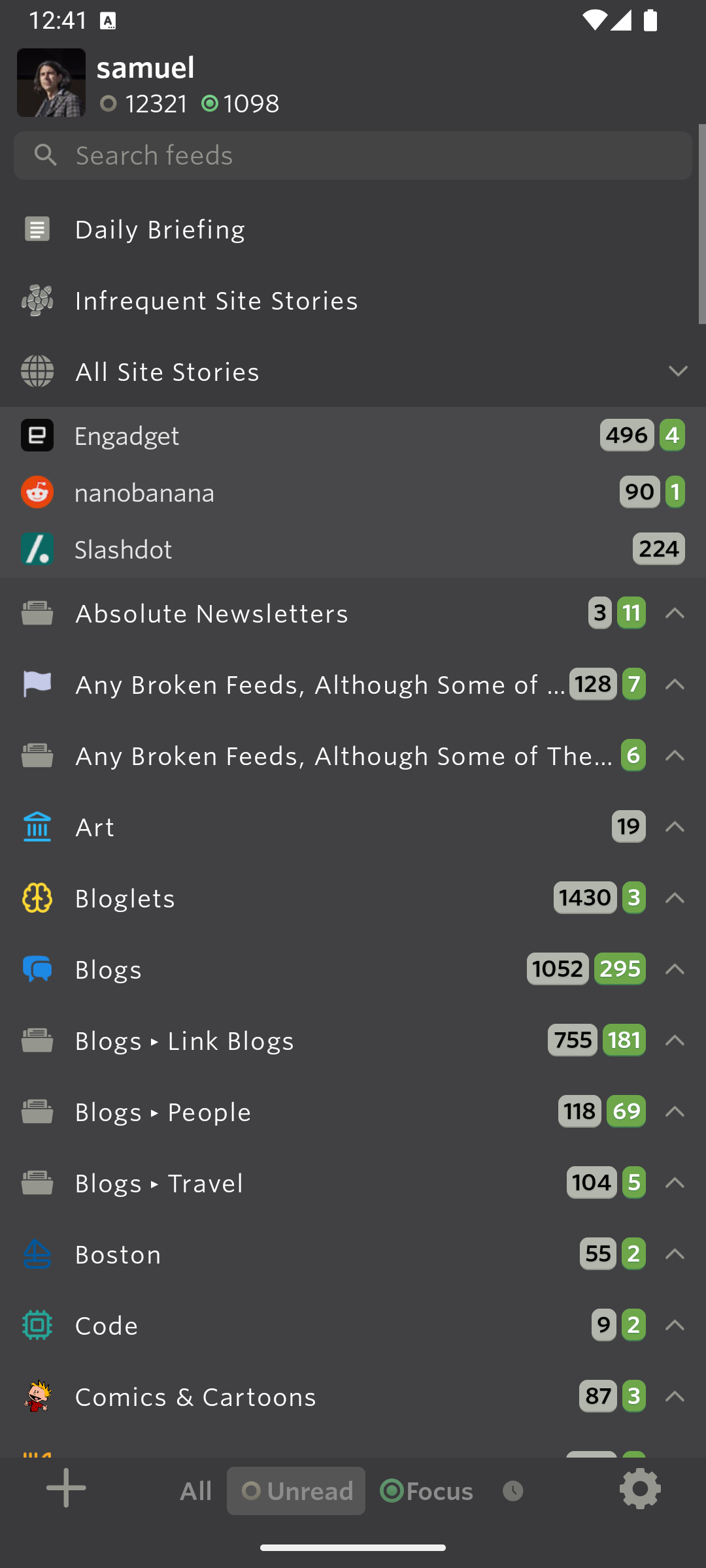
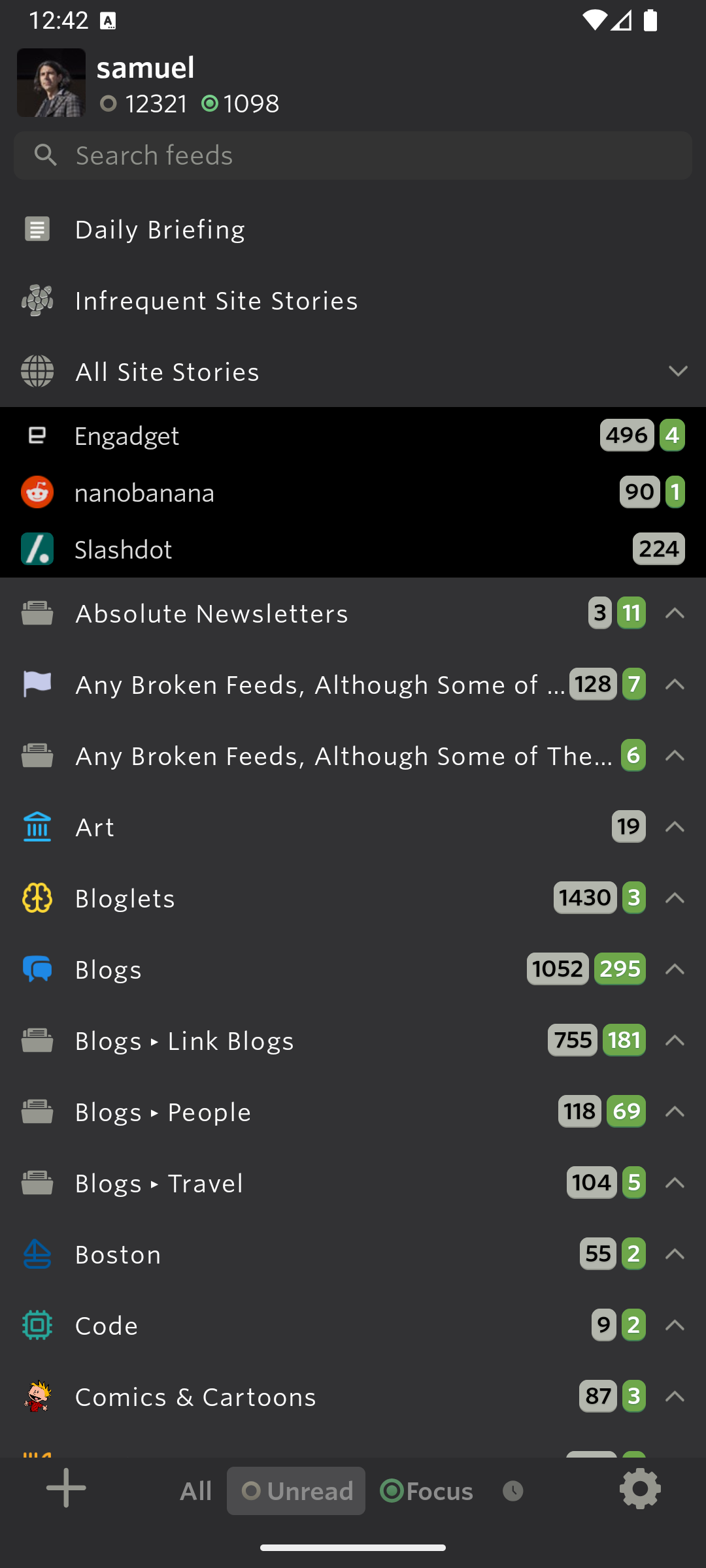
Sepia theme and refined dark themes
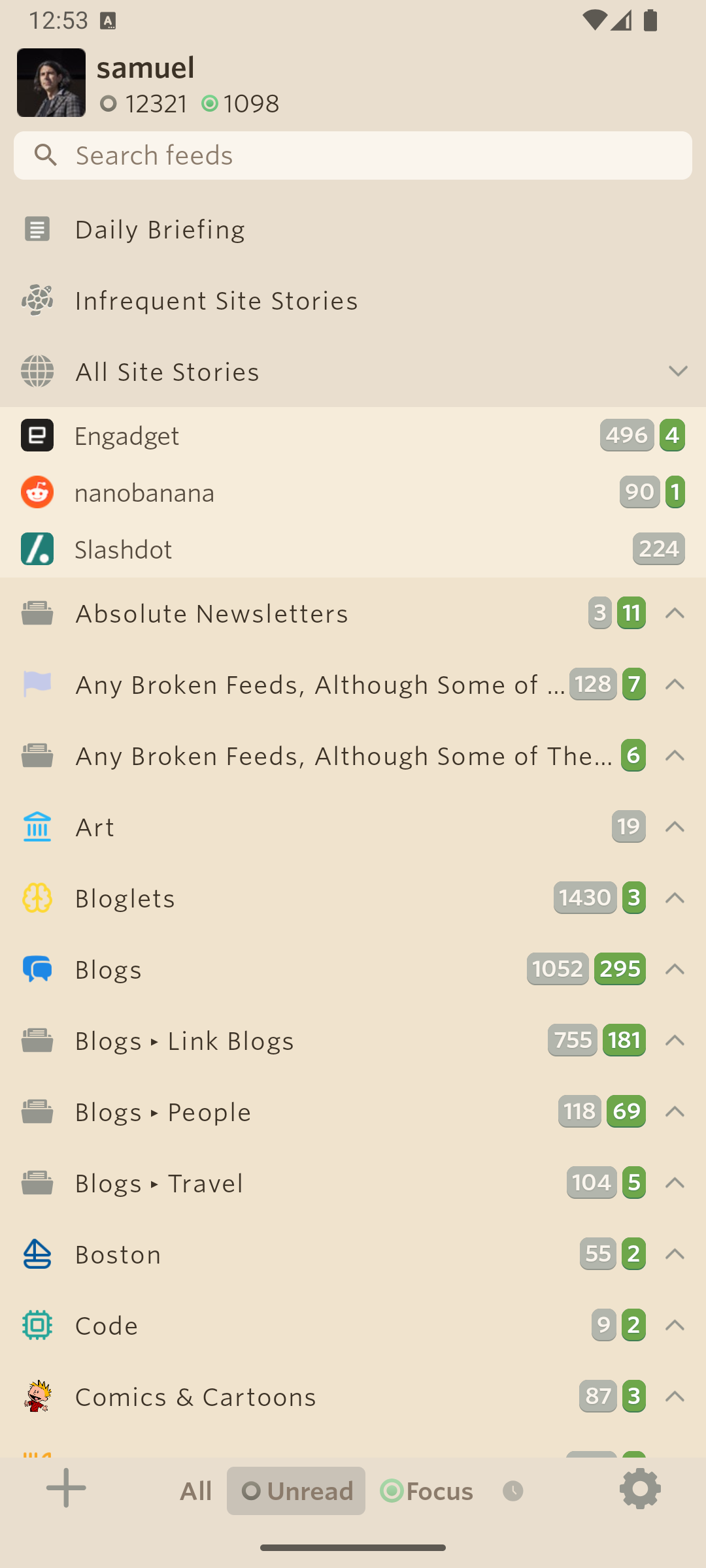
A new Sepia theme brings warmer tones for comfortable long reading sessions. The Dark theme has been lightened to match the iOS gray/medium palette, and the Black theme now uses true absolute black backgrounds for feed and story cells, making it ideal for OLED screens.
Story list header bar
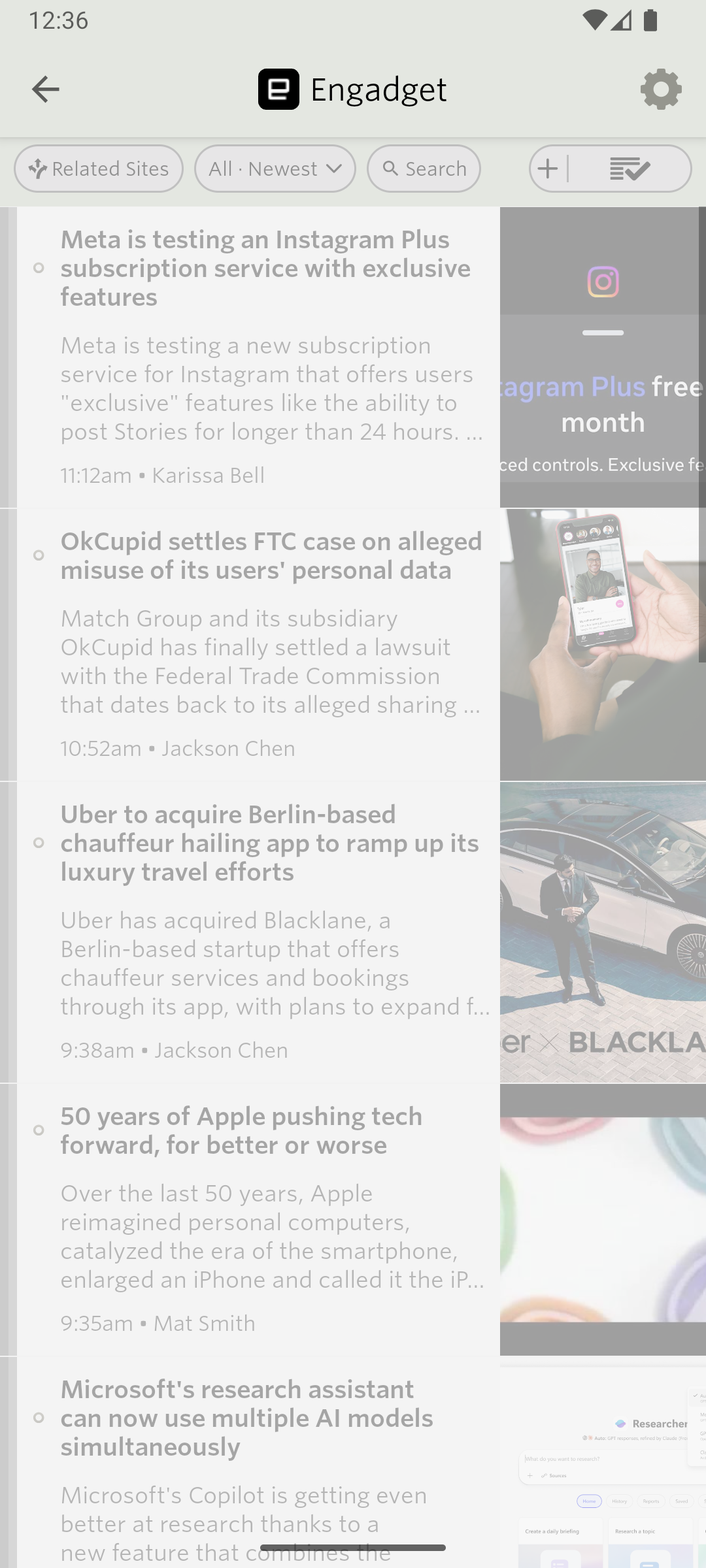
The top of the story list now has a header bar with quick access to Discover, search, display options, and settings. The display and settings controls are split into separate menus so you can change the view without wading through unrelated options.
Redesigned reading experience
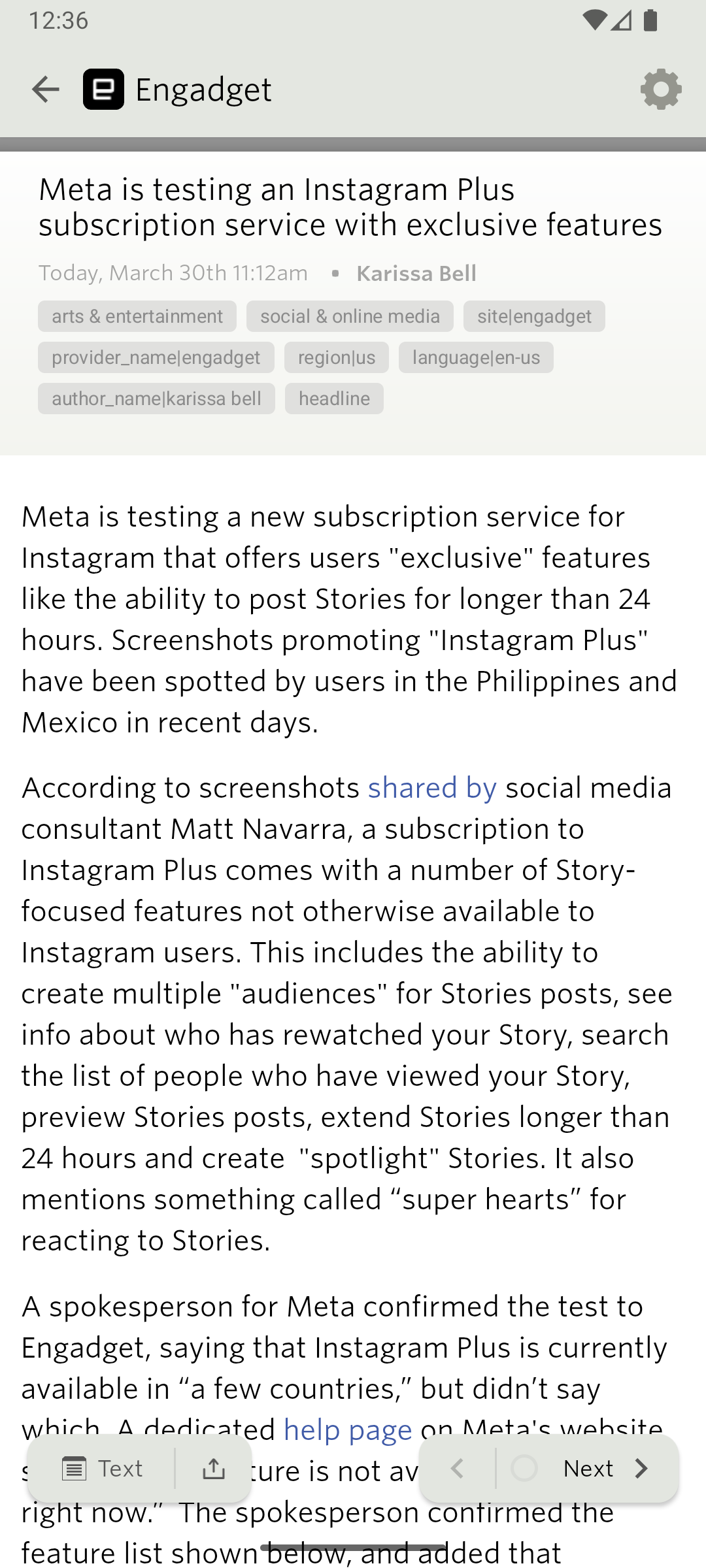
The reading view has been rethought from top to bottom. Story traversal buttons are lifted above the bottom edge for easier thumb access. A new traverse bar with refined icons shows your position and unread count. Story actions are hidden until the story finishes rendering, so you never tap a button before the content is ready. Opening a story from the list now animates smoothly into the reader, and swiping back uses an interactive gesture that tracks your finger.
Redesigned preferences and menus
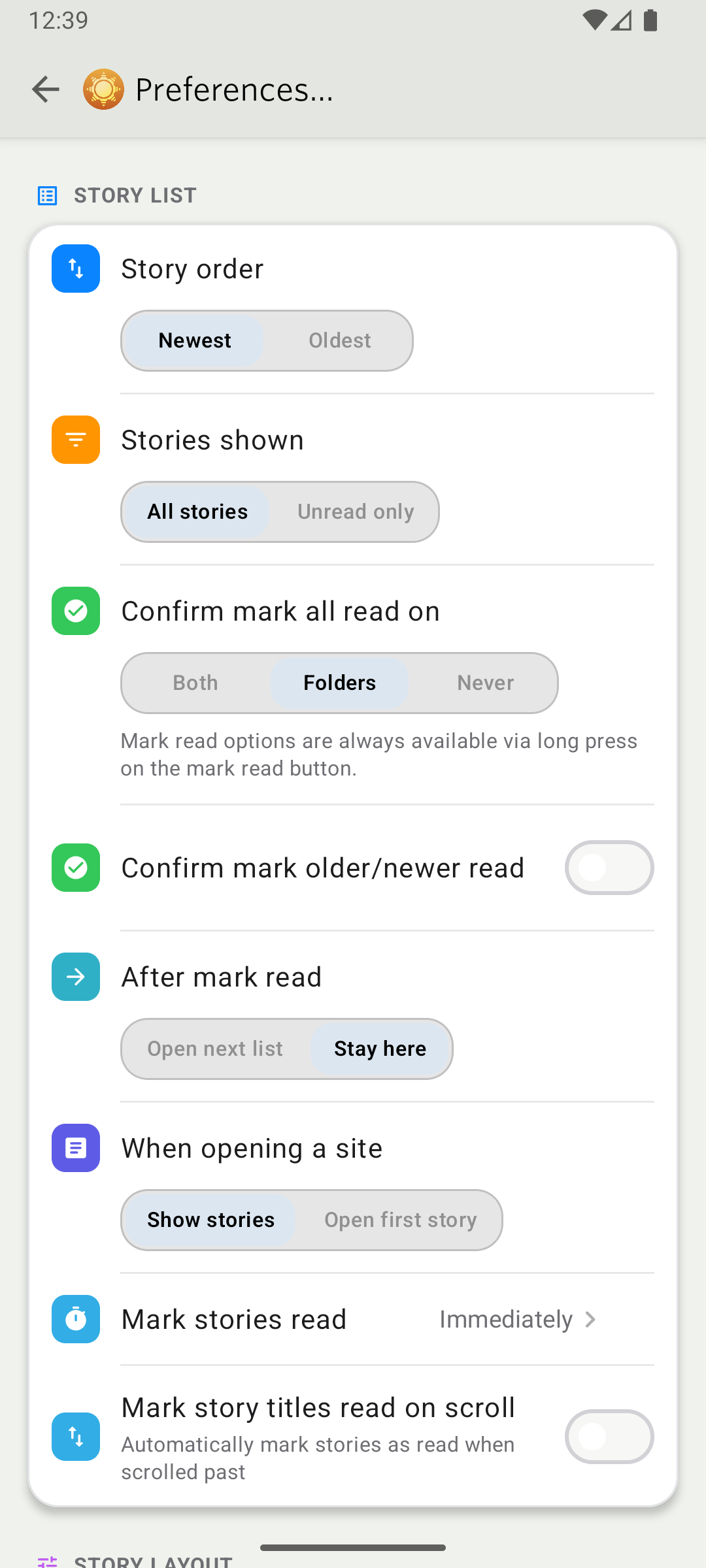
Preferences have been rebuilt as a modern settings screen with inline segments instead of separate dialog pickers. The feed list menu, reading menu, and folder menus have all been redesigned with cleaner styling and better organization. Menus now scale with your device font size, so they stay readable at any accessibility setting.
Premium Archive and Pro subscriptions
You can now subscribe to Premium Archive and Premium Pro directly from the Android app. An upgrade banner appears in the story list when you’re on a lower tier, showing what you’d unlock by upgrading.
Everything else
Beyond the headline features, this release includes a long list of improvements and fixes.
Improvements
- Interactive swipe-back gesture in both the story list and reading view with predictive back support on Android 14+.
- Feed list aligned with iOS styling, with new collapse-all and expand-all toggles.
- Story header pills with compact layout and title case formatting.
- Active reading time tracking per story, synced to your account.
- Full text and regex classifiers for the Intelligence Trainer.
- Feed search field themed to match your current theme with autofill disabled.
- Sync done pill delayed until feeds actually render, so you see the update happen.
- Story thumbnails enlarged for small sizes and cropping fixed.
- Status banners at the top of the story list for loading and error states.
- Mute Sites redesigned with upgrade card and progress bar.
- Custom folder and feed icon support.
Fixes
- Fixed TransactionTooLargeException crash in the reading pager.
- Fixed database version mismatch crash on launch.
- Fixed ItemListMenuPopup crash on small and split-screen displays.
- Fixed login autofill and app switching losing input.
- Fixed story row thumbnail cropping.
- Fixed search pill text vanishing.
- Fixed story list edge back gesture interference.
- Brightened story feed titles for better readability.
Coming up next: v14.2 will bring story clustering to Android, so duplicate stories across your feeds get grouped together automatically, just like on the web.
NewsBlur v14 for Android is available now on the Google Play Store. If you have feedback or run into issues, I’d love to hear about it on the NewsBlur forum.
This is a companion discussion topic for the original entry at https://blog.newsblur.com/2026/03/30/newsblur-v14-for-android/
