<p>Since 2009, NewsBlur has only spoken English. Plenty of you read feeds in other languages every day, and you’ve still had to find your way around the reader in English. Starting today, NewsBlur’s interface is available in 21 languages on the web, iOS, and Android. Menus, buttons, settings, dialogs, and the first-time setup all appear in your language, picked up automatically from your browser or phone.</p>
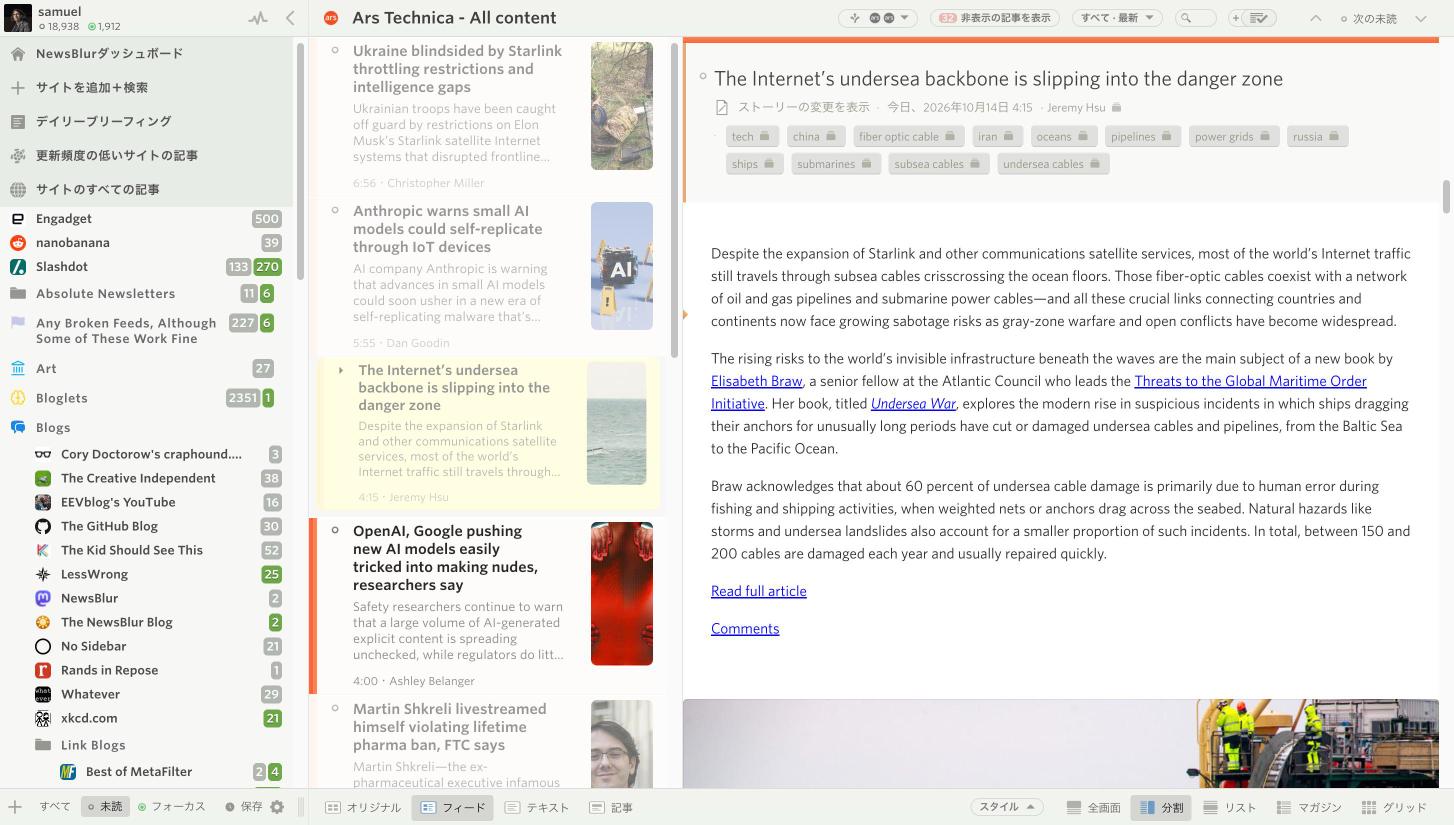
Your stories stay exactly as they were published. NewsBlur translates its own interface, not the feeds you read. Feed titles, story text, comments, and usernames all stay in their original language. The screenshot above is NewsBlur in Japanese, reading an English article from Ars Technica.
Picked up automatically
You don’t need to do anything to switch. On the web, NewsBlur uses your browser’s language. On iOS and Android, it uses your phone’s language list. If your language isn’t one of the 21, everything stays in English.
Because a new language can be a surprise, NewsBlur tells you which one it picked the first time you open it. The dialog shows the same message side by side, in the language it detected and in English. One button keeps it, the other switches back to English. That way you can always get back, even if NewsBlur guessed wrong because you’re traveling, living abroad, or using a VPN.
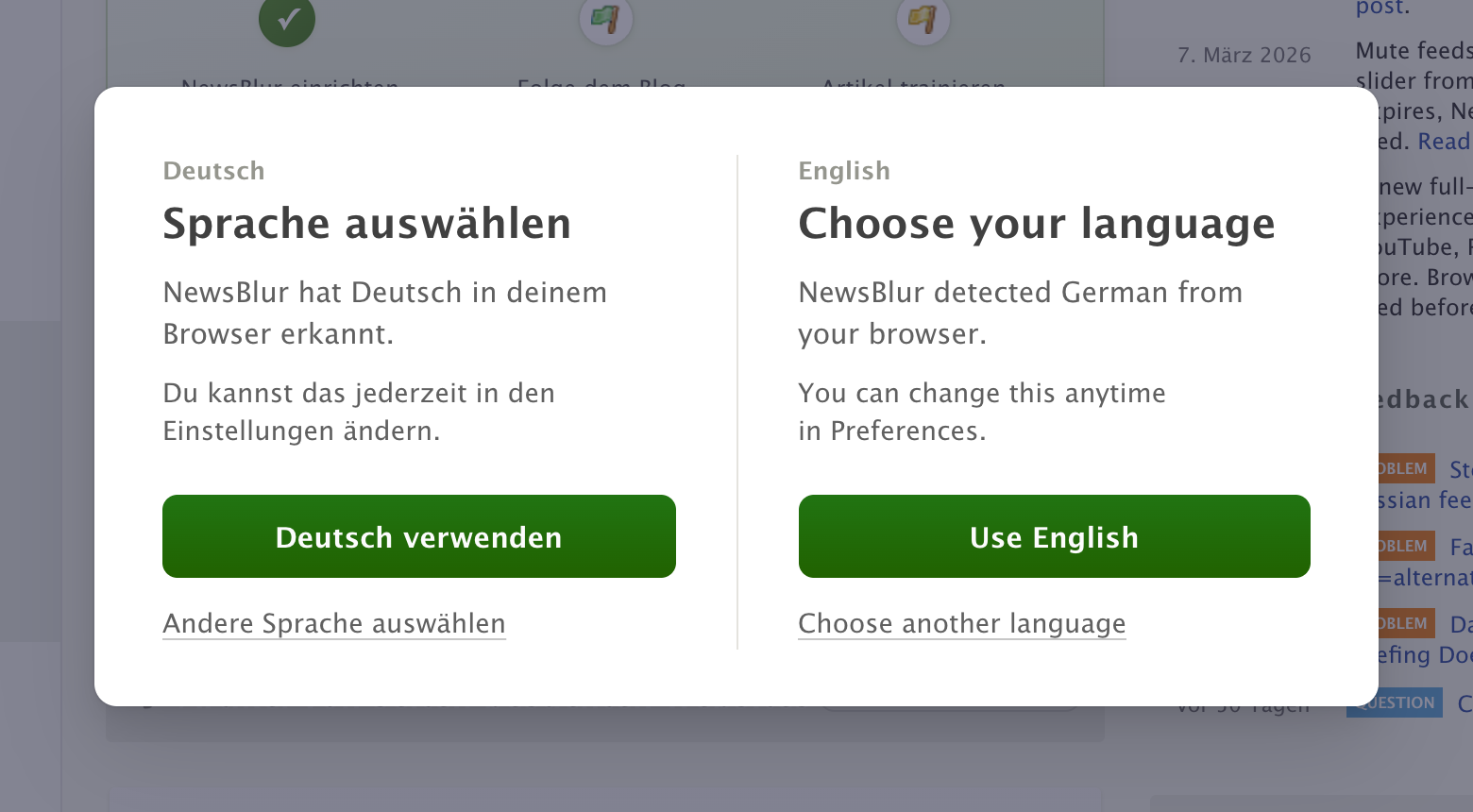
If NewsBlur picked English, you’ll see a shorter version with every language listed in its own script, in case you’d rather read in another one. New accounts get the same choice as the very first step of setup.
Choose your language on the web
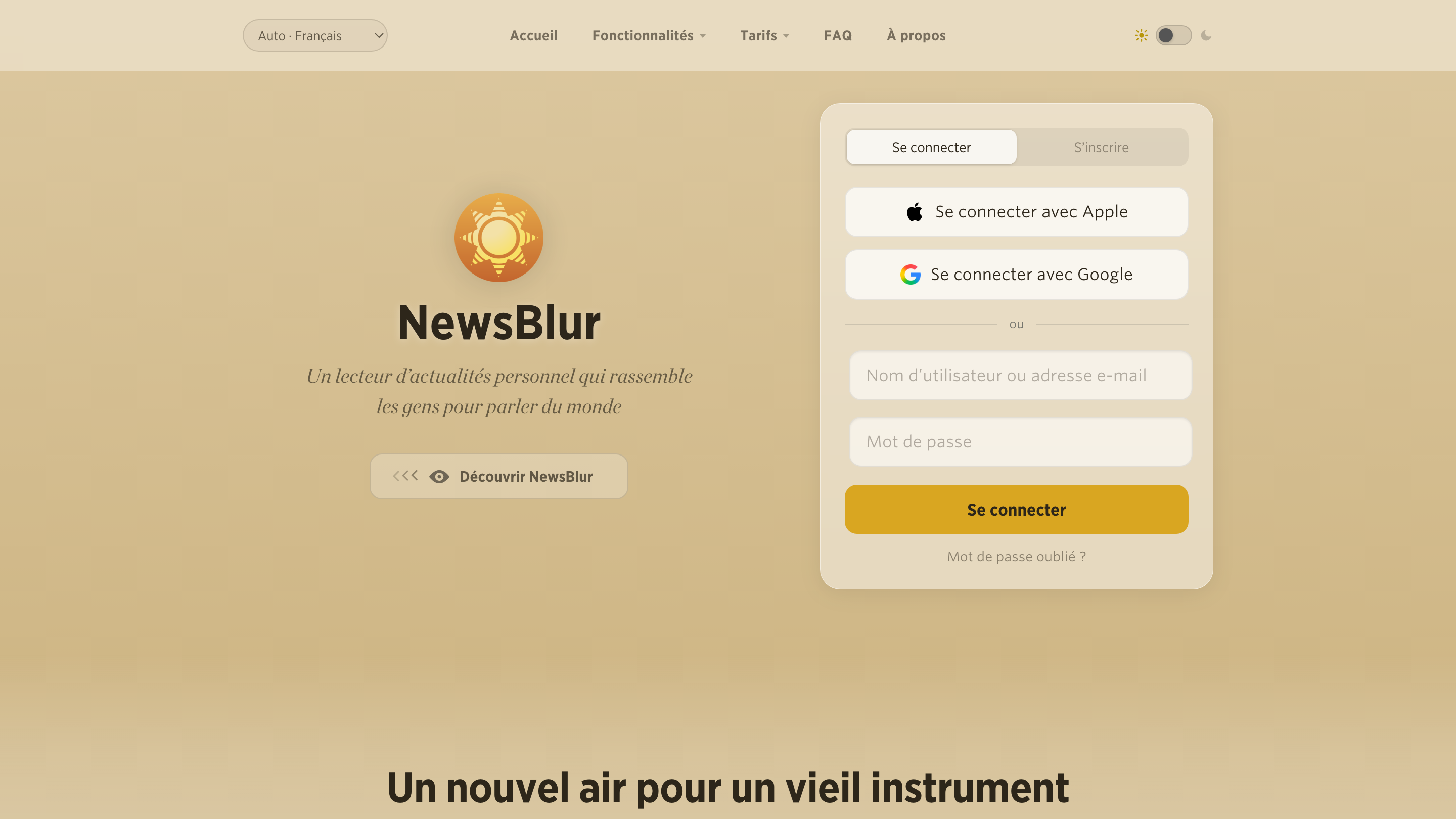
You can change your language anytime in Preferences, right at the top under Language. Automatic follows your browser, or you can pick any language. If you’re signed out, there’s a language menu at the top of the home page, so the sign in and sign up forms are in your language before you even have an account.
Choose your language on iOS
On iPhone and iPad, open Preferences and choose Language at the top. Pick a language and the app switches right away, no restart needed.
  <img src="https://blog.newsblur.com/assets/ios-native-language-preferences.png" alt="NewsBlur Preferences on iPhone in Spanish, with Idioma set to Español" loading="lazy">

</div>
Everything follows along, from your feed list to the story controls.
  <img src="https://blog.newsblur.com/assets/ios-native-language-feeds.png" alt="The NewsBlur feed list on iPhone in Spanish" loading="lazy">

</div>
Choose your language on Android
On Android, it’s the first row in Settings. The app switches as soon as you choose, and Android also lets you set NewsBlur’s language from the system’s per-app language settings.
  <img src="https://blog.newsblur.com/assets/android-native-language-settings.png" alt="NewsBlur Settings on a Galaxy phone in German, with Sprache set to Deutsch" loading="lazy">

</div>
Menus and numbers follow your language too.
  <img src="https://blog.newsblur.com/assets/android-native-language-menu.png" alt="The feed options menu on Android in German" loading="lazy">

</div>
One language, everywhere you read
When you pick a language, it’s saved to your account, so your phone and the web stay in sync. If you leave it on Automatic, each device follows its own language settings. That’s handy if your laptop is in English and your phone is in Spanish.
Here are all 21 languages:
- English
- Español
- Français
- Deutsch
- Português (Brasil)
- Italiano
- Nederlands
- Polski
- Türkçe
- Русский
- Українська
- العربية
- עברית
- हिन्दी
- Bahasa Indonesia
- Tiếng Việt
- ไทย
- 日本語
- 한국어
- 简体中文
- 繁體中文
Arabic and Hebrew switch the whole interface to read right to left.
Help me get the words right
If you read NewsBlur in one of these languages, I’d love your help. If a button reads awkwardly, a term sounds wrong, or a phrase doesn’t fit, tell me on the NewsBlur forum. Mention the language, where you saw it, and what it should say, and I’ll get it fixed.
Native language support is available now on the web and coming in the next iOS and Android updates.
This is a companion discussion topic for the original entry at https://blog.newsblur.com/2026/10/14/newsblur-in-your-language/