I’m seeing the same issue as a third ChatGPT user. I have an active Premium Archive subscription and tested the connection through ChatGPT Developer Mode.
I tried both endpoints:
https://newsblur.com/mcp
https://newsblur.com/mcp/
ChatGPT correctly discovers Dynamic Client Registration (DCR), reports that CIMD is unavailable, and discovers the following scopes:
read
write
mcp
I also tried explicitly adding all three as base scopes before creating a new connector. The result is still the same:
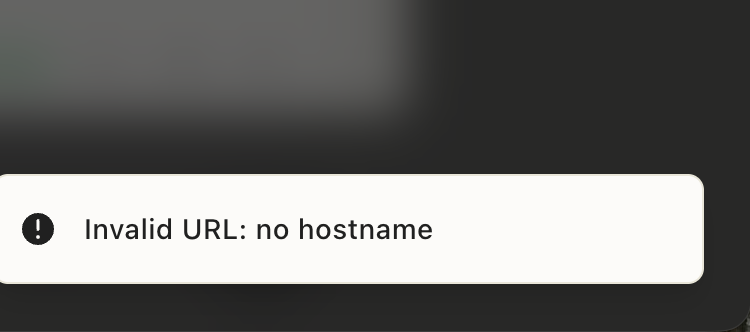
There was a problem connecting NB Test. Try again later.
The OAuth connection does not complete, and no MCP actions are discovered. This appears consistent with the earlier callback error stating that the client was not registered with the read scope.
Could you please check whether the DCR registration endpoint is saving and allowing the requested read, write, and mcp scopes for newly registered ChatGPT clients?
Martin991 nailed it. The registration endpoint wasn’t saving scopes. When a client registers without naming one, we stored an empty scope list and then rejected every scope that client asked for at /authorize. That’s the “Client was not registered with scope read” error.
ChatGPT registers without a scope every time, so it could never connect. The scopes you type into ChatGPT’s dev mode UI go into the authorize request, not the registration, which is why adding all three didn’t help.
Clients that omit a scope now default to read, write and mcp. Registrations already stored in the broken state get repaired the next time you connect, so just try again. Nothing to delete on your end.
GraBird, yours looks like a separate problem. LittleBird never completed registration with us, so it never reached the scope check. “Server rejected the API token” suggests it’s sending a NewsBlur API token instead of running the OAuth flow. Does it have an option to connect via OAuth rather than pasting a token? If you can share what its connection screen asks for, I’ll dig in.
Hi, I still have this problem. I have contacted Littlebird who assure me the problem is not theirs. I successfully attach Littlebird to many other MCPs. Is it possible for you to look at this, please? @samuelclay
I think I found it. Littlebird looks for our OAuth details at the root of newsblur.com, the way an older version of the MCP spec worked. We only published them under /mcp, so Littlebird never learned that NewsBlur uses OAuth. It skipped the browser sign in and called the server with no token, which is the “rejected the API token” error.
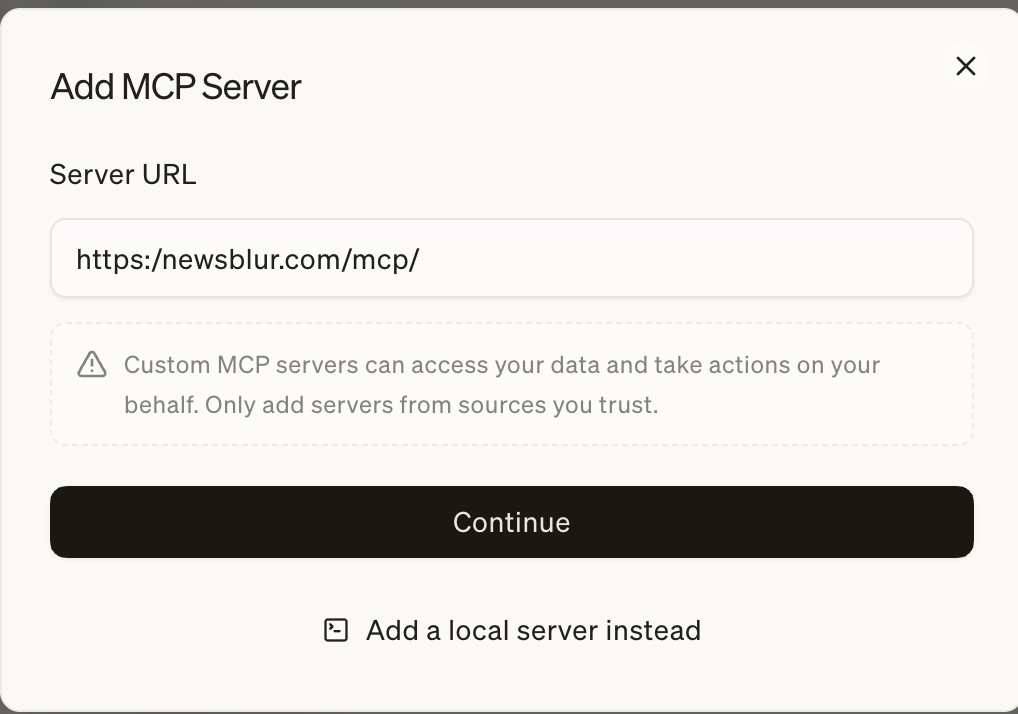
NewsBlur now publishes those details in both places. There’s no API token to find, MCP only uses the OAuth sign in. Remove the server in Littlebird and add https://newsblur.com/mcp again, with or without the trailing slash. Your earlier screenshot had https:/newsblur.com/mcp/ with a single slash, so make sure it starts with https:// this time. It should then open a browser window to approve access. If it still fails, tell me exactly what it says and I’ll keep digging.
Thanks for trying again, that helped me find the real problem. Littlebird checks for OAuth from its own servers, and those requests don’t send a browser user agent. NewsBlur blocks requests with no user agent to keep scrapers out, and that block was also catching the OAuth discovery files. So Littlebird never saw that NewsBlur supports OAuth and fell back to asking for an API token.
Those discovery files are now open to any client. Delete the server in Littlebird and add https://newsblur.com/mcp one more time. It should open a browser window to approve access this time. If it doesn’t, let me know and I’ll reach out to Littlebird directly.
I deleted the server, re-added https://newsblur.com/mcp, and this time the browser window opened and the OAuth went straight through. My AI assistant (Littlebird) can now see all 28 tools on my Premium Archive account, and I’ve just pulled my first live articles through it — correct stories, correct timestamps, the lot.
Thank you for digging into this properly. The diagnosis was genuinely interesting — I’d never have guessed that a missing browser user agent on the OAuth discovery requests was the culprit. It’s rare to get this level of attention from the person who built the thing, and as a very happy NewsBlur user of several years, I appreciate it hugely.
Thank you for NewsBlur. It’s a wonderful product.
This integration is a game-changer for me! And Premium Archive is well worth it!