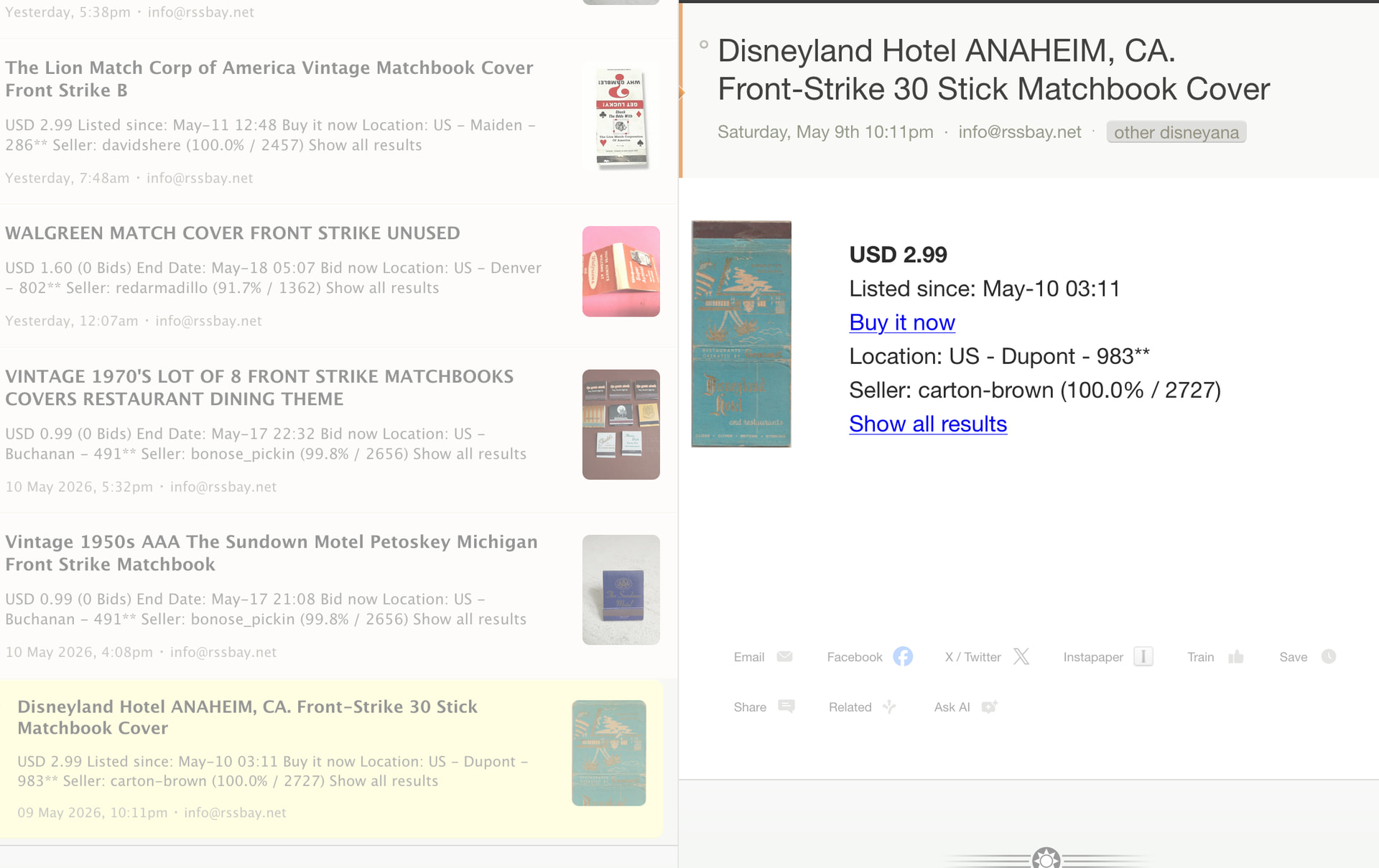
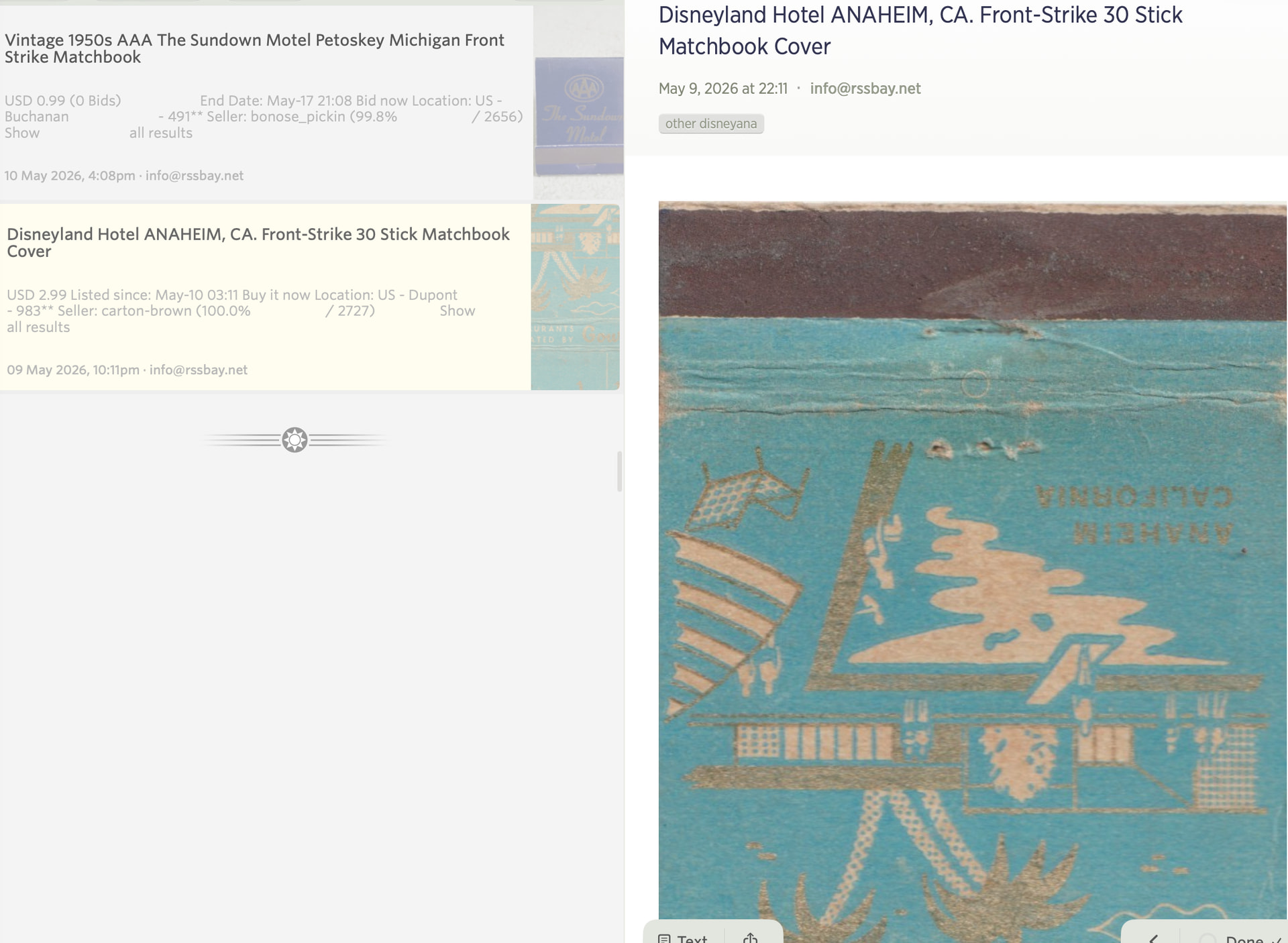
I recently started using the MacOS app after many (happy) years just using the website. It’s great but was wondering if there is a way to shrink the size of story images?
The web app seems to make images smaller (often too small) but I guess the MacOS app is rendering them at full size which is often too big.
Claude wants me to use custom CSS, presumably based on a 2021 discussion about the web app, but I am not sure if it knows what it’s talking about.
Just to be clear, I am talking about the story column. (I think that’s what it’s called). I found the settings to adjust the size of images in the preview column. Thank you!