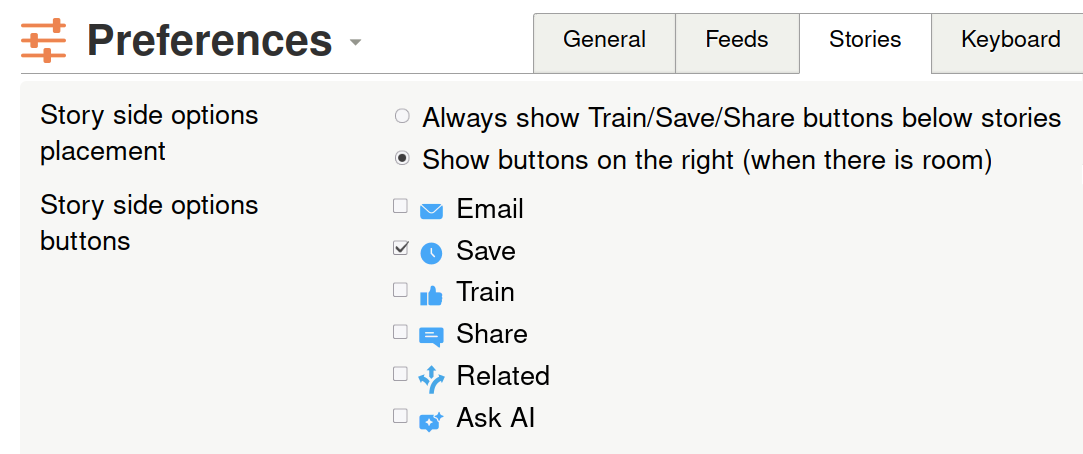
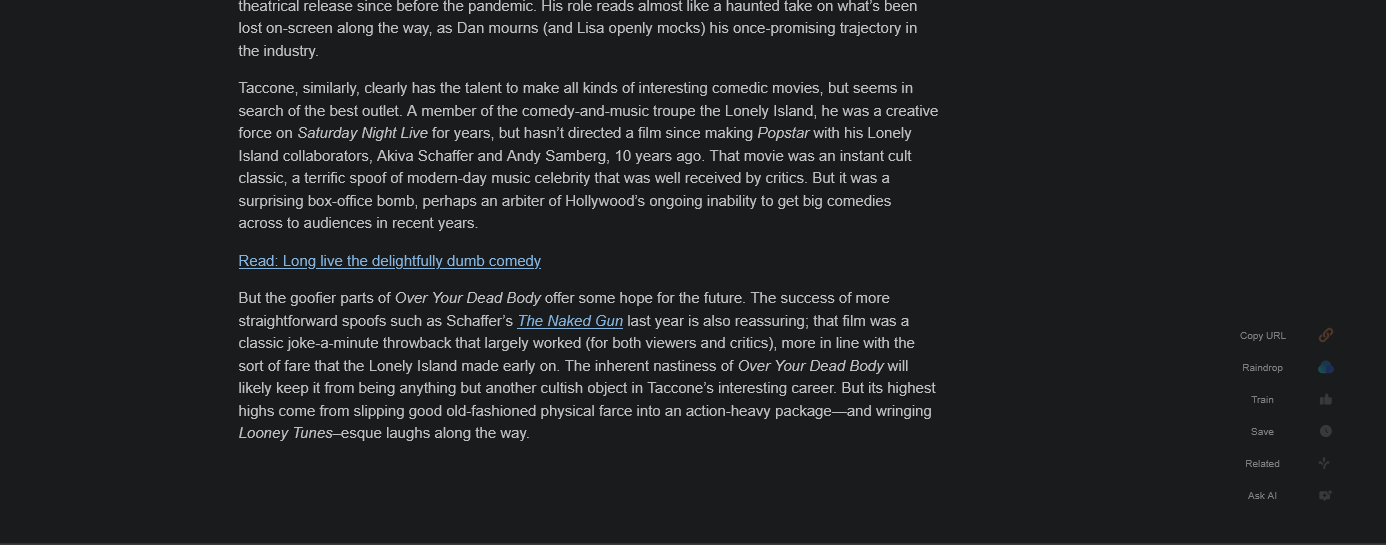
The article’s side actions panel, .NB-feed-story-sideoptions-container, has useful actions like save, share, train, “send to..” and ask AI. On wider screens this panel appears in the right margin of the article, but it is currently pinned at the bottom of the story content.
For long articles, this means the actions are not available until I scroll all the way to the bottom. It would be much nicer if the side actions stayed visible while reading.
My request: On wide enough screens, keep the story side options visible in the article margin while the active story is being read. On narrow screens, the current inline/bottom behavior can remain unchanged (or put it at the top?).
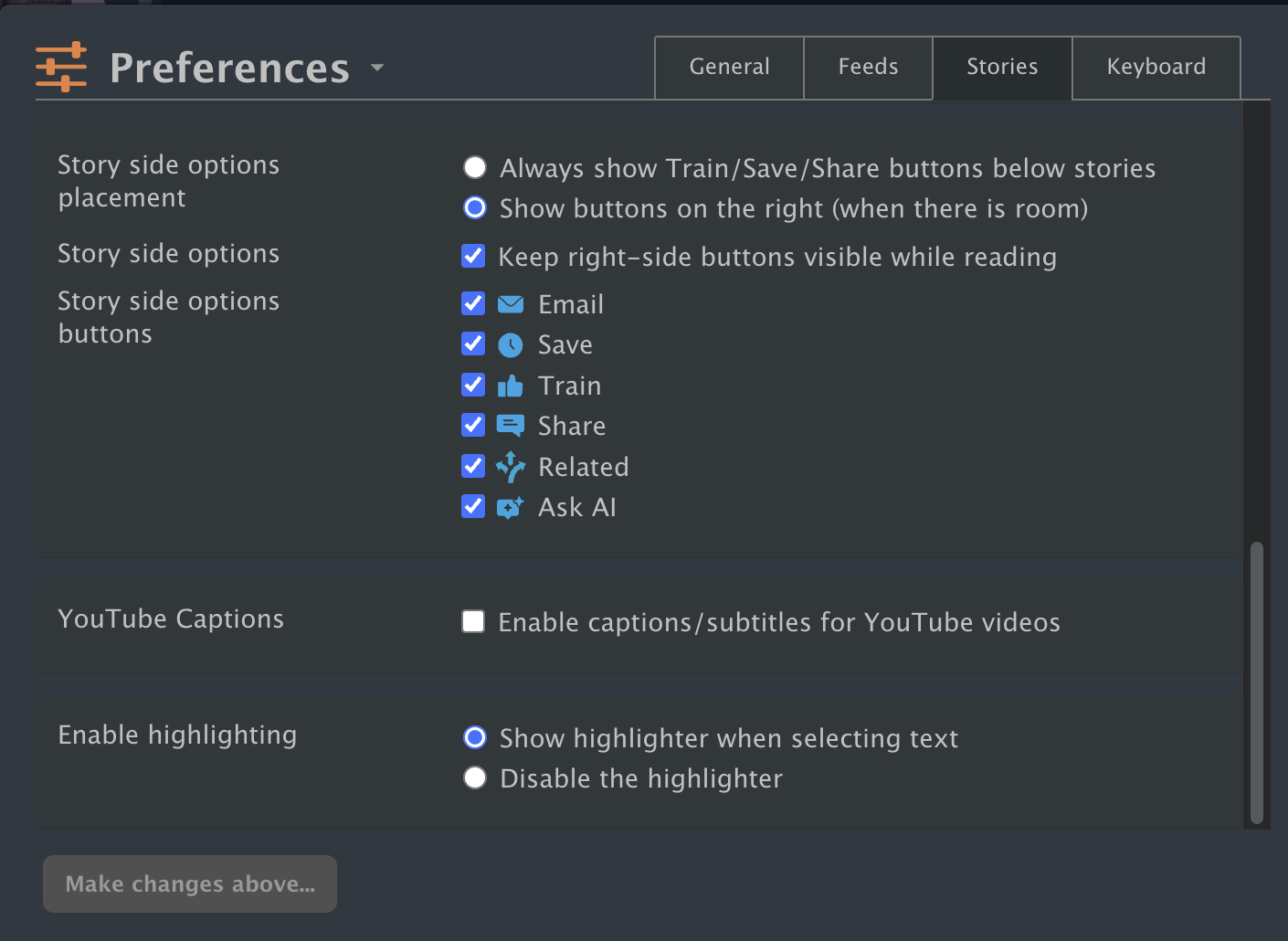
Good idea. I added this as a preference in the preferences dialog, next to the existing story side options settings. It shows up when story buttons are set to the right side. It defaults to on becuase it’s a very good idea, but this way people can revert it to get the old behavior.
When enabled, the story action buttons use native sticky positioning so they stay visible near the bottom while reading longer stories. For short stories, the story gets enough minimum height to fit the action list cleanly. I also cleaned up some other behavior around the minimum height of stories to fit the story actions.
Let me know how that feels! It was a tricky build.