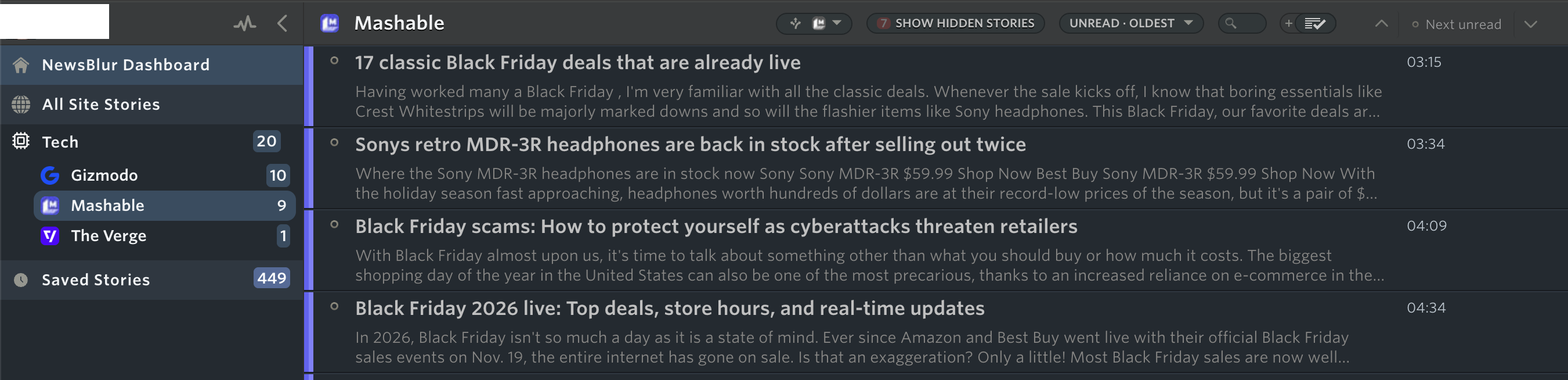
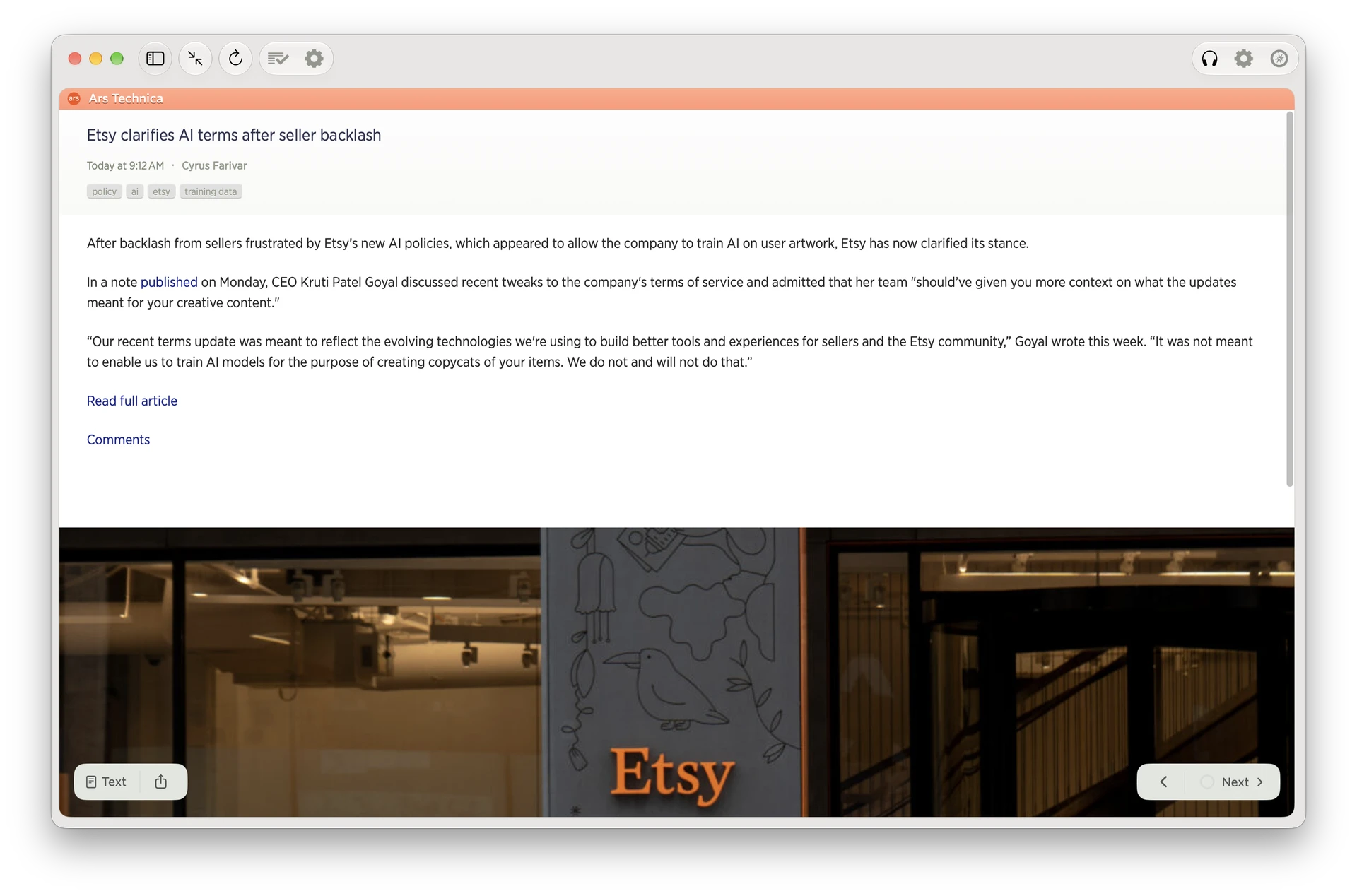
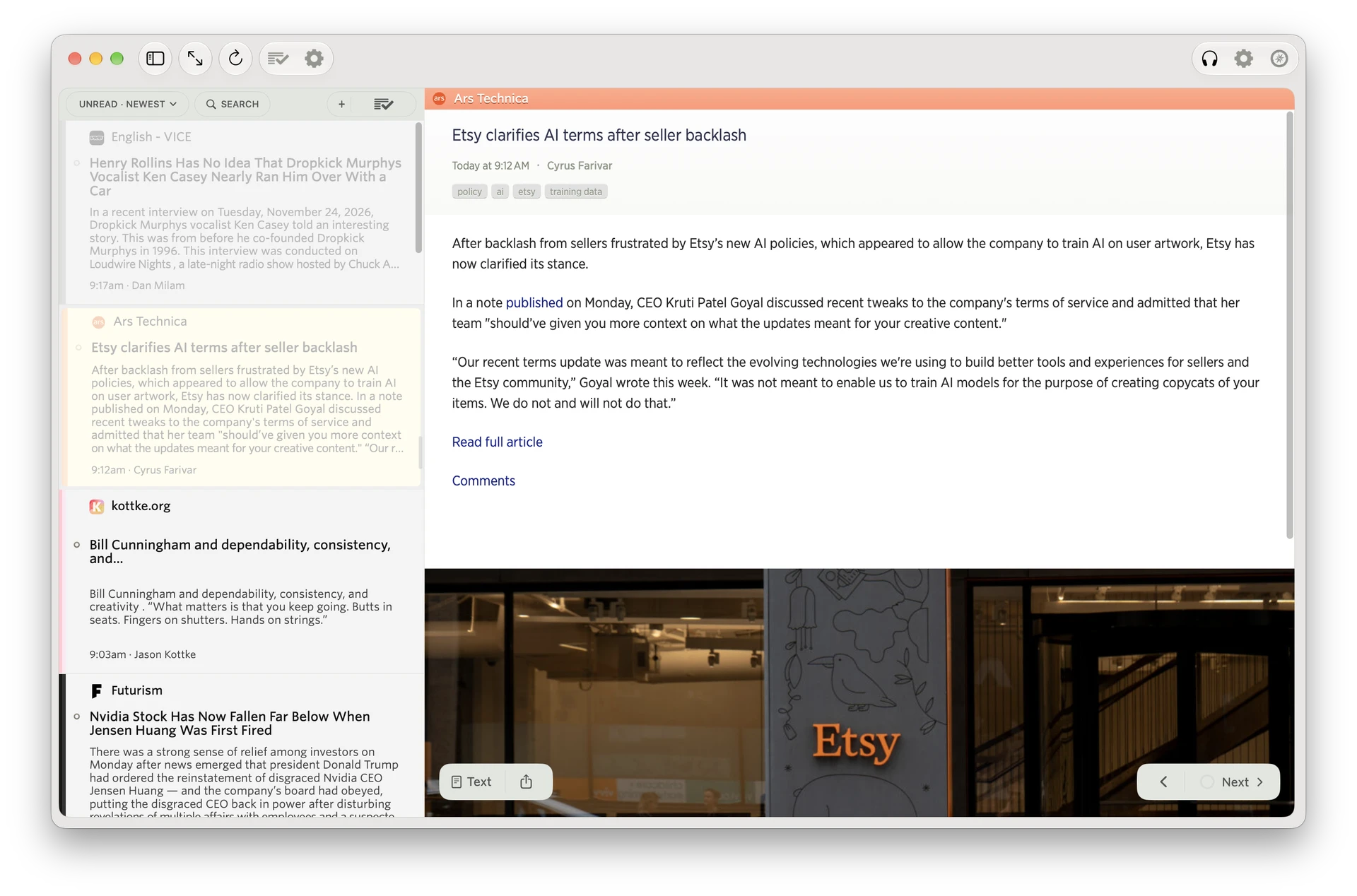
So I only have 2 columns, the feed list and the content (in the above I have list style set)
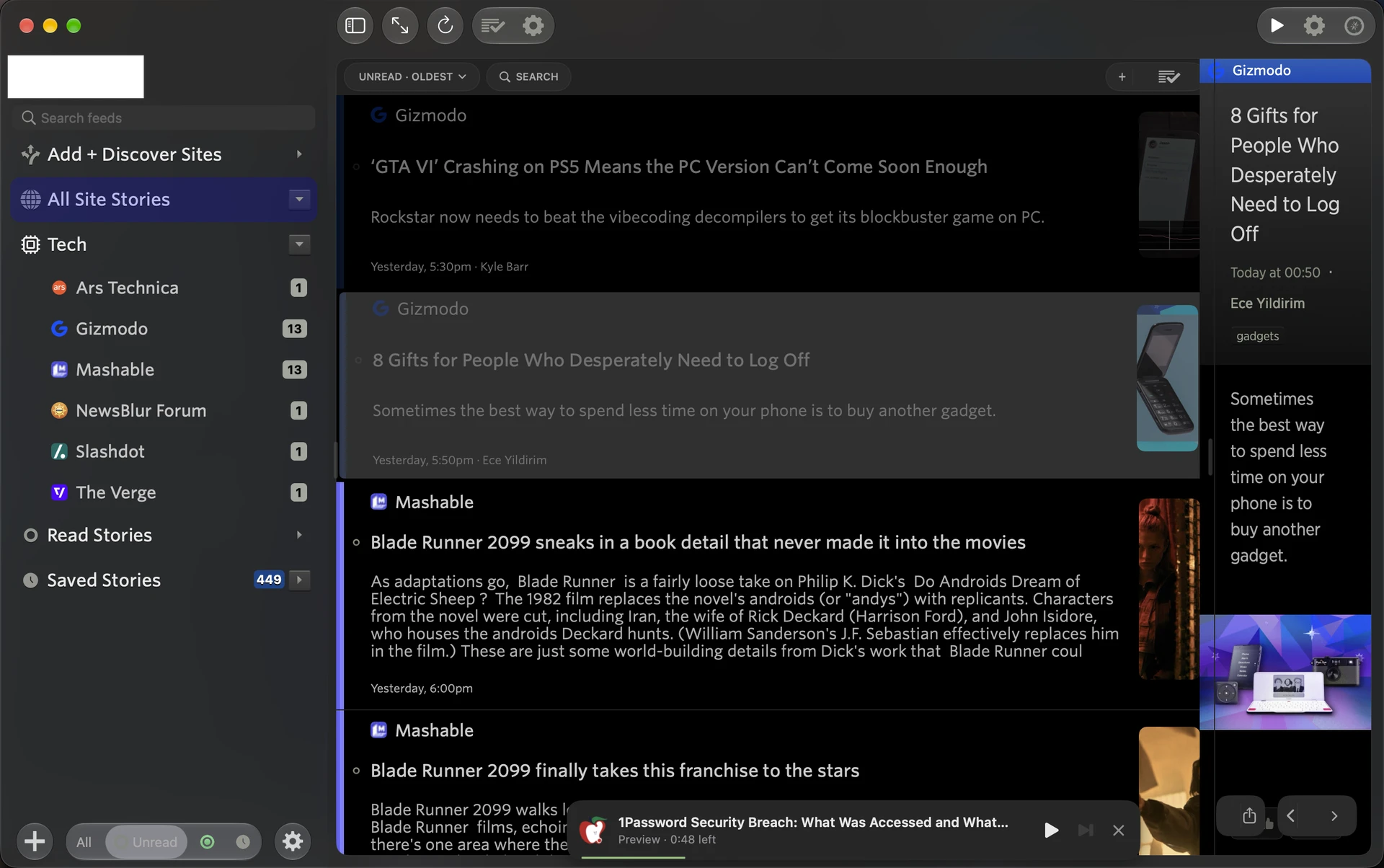
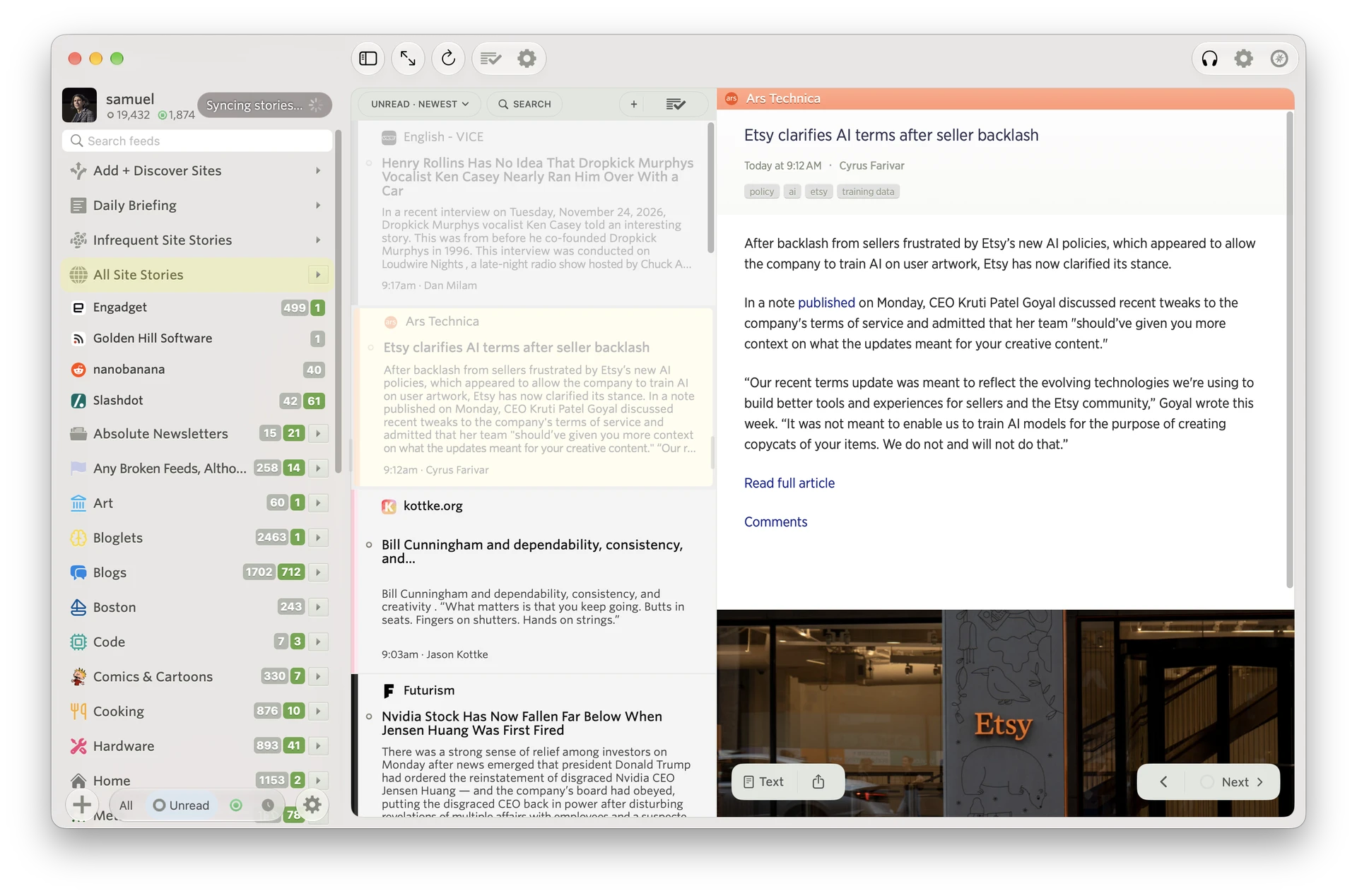
In the app for example I then have the feed list, story list and then the story itself. I only want the story content (far right column) if I click on the item.
I can’t seem to figure this out - maybe I need more coffee? I’m sure it is simple (I hope anyway), but I’ve tinkered without success.
One other small thing (bug?) is if you are in unread mode and you press option up/down, it goes to the next site there is not the next site in the unread so you may have to press it a number of times before it gets to your site. eg if say I am on Slashdot and I press option+up it goes to Othersite, MyOtherSite, before it then gets to Mashable. Should the moving up and down not be on the view you have selected?
Thanks for the prompt reply. Yes, I am using the macOS app for now, will try the iOS one next (and maybe swop from Reeder for the native experience that’s looking good with live updates etc).
So maybe I didn’t explain quite correct, I only want the feed list and the summary (so the left and middle columns) in my 2nd screenshot, and then for the whole story to open if I so chose (maybe some click option, not figured that yet). If I chose Two Column in General settings I get the article list and the story, so then I loose the feed list.
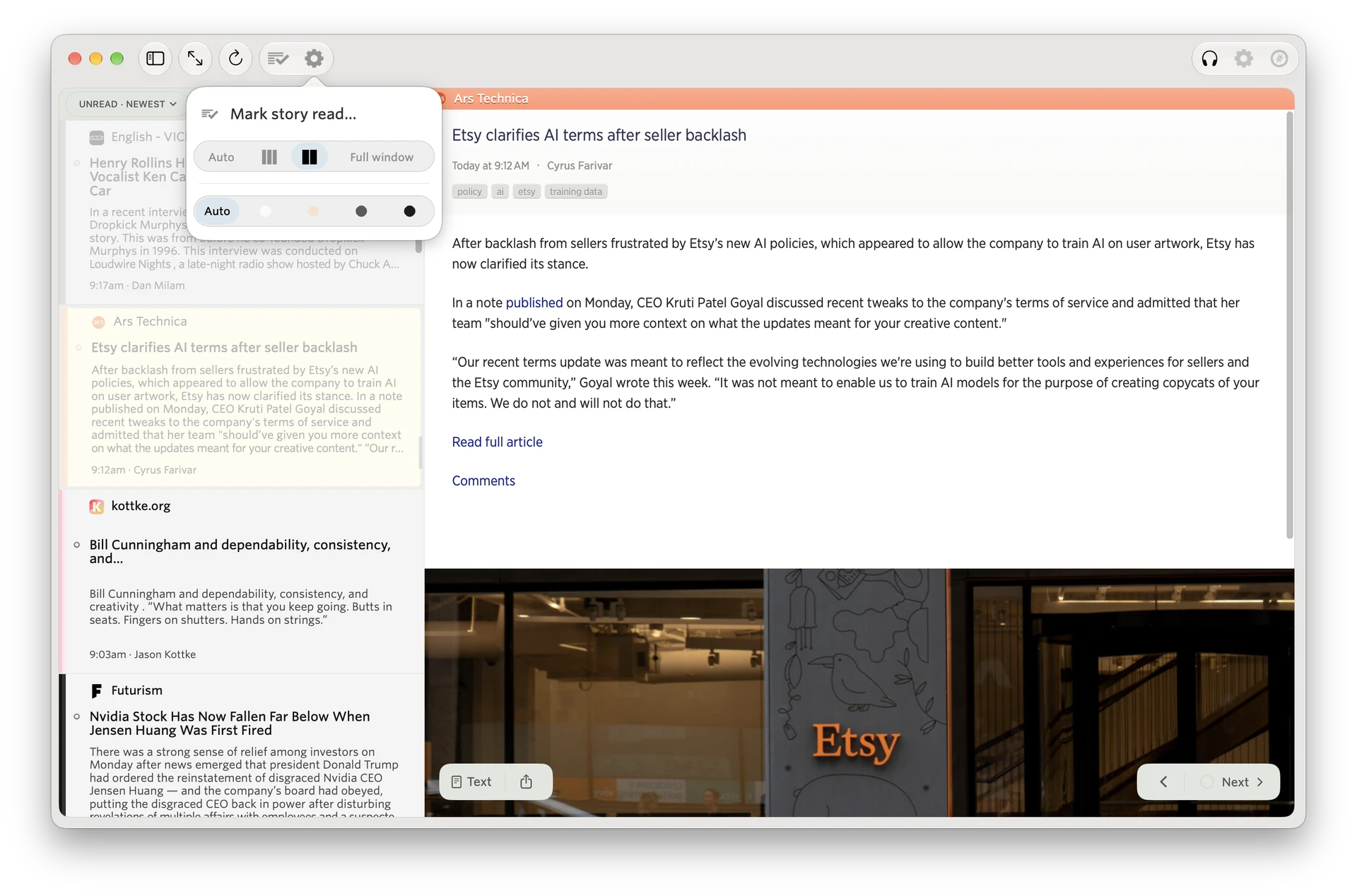
You should have all those options available to you. Here are the various views you should be able to see. Just click on the full screen button or the settings icon at the top, and then you can choose between three-column, two-column, and full window.
Thanks, I’m clearly missing the plot here totally and not getting it right. I’m traveling today so I’ll play a bit if I get a chance or experiment later on at my destination (last few days holiday). I’ll let you know how it goes and if not will step through what I’m doing in more detail.