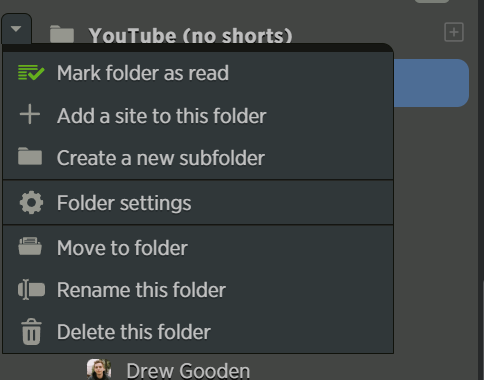
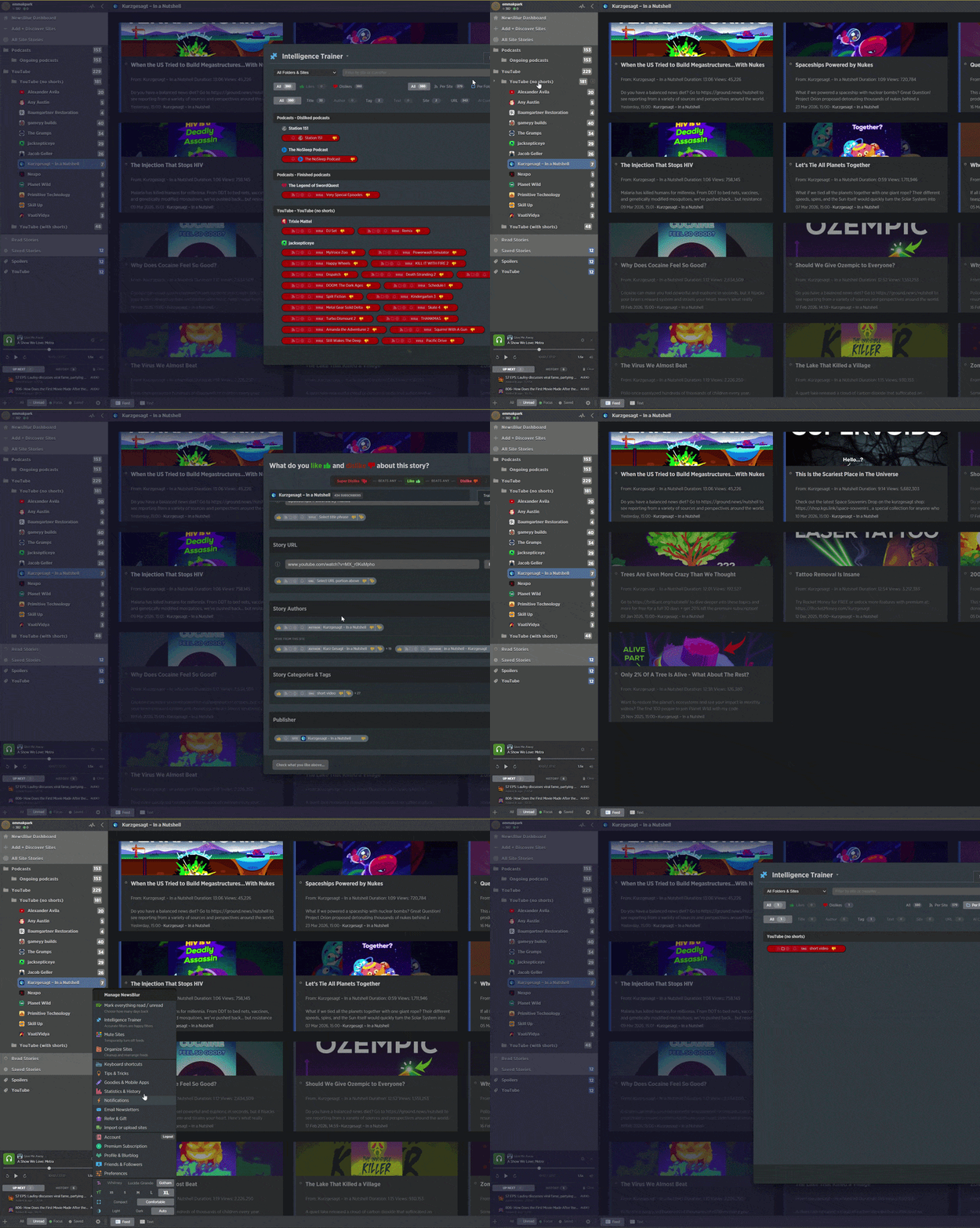
Hello! Changed some folder structures today and now my disliked ‘short videos’ tag set at folder level doesn’t want to apply after a refresh / reload.
It seems to technically still be in the intelligence trainer system, but it isn’t correctly applying to stories in the sub-folder unless re-applied, and refreshing or reloading returns it to being non-functional.
Prior to this, I moved the folder in question ‘YouTube (no shorts)’ into a new folder, ‘YouTube’.
Thanks!
Thanks for reporting this. The issue is that folder-level classifiers store the full folder path internally (like “YouTube (no shorts)”), but when you move that folder into a new parent, the path changes to “YouTube - YouTube (no shorts)” and the classifier can’t find it anymore. So it looks like it’s still there in the trainer, but it stops matching stories after a refresh.
I’ve pushed a fix that updates all folder-scoped classifiers (tags, titles, authors, etc.) whenever a folder is moved or renamed. Your existing classifier should start working again once this is deployed. In the meantime, you can work around it by opening the trainer on that folder and re-saving the disliked tag.
1 Like
Thank you!
Where can I find the menu which allows me to open the trainer at a folder level? It’s not in the right-click menu where I’d expect to find it, or the ‘Folder settings’ under that:
You’re going to have to open it up by going to an individual feed trainer, but then click on the manage training tab, and then you’ll see all of your trained classifiers.
1 Like