<p>A common feature request over the years has been the ability to turn off NewsBlur’s social features entirely. For readers who just want to focus on their feeds without blurblogs, shared stories, or public comments, this is now possible with a single preference.</p>
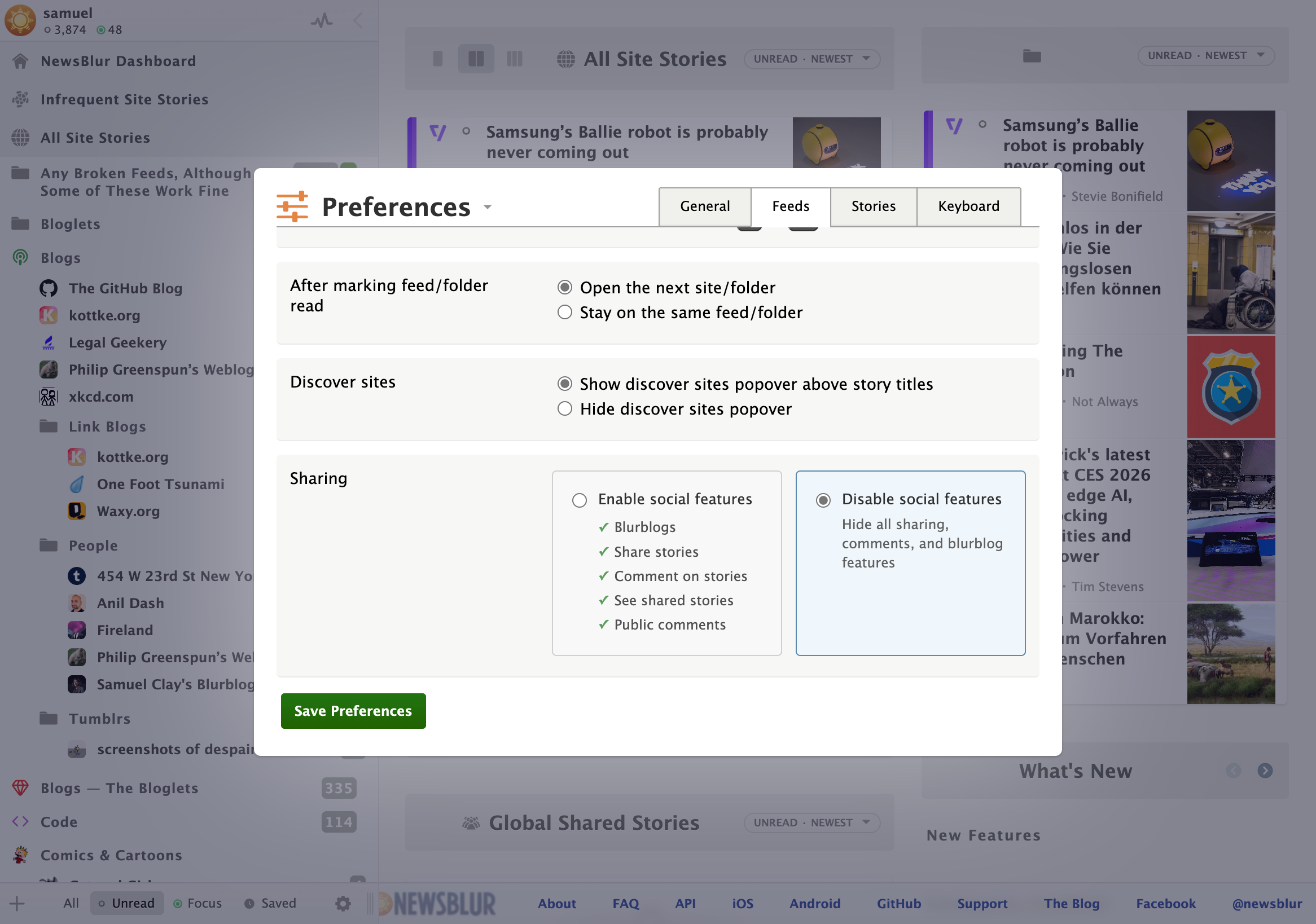
Head to Preferences > Feeds and look for the new “Sharing” option at the bottom. Choose “Disable social features” and all sharing, comments, and blurblog features will be hidden from your NewsBlur interface. The Global Shared Stories folder disappears, share buttons are removed from stories, and the sidebar is cleaned up. If you ever want to re-enable social features, just flip the preference back.
This is a companion discussion topic for the original entry at https://blog.newsblur.com/2026/01/09/disable-social-features/