When trying to add the MCP server on claude.ai the authentication fails with the message:
Authorization with the MCP server failed. You can check your credentials and permissions. If this persists, share this reference with support: "ofid_************"
Adding the MCP server to claude code with claude mcp add --transport http newsblur https://newsblur.com/mcp/ works as expected.
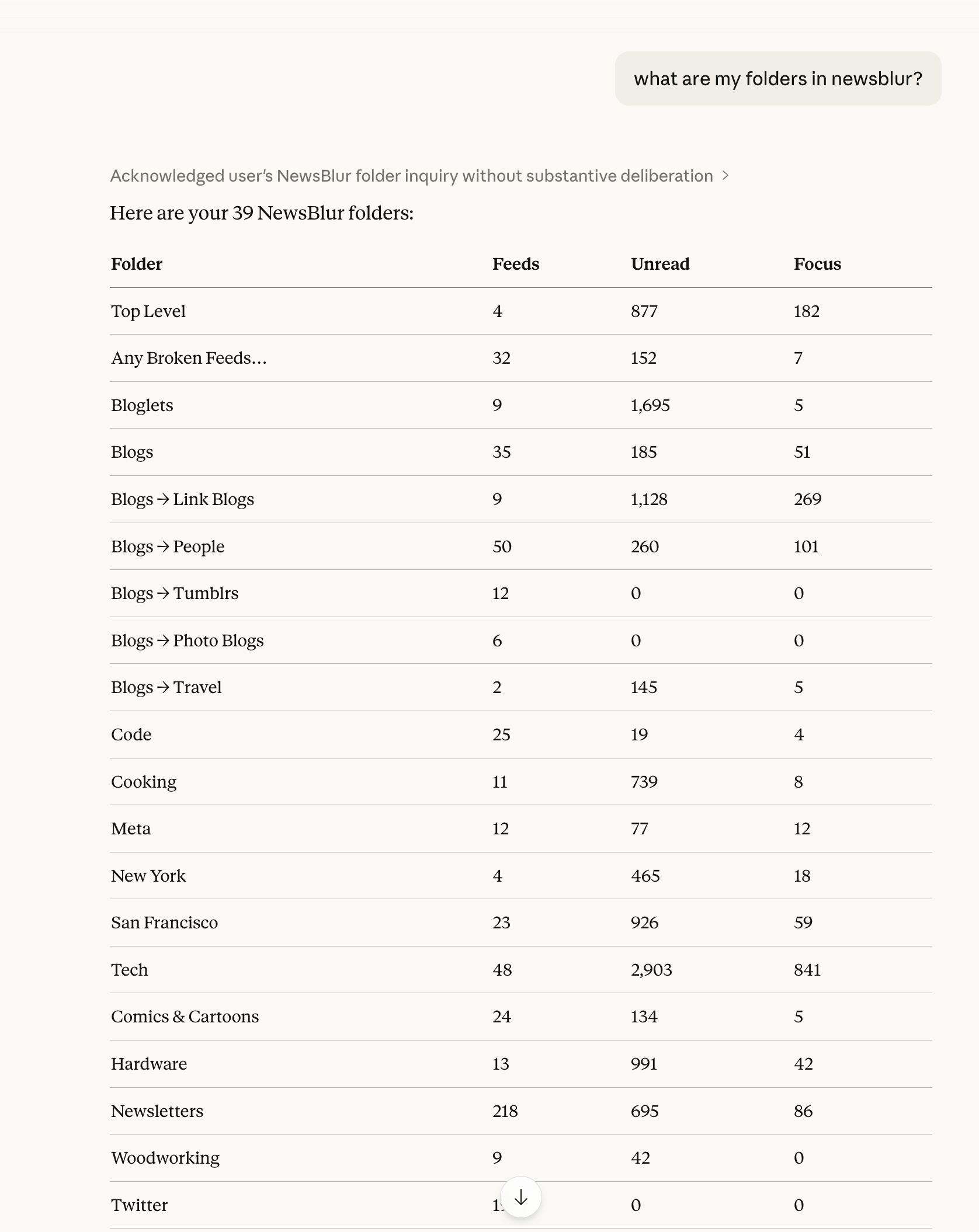
All NewsBlur MCP content endpoints reject requests with “MCP access requires a NewsBlur Premium Archive subscription”, despite the account endpoint correctly confirming an active Premium Archive subscription.
Related Forum Thread
“Claude web fails to authenticate to MCP server” by ozoromo (posted 2026-04-03):
When trying to add the MCP server on claude.ai the authentication fails with the message:
Authorization with the MCP server failed. You can check your credentials and permissions.
Adding the MCP server via claude mcp add --transport http newsblur https://newsblur.com/mcp/ works as expected. Authentication succeeds. The issue is not with authentication itself, but with the subscription check on content endpoints.
Environment
Claude Code CLI with MCP transport over HTTP
MCP endpoint: https://newsblur.com/mcp/
Authentication: successful (confirmed via /mcp reconnect)
Call any other endpoint (fails with subscription error)
Diagnosis
The subscription tier check in get_account_info and the subscription gate on content endpoints appear to use different logic or different session/token scopes. The account endpoint reads the tier correctly, but the middleware guarding content endpoints does not recognize the same session as Premium Archive.
Possible causes:
Subscription status is cached separately for MCP content endpoints and was set before the upgrade
The MCP content endpoint middleware checks a different field or uses a different authentication context than get_account_info
Token/session scope difference between the account lookup and content access paths
The token verification already knew you were archive subscribers (which is why get_account_info worked), but the content endpoints were ignoring that and checking a broken shared cache instead. Now the server passes the verified status directly from the auth step, skipping the cache entirely.
Now deployed. Let me know if you still hit issues after that.
I have been having the same problem with Gemini. It worked a few days ago and now I keep getting told I don’t have a “Premium Archive Subscription” even though I do. I have logged out and re-authed the mcp and I am still having the same problem.
Ack that’s my mistake. It’s a new server and I deployed the wrong one when I fixed this. I just deployed the MCP server, which like duh, of course that’s the server I should have deployed. Try now and if it’s still not working, I’ll try to reproduce the issue and investigate further. Thanks for your patience with this new server!
I was able to connect from Claude Code, but not the web UI (beta).
Claude’s web UI changes the URL from https://newsblur.com/mcp/ to https://newsblur.com/mcp, stripping the trailing / which is not accepted on the NewsBlur side.
However, I was able to work around this using https://newsblur.com/mcp/?test so as far as I can determine the underlying issue is simply the trailing / but of course if you use ever use test as a URL parameter (or block on unknown/unexpected parameters) then I’ll have further issues.
I believe that this is an issue on the Claude side, and I’ll report it there as well, but it might simplify things on the NewsBlur side if you could add a mapping or redirect for the bare https://newsblur.com/mcp to https://newsblur.com/mcp/
This should be fixed now. The production haproxy config was only matching /mcp/ with a trailing slash, not /mcp without one. Pushed a fix to handle both. Let me know if you still run into issues.
Authorization with the MCP server failed. You can check your credentials and permissions. If this persists, share this reference with support: “ref_num”
I’ve also tried in ChatGPT web with dev mode enabled (the only way to enable custom MCPs), and it also errors out.
If I had $1 for every time I’ve done that, I’d… Well, I’d have NewsBlur Premium Pro paid for a while, anyway.
Unfortunately I am getting the same error on Claude. I haven’t had time to dig into it yet, but I did confirm that /mcp (no slash) does work from here, and I removed my ?test workaround, but I’m not sure if Claude might be caching a bad token or similar.
EDIT: My ?test workaround authenticates, but it doesn’t get anywhere from there. I made a simple request that failed, and asked Claude for more about what failed, but I haven’t had time to investigate further And also, maybe my ?test trick broke it.
On the plus side, I did have Claude whip up a CLI tool using the API to help me with a big reorganization though, so that was pretty cool.