<p>You can now automatically enable captions on YouTube videos embedded in your feeds. Head to Preferences > Stories and check the new “YouTube Captions” option.</p>
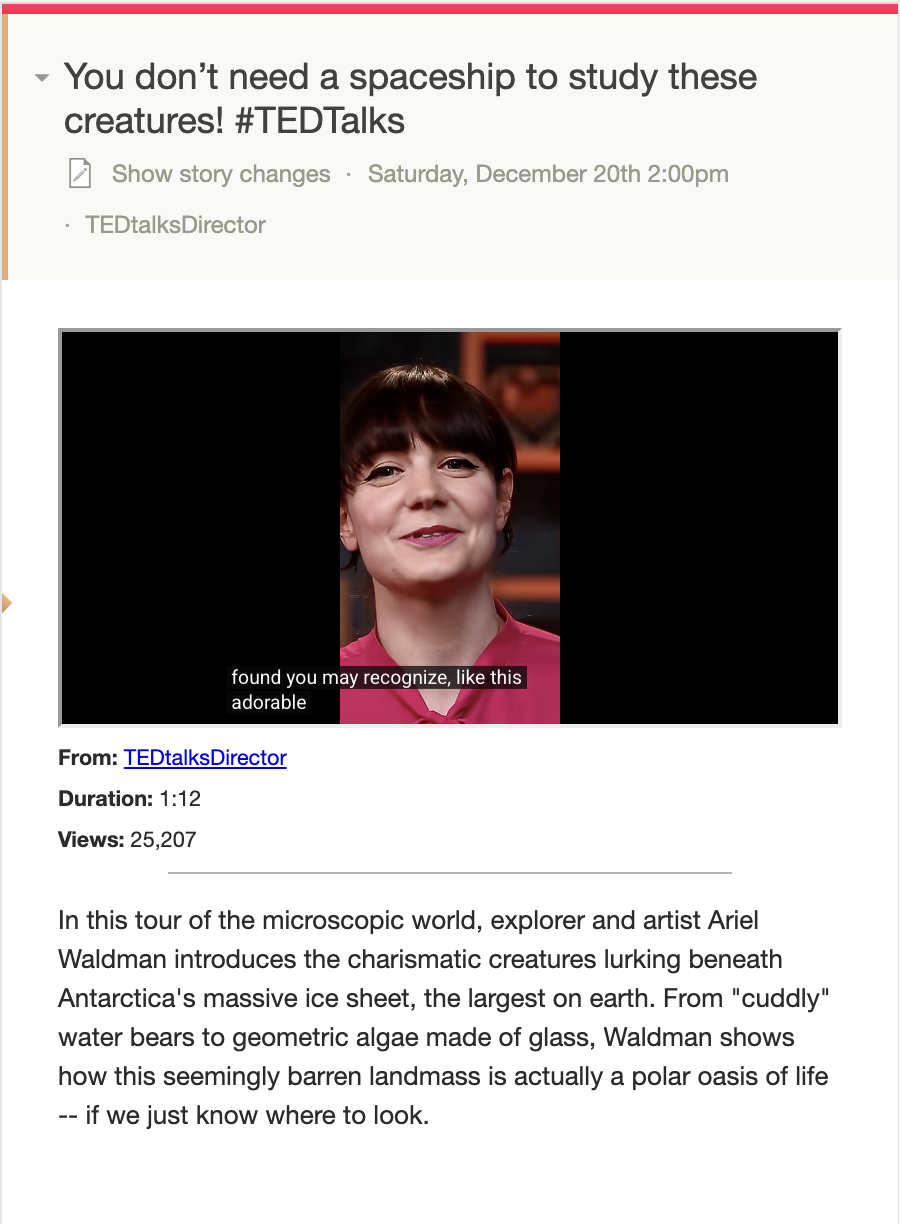
When enabled, any YouTube video in any story will automatically show captions when you start playing it (assuming the video has captions available). This is great for watching videos in noisy environments, for accessibility, or for following along in a language you’re learning.
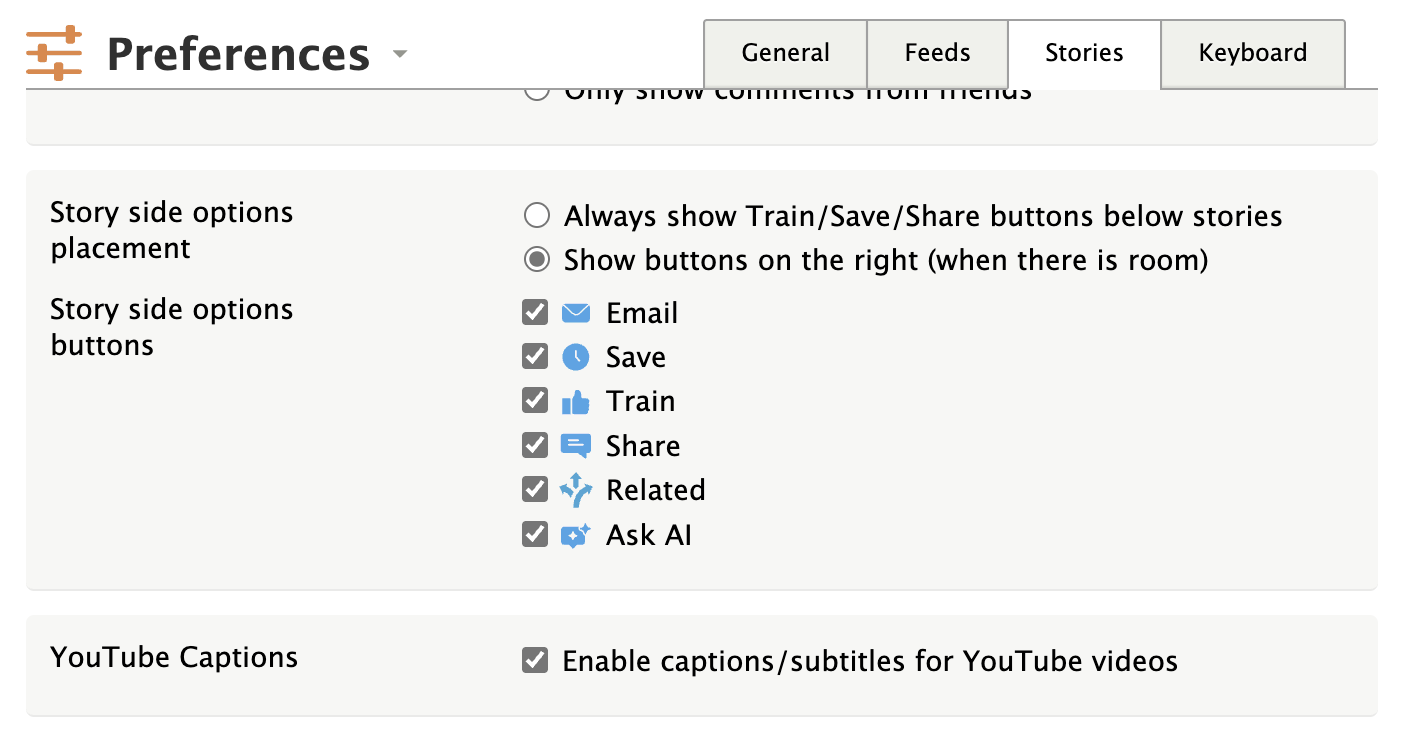
This works by adding the cc_load_policy=1 parameter to YouTube embed URLs on-the-fly, so it applies to all your feeds without modifying the original content. The preference is off by default, so existing behavior is unchanged unless you opt in.
This is a companion discussion topic for the original entry at https://blog.newsblur.com/2025/12/22/youtube-captions/