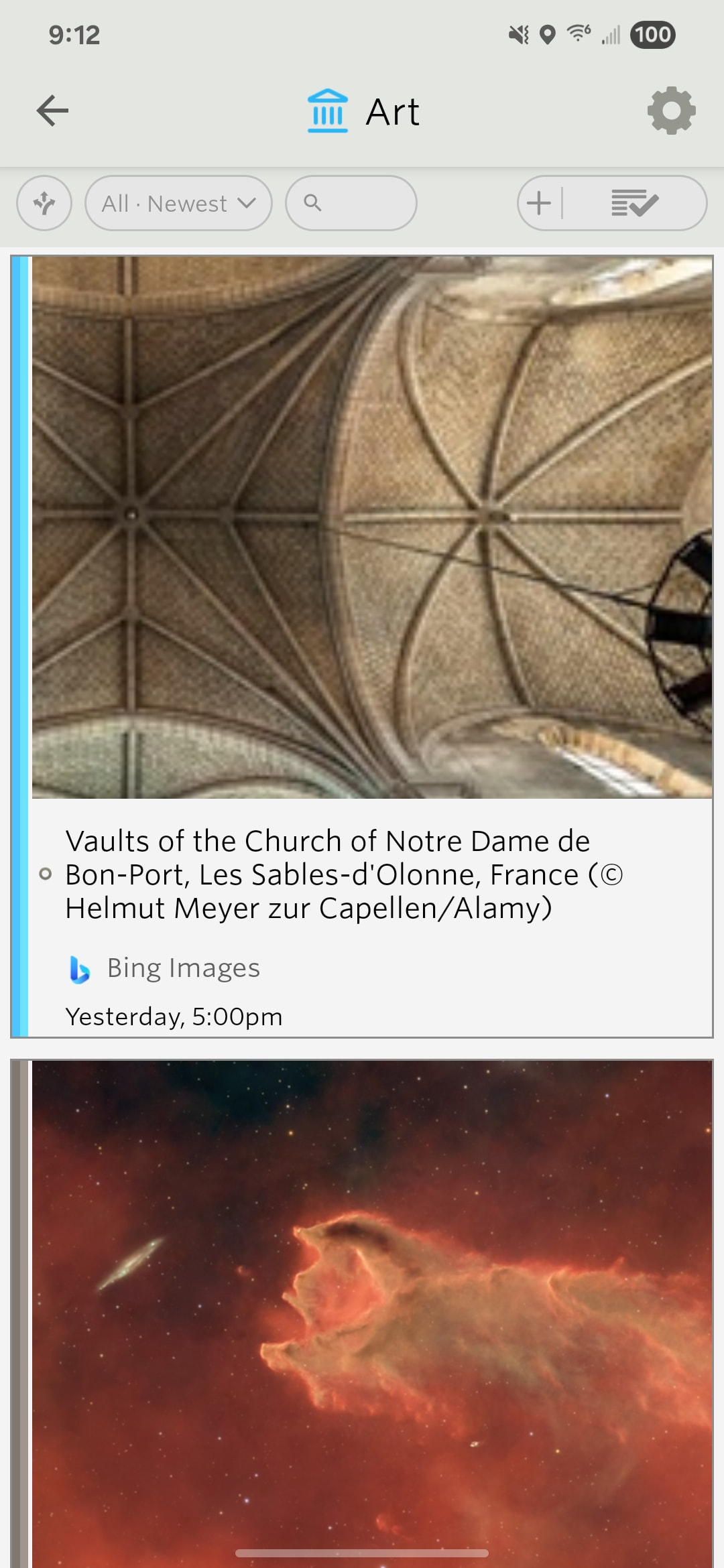
I’d like to figure out what you mean by caching a larger number of images. If images stop appearing, I need to know about that so I can fix it. Let me know, give me a screenshot of it not happening, and let me know approximately how many stories you’ve scrolled past and what view they stop appearing in. Is it in the previews, or is it an actual feed itself? Or are you in the story view or the text view, etc?
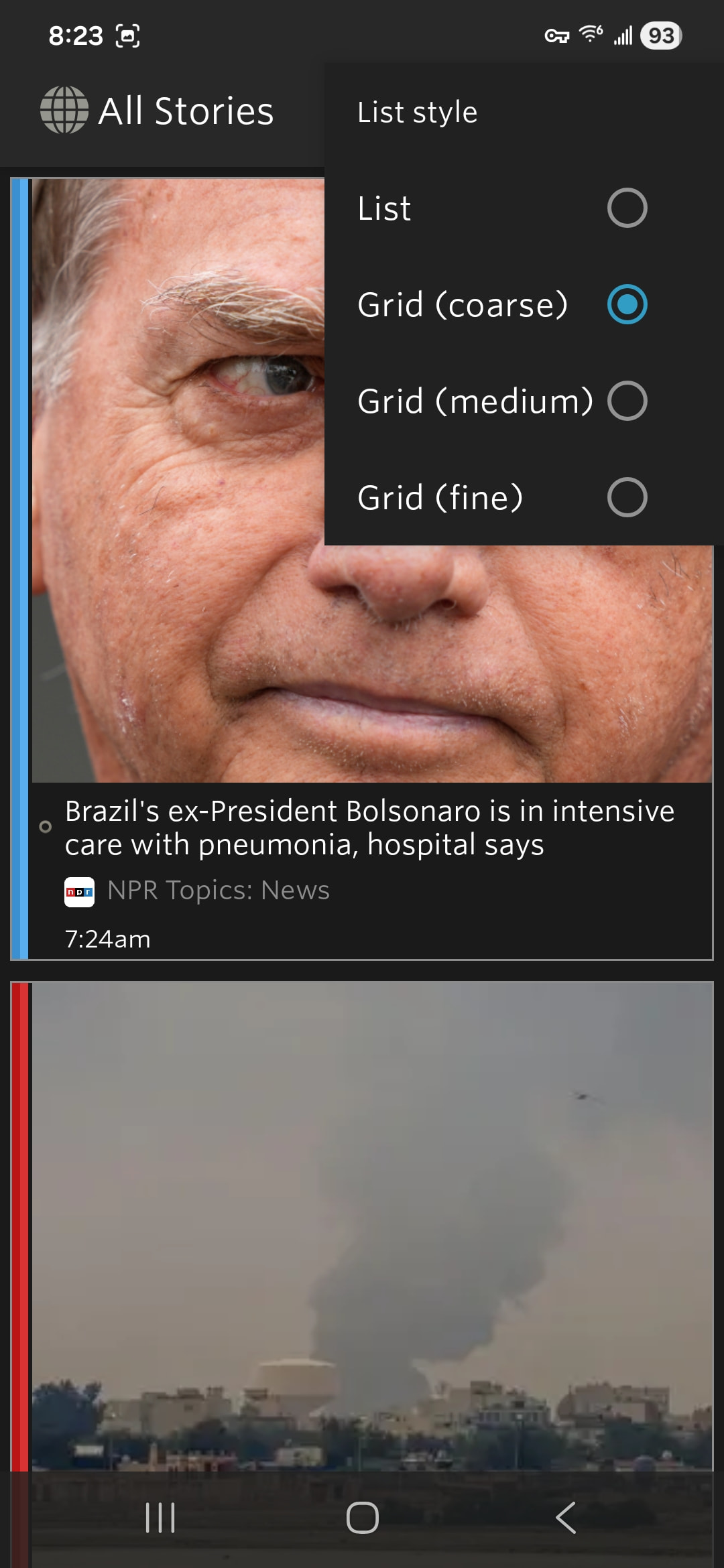
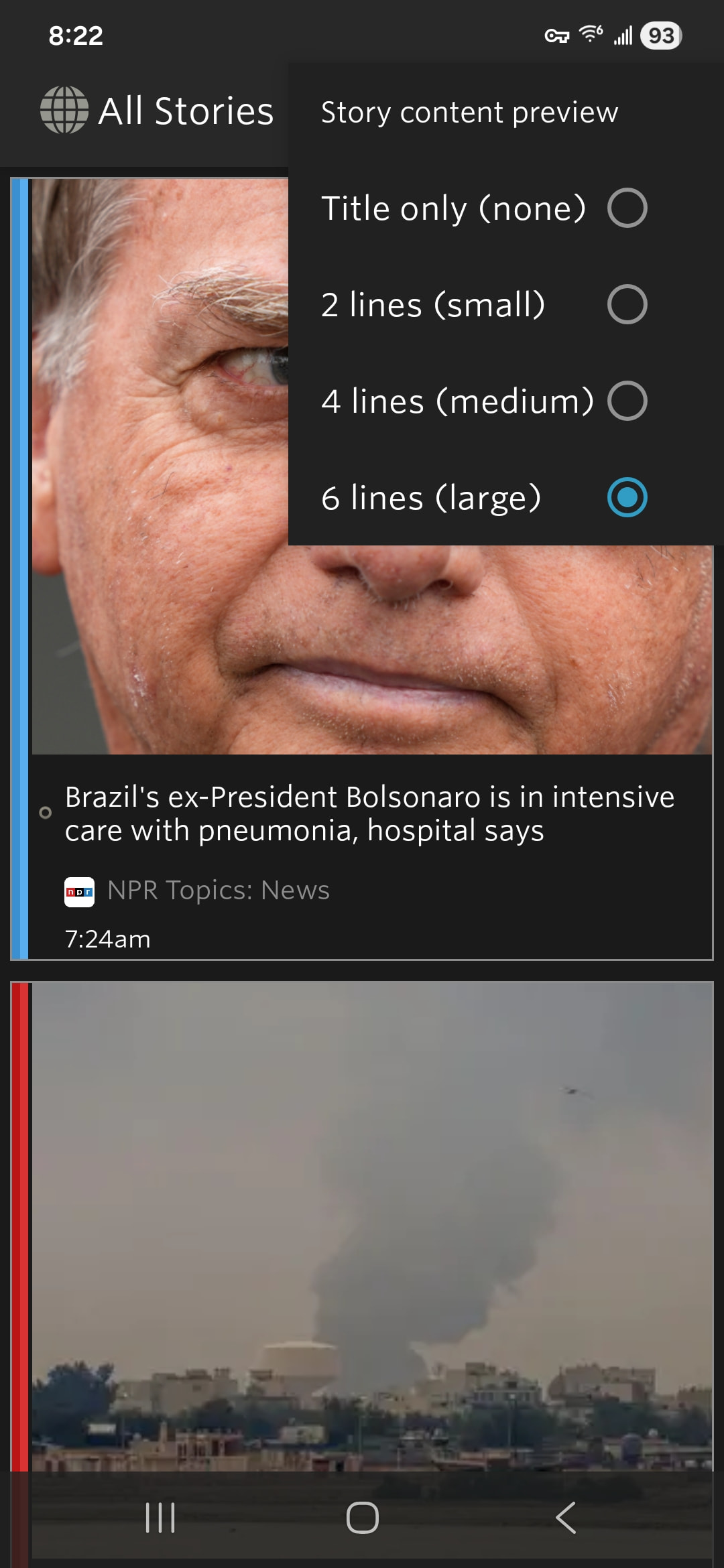
Next, I want to talk about this idea itself. You want to have the image below or above the content. I think I’ve seen other feed readers do this. I don’t really love it, but it’s not the worst idea. Maybe I’ll expose that as a preference.
Are you saying you want me to take the image the author has put somewhere in the line in the feed and placed it on the top? We already do this if the publisher has included the image as a media enclosure. We already added it and have actually just fixed issues where we were accidentally duplicating it.
Working on screenshots of the missing images. It may be some of my feeds and not the cache. I’ll report back the next time I see it.
For image position, optional I think is best, like you said. There are already options for left and right. It would be nice to have top and bottom to that list.
The main reason for this on mobile is screen space. There is much more vertical space than horizontal. Side by side squishes the text and limits how much will fit before the size of the box exceeds the image. Putting it on top or bottom gives you the wider line length of the no image format without losing the images that break up blocks of text.
Oh, cool! Where do I find that option? I don’t see it in grid, preview, or preferences. Coarse list puts the images above the title, but it drops the preview. I’m on the android version.