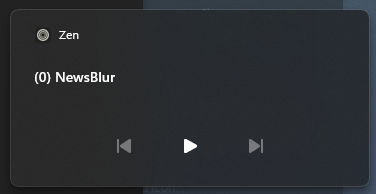
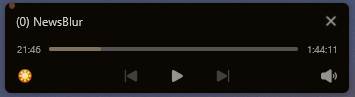
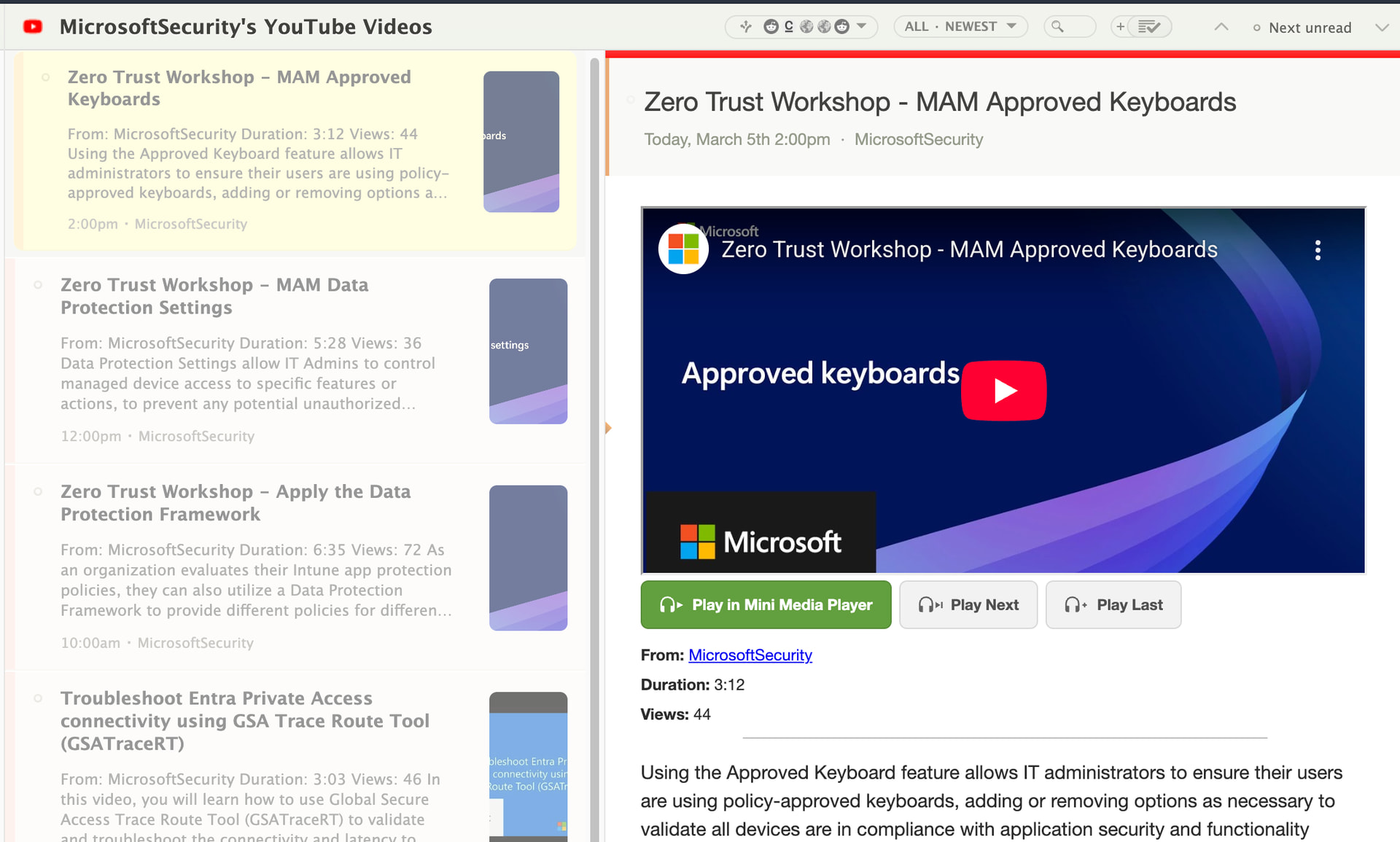
<p>A lot of the sites I subscribe to have audio and video embedded directly in the stories. Podcasts, YouTube channels, news clips. But playing them in NewsBlur has always been a bit awkward: you hit play on the native browser control, then if you scroll to the next story or switch feeds, the audio just stops. I wanted something that keeps playing while you keep reading.</p>
So I built a persistent mini media player. It sits at the bottom of your screen and handles audio, video, and YouTube from any story. Play something and it stays with you as you navigate feeds, open folders, or scroll through stories.
How it works
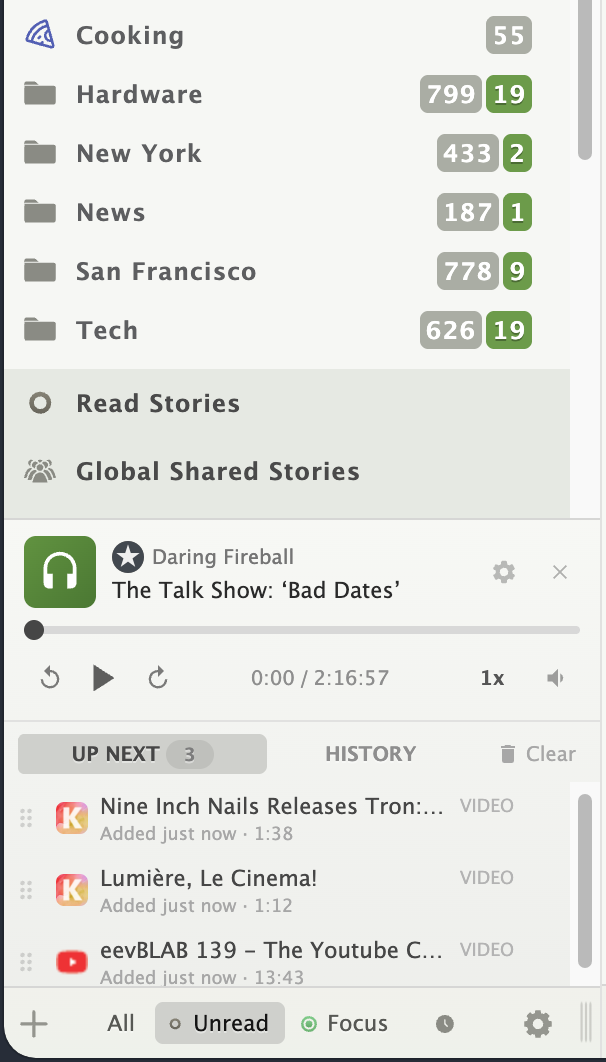
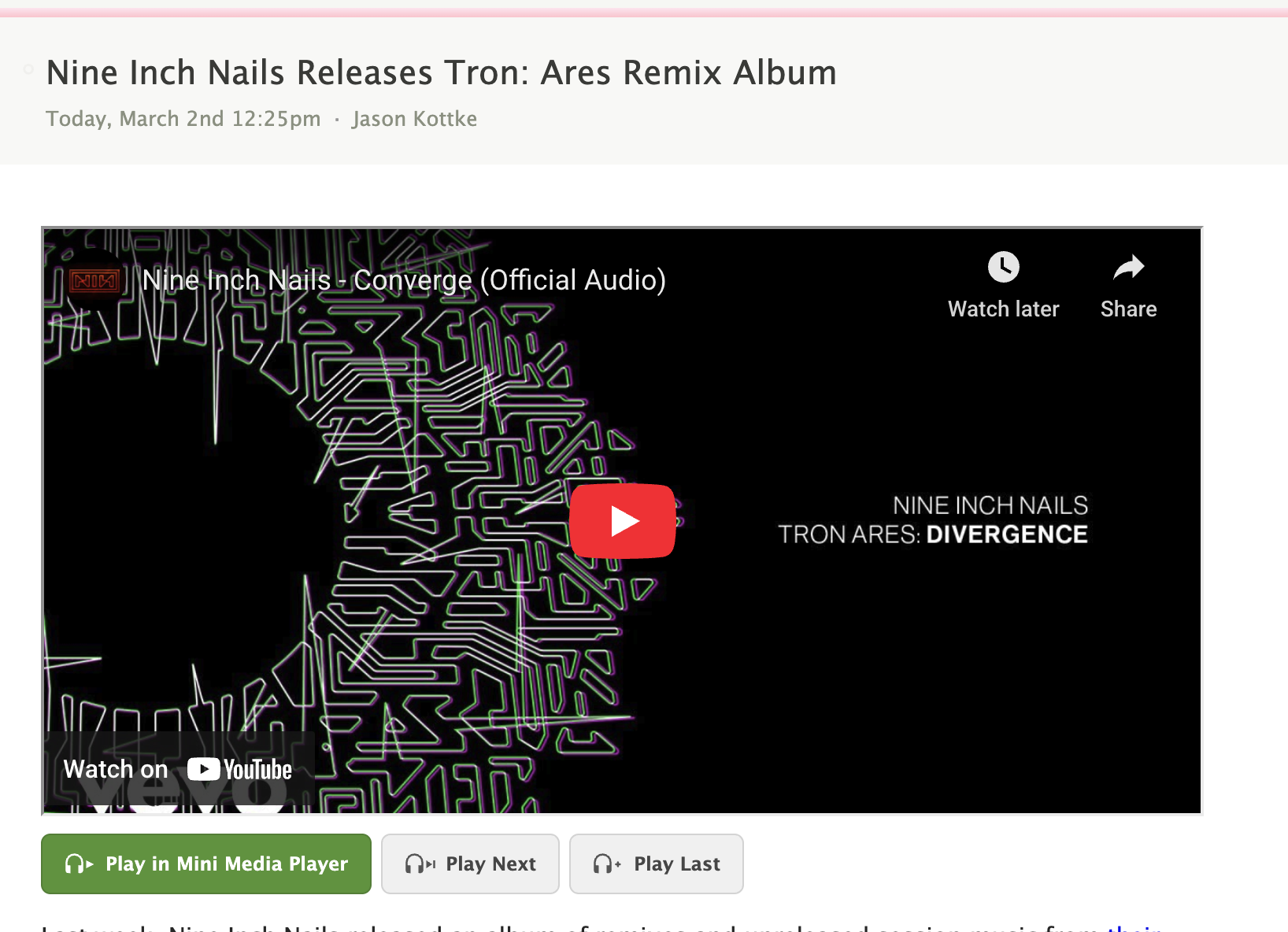
When you open a story that contains audio, video, or a YouTube embed, you’ll see overlay buttons right on the media element: Play in Mini Media Player, Play Next, and Play Last. Click any of them and the mini player appears at the bottom of the screen. If you click the native play button on an audio or video element, it hands off to the mini player automatically.
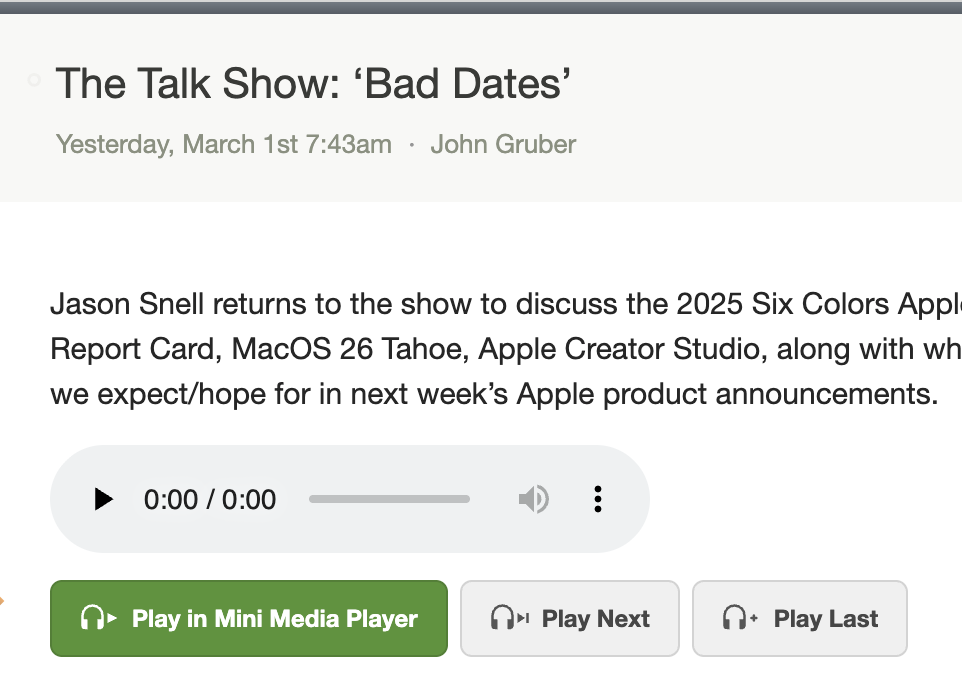
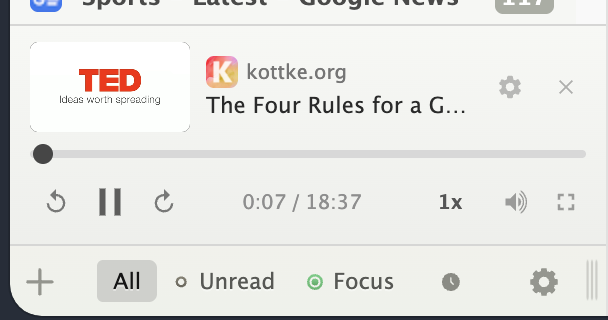
The player has a three-row layout. The top row shows the feed favicon, feed name, and story title (click the title to scroll back to the story). The middle row is a full-width scrubber so you can seek precisely. The bottom row has playback controls: skip back, play/pause, skip forward, a time display, playback speed, and a volume slider that appears on hover.
Build a queue
The real power is the queue. As you’re reading through stories, you can add media to your queue with “Play Next” (inserts at the top) or “Play Last” (appends to the end). The queue shows up right below the player with a count of upcoming items. Drag items to reorder them, or remove items you’ve changed your mind about. When the current item finishes, the next one starts automatically.
Playback history
Switch from the “Up Next” tab to the “History” tab to see your last 10 played items. Each entry shows where you left off, so you can pick up a podcast episode right where you stopped. Click any history item to resume it.
Settings
Click the gear icon in the player to customize your experience:
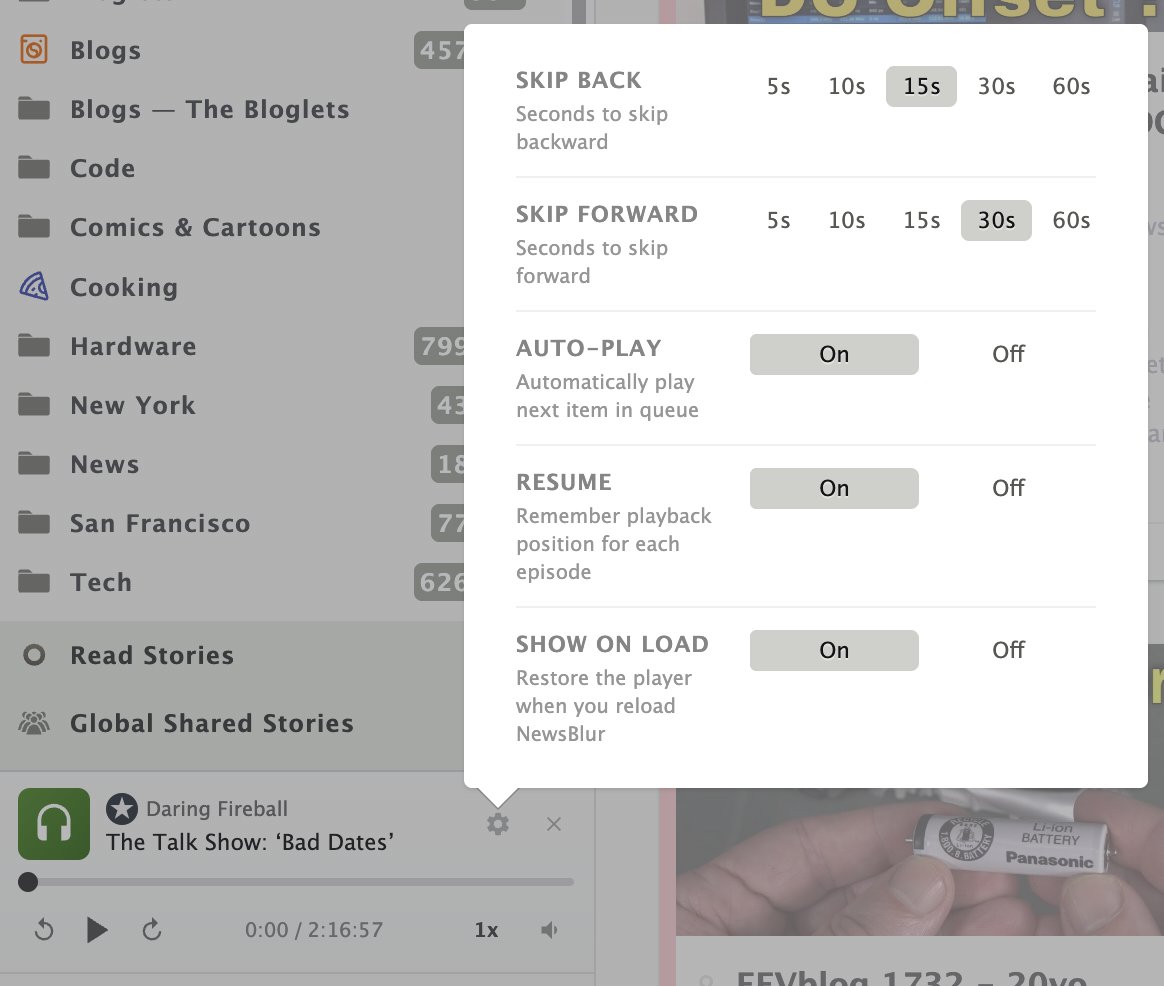
- Skip back/forward: Choose how far to jump (5s, 10s, 15s, 30s, or 60s in each direction)
- Auto-play: Automatically play the next queued item when the current one finishes (on by default)
- Resume position: Remember where you left off in each episode (on by default)
- Show on load: Restore the player when you reload NewsBlur, so you can pick up right where you left off (on by default)
Synced across reloads
Your playback state, queue, history, and settings are all saved to your NewsBlur account. Reload the page and the player comes back with your queue intact and the current episode paused where you left it. Position data syncs in real time via WebSocket so there’s no lag.
Playback speed
Click the speed indicator (next to the time display) to cycle through speeds: 0.5x, 0.75x, 1x, 1.25x, 1.5x, 2x, and 3x. Your speed preference is saved and applied to the next item in your queue automatically.
The mini media player is available now on the web for all NewsBlur users. If you have feedback or ideas for how to make it better, please share them on the NewsBlur forum.
This is a companion discussion topic for the original entry at https://blog.newsblur.com/2026/03/02/mini-media-player/
 )
)