Ideas (Nice to have  features)
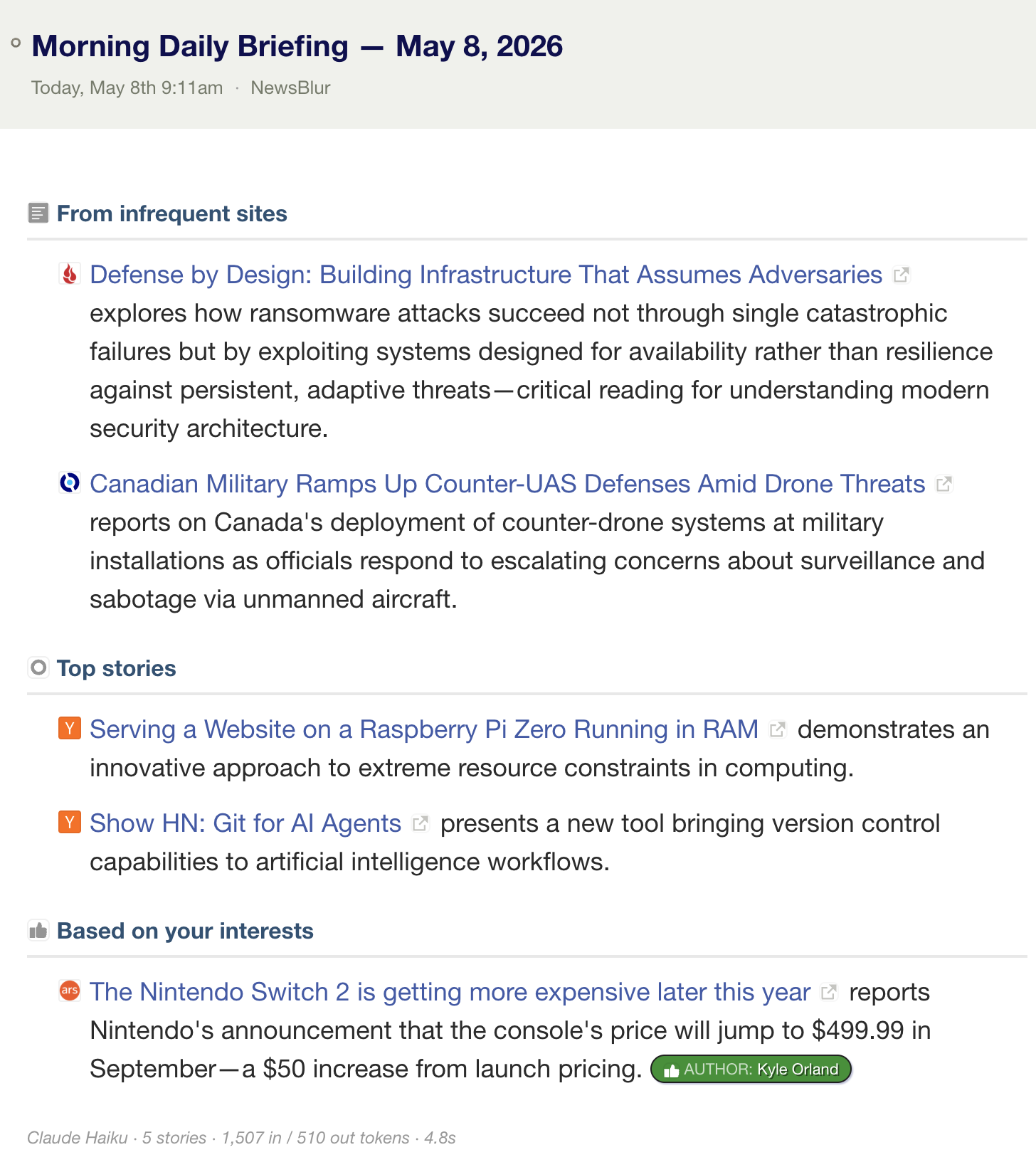
- Ability to reorder the sections in the Daily Briefing email
- Add a custom LLM prompt to the Daily Briefing
- Daily briefings should link to the article’s URL rather than back to a NewsBlur URL (or maybe to both?)
- Option to display the full title instead of just a “long” story title preview, on iOS
- Import a list of keywords into Intelligence Trainer, and relatedly, the ability to export current training in an appropriate neutral format
- Keyword specific RSS feed, extending the current (awesome) email and iOS alerts functionality
- Move (to another folder) and rename Newsletter feeds, and the ability to merge multiple email-senders into a single feed.
- Respect training in Widely Read and Long Reads: in particular, if I am not subscribed to a feed, I should still be able to mute it (case in point: the Ask a Manager blog’s feed)
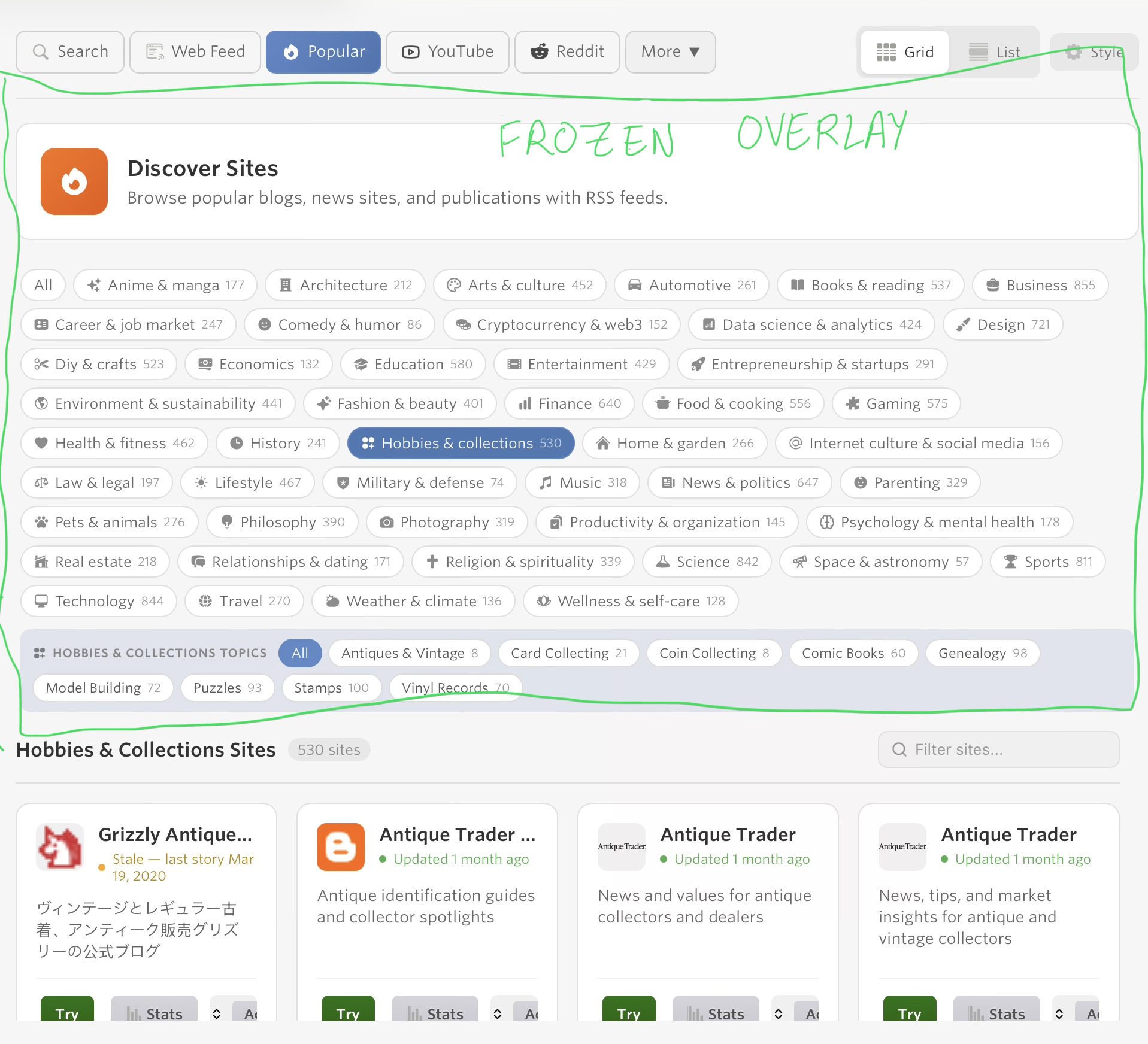
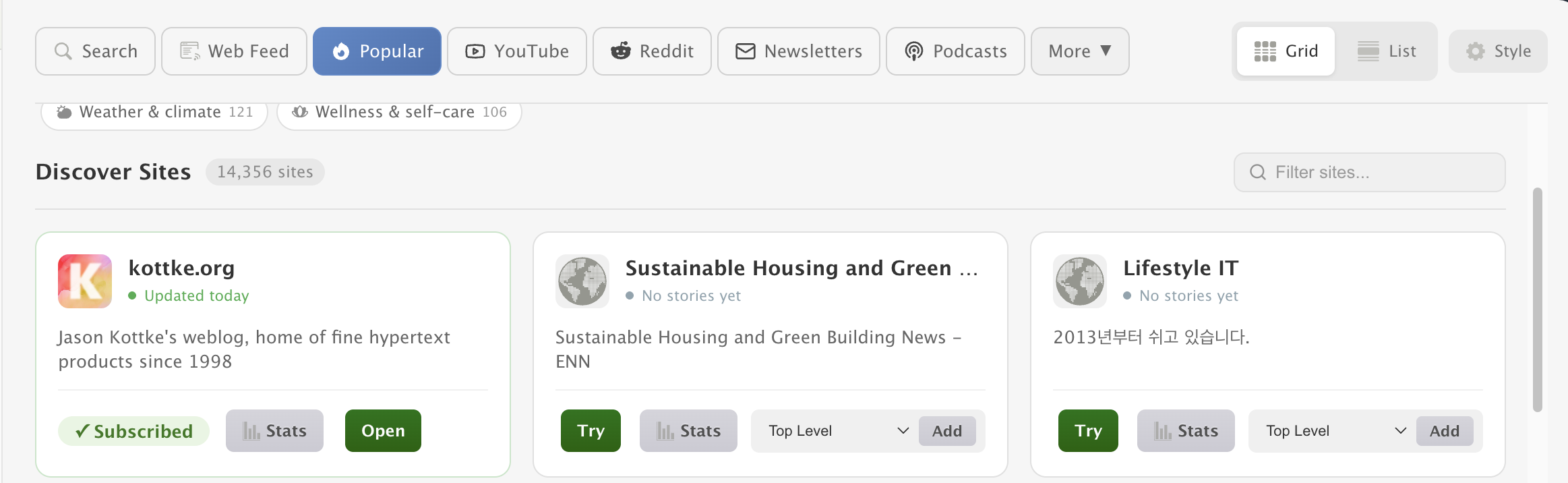
- The top half of the page is covered with rectangles and the UI is completely unusable on Add + Discover sites. I think someone else has pointed this out on the forum elsewhere.
- Article length (or reading time) based filter
- Export saved stories (or URLs) in a neutral format
- I assume this is on the roadmap, but: (1) add Widely Read and Long Reads sections to iOS app (2) update iOS to the new Add + Discover Sites UI (to match the web version) especially the ability to add Web Feeds directly from the iOS app
- Option to silence specific (firehose/noisy) feeds like Google News from All Site Stories
- “Open in NewsBlur” for any webpage to read its full text, without clutter: especially great for podcasts if one could use NewsBlur’s mini-player
- Ability to change Newsblur icon color on iOS
Bugs 
- The email subject of daily briefings says “Daily Briefing” twice
- Two different triggers (e.g. one for a feed and one for an Intelligence Trainer keyword
 alert that matches the same feed) matching a single post results in two separate emails
 - A recent iOS update removed the ability to dislike a tag by tapping on the tag twice. Now, it only works via the settings gear icon.