<p>This is a hefty redesign and rethinking of the NewsBlur iOS and Mac app. Every screen has been rethought, from the login page to the story detail to the intelligence trainer. This release adds full support for iOS 26, iPadOS 26, and macOS Tahoe, along with several features that were previously web-only: Discover Related Sites, Ask AI, the Dashboard, and Premium Pro.</p>
Here’s what’s new:
iOS 26 and macOS Tahoe
NewsBlur is built for the latest Apple platforms. The toolbar is transparent and fades as you scroll. The column layout has been simplified to “feeds beside” or “feeds over” the story detail. On iPad, a new draggable divider lets you resize the feeds and stories columns, and the sidebar auto-collapses when space gets tight. On Mac, the sidebar auto-hides and trackpad swipe gestures work throughout the app.
The default theme is now Auto, so NewsBlur follows your system appearance out of the box. Dark mode correctly overrides the window style to stay consistent with whatever NewsBlur theme you’ve chosen.
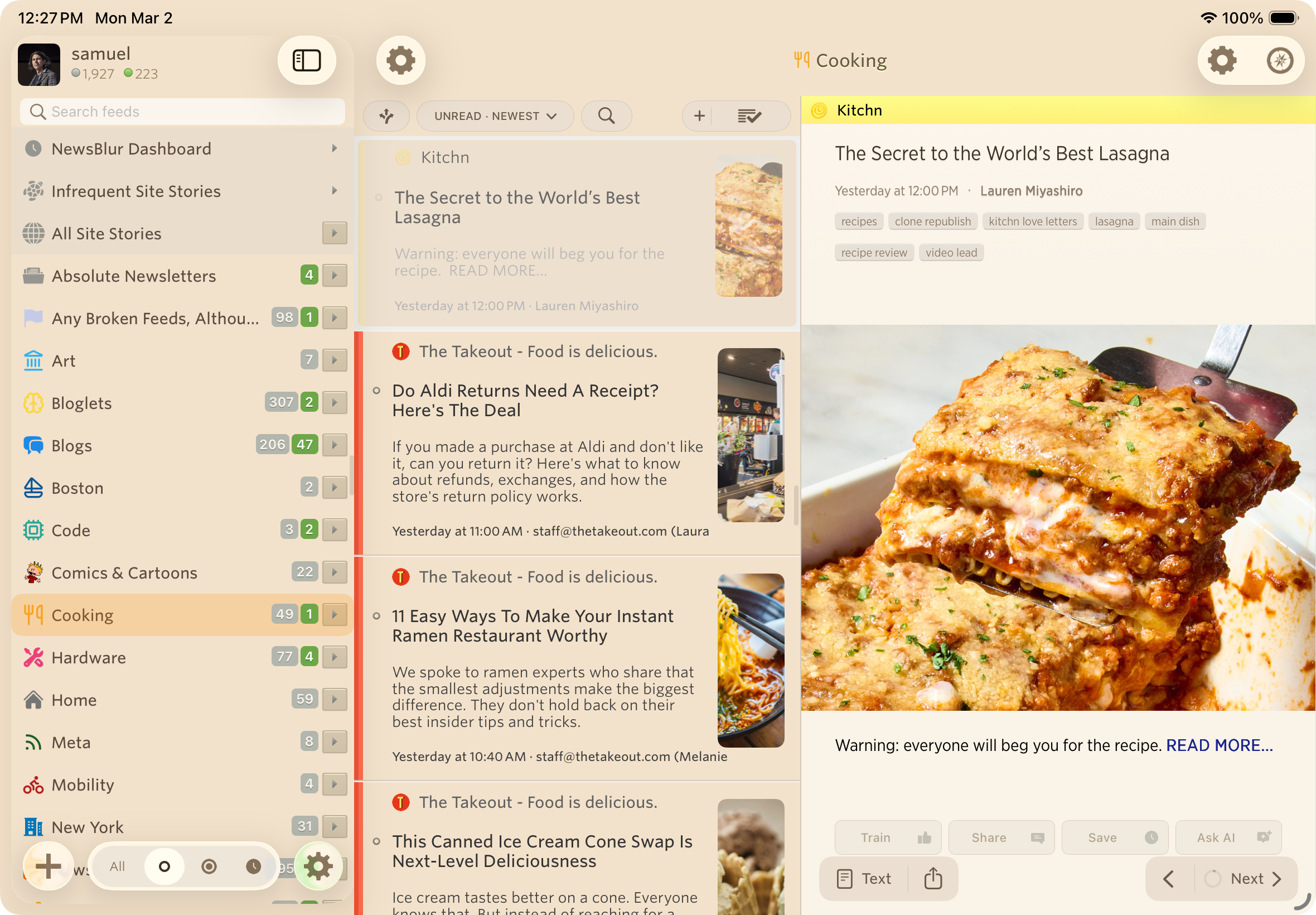
A warmer sepia theme
The Sepia theme has been completely reworked with warmer tones that are easier on the eyes for long reading sessions. The theme selector itself has been rewritten across all menus, with improved contrast on the pill buttons so you can clearly see which theme is active.
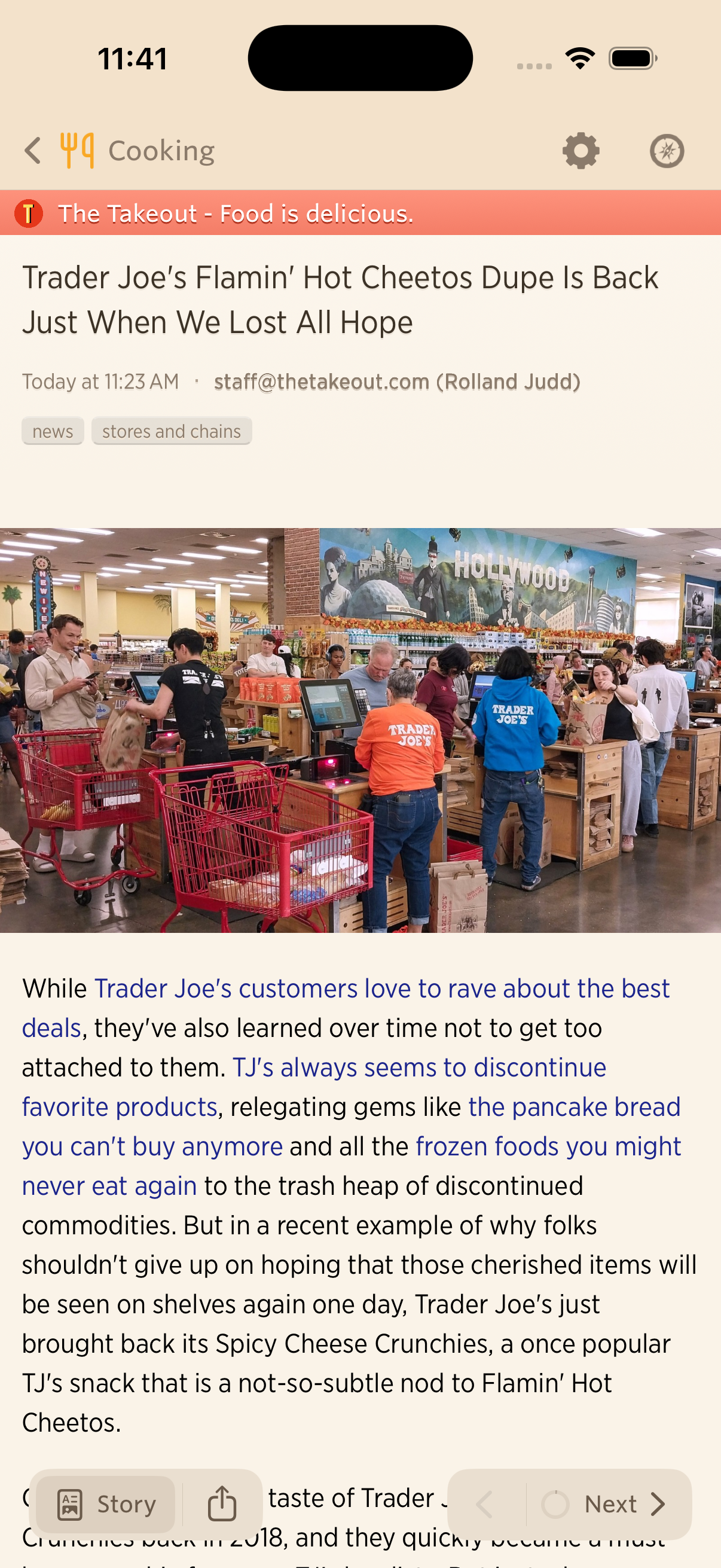
Story titles pill bar
The top of the story list now has a pill bar with quick access to Discover, Options, Search, and Mark Read. The search bar slides in and out instead of fading, and the mark-read button has a wider tap target with an optional confirmation step.
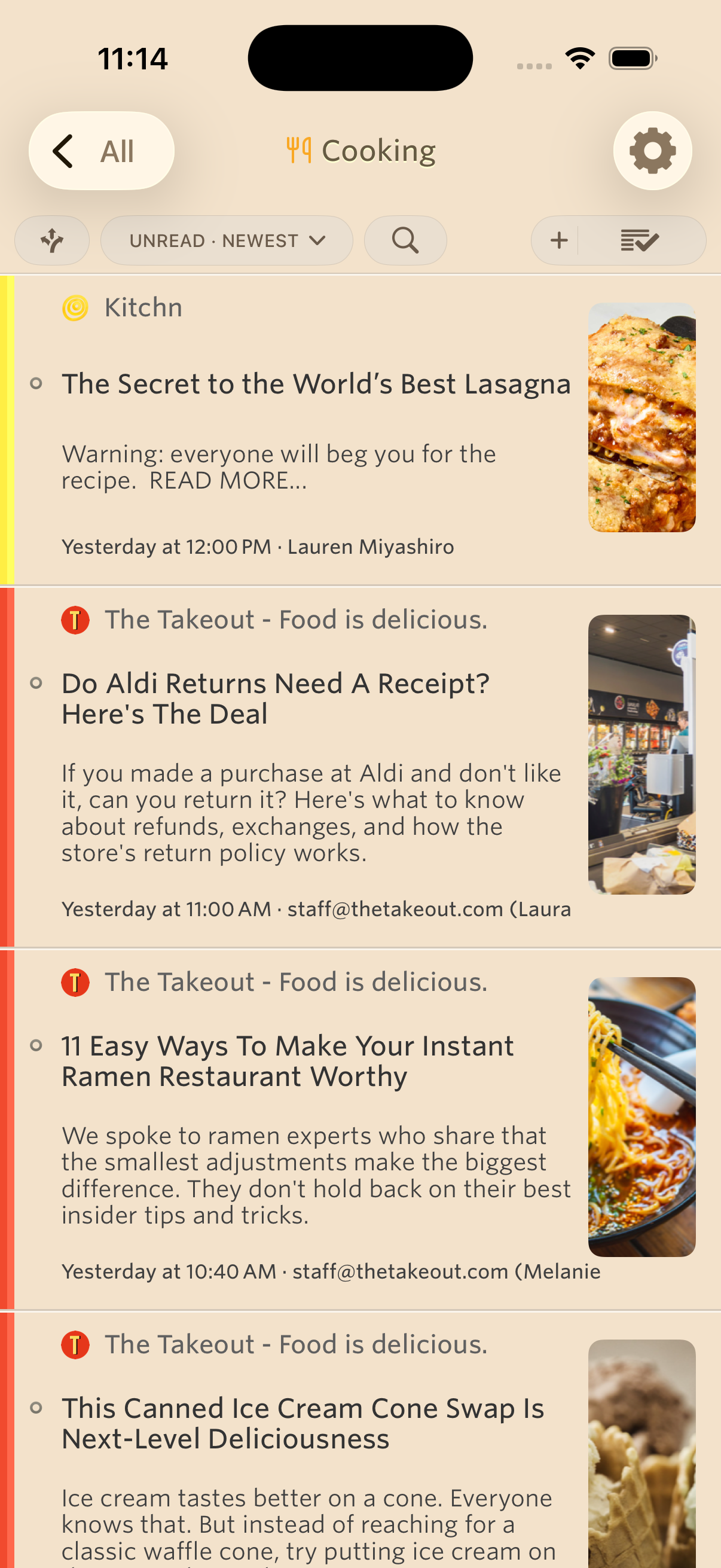
Discover related sites
Discover Related Sites lets you find related feeds from any feed or folder. Tap the Discover button in the new story titles pill bar, browse what’s available, and try a feed before subscribing with a preview banner.
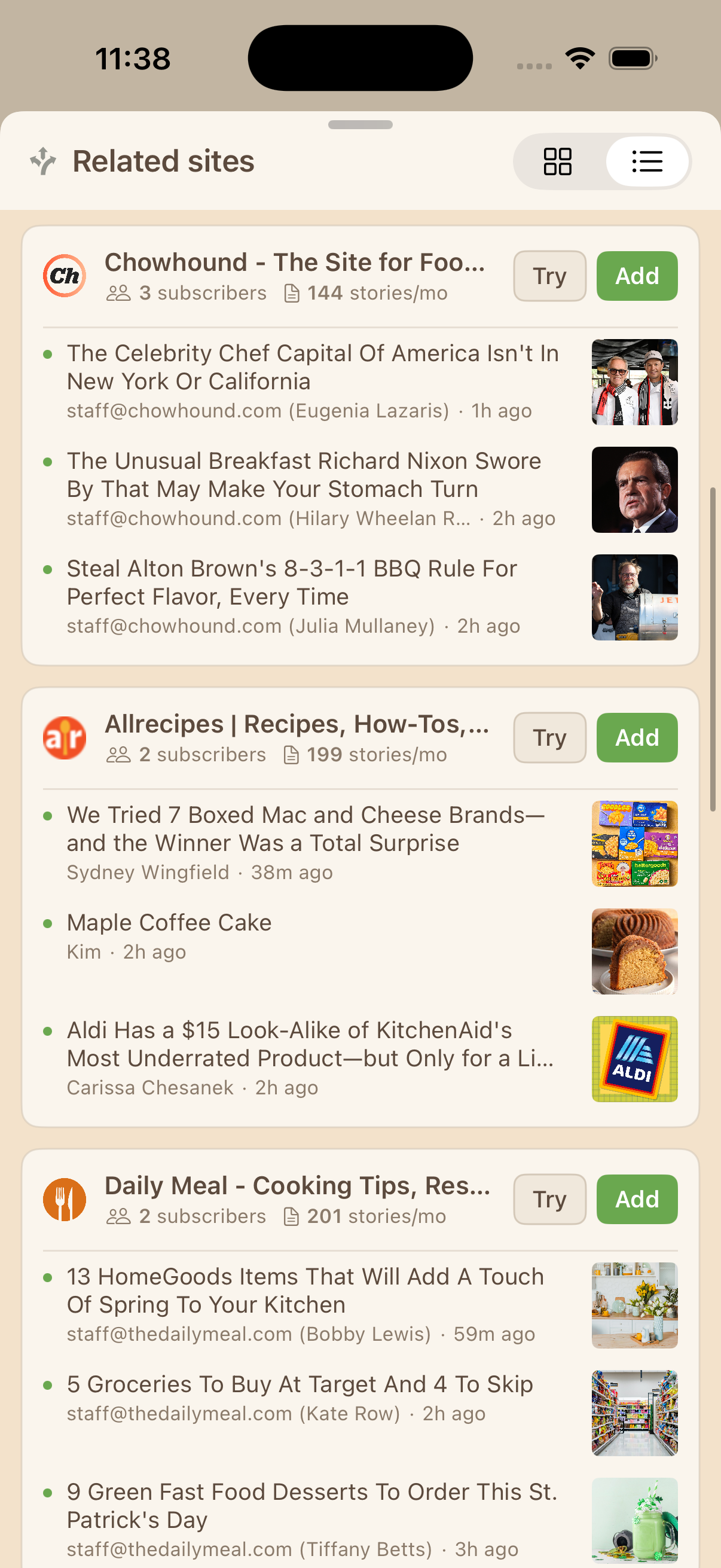
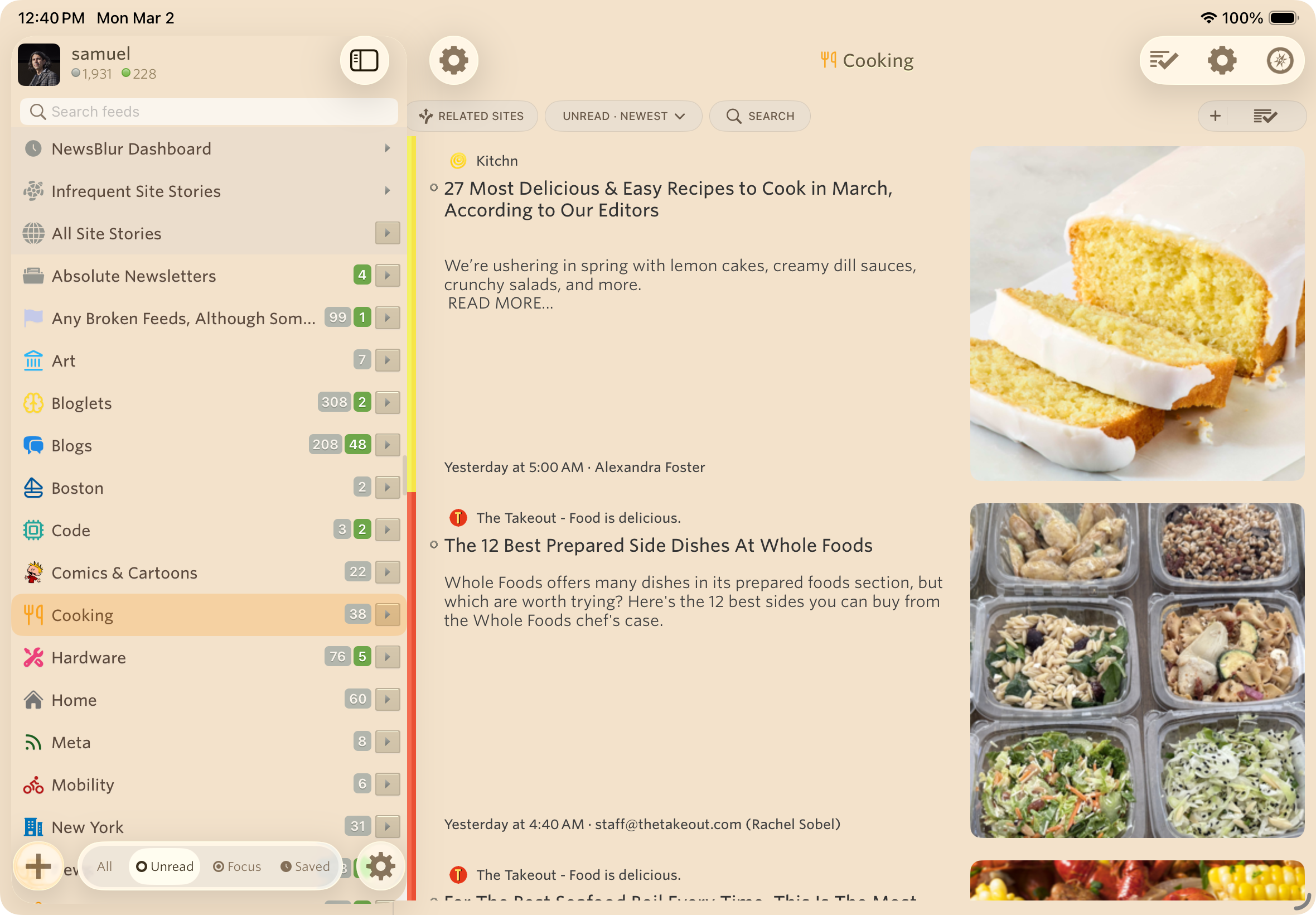
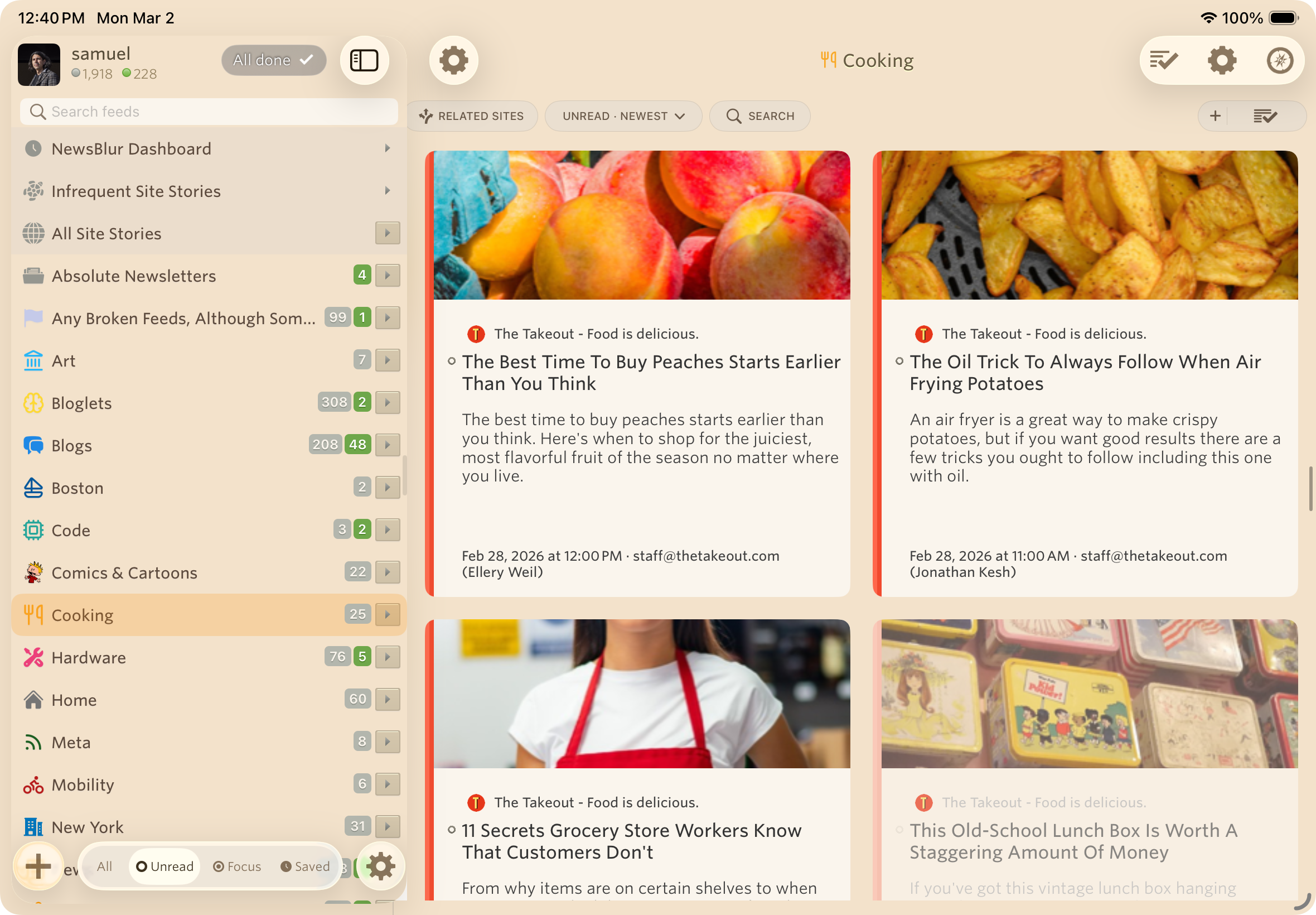
List and magazine views
Two new story layout options join the existing Grid view. List shows compact rows for scanning headlines quickly. Magazine shows taller rows with larger thumbnails, giving you a richer preview of each story without opening it. Switch between them from the story titles pill bar.
Dashboard
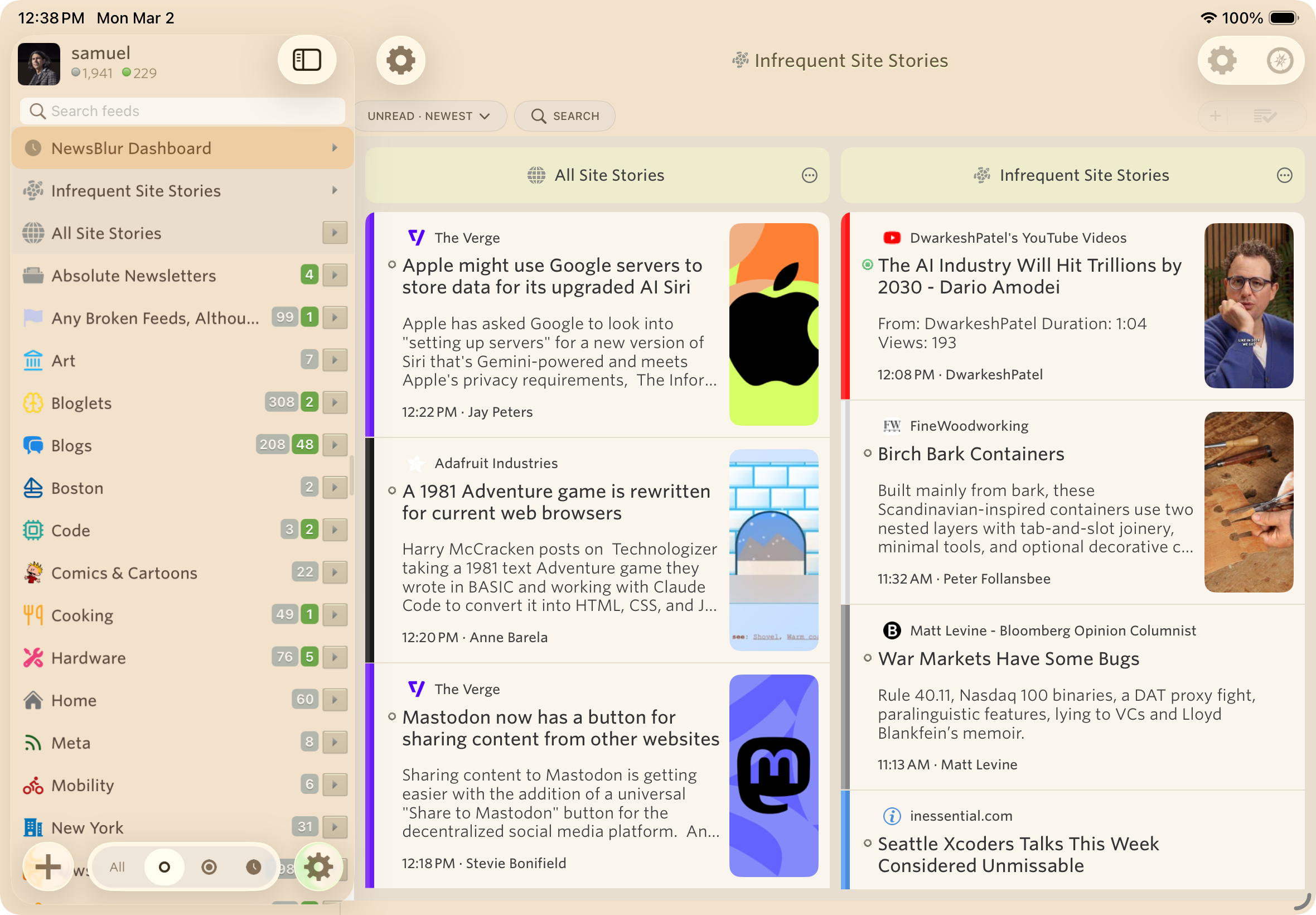
The Dashboard sits at the top of your feed list and shows stories from your favorite feeds, updated every five minutes. Add, remove, and rearrange feeds to build a personal front page that keeps you current throughout the day. It’s the first thing you see when you open the app, and it updates in the background so fresh stories are always waiting.
Redesigned login, preferences, and upgrade
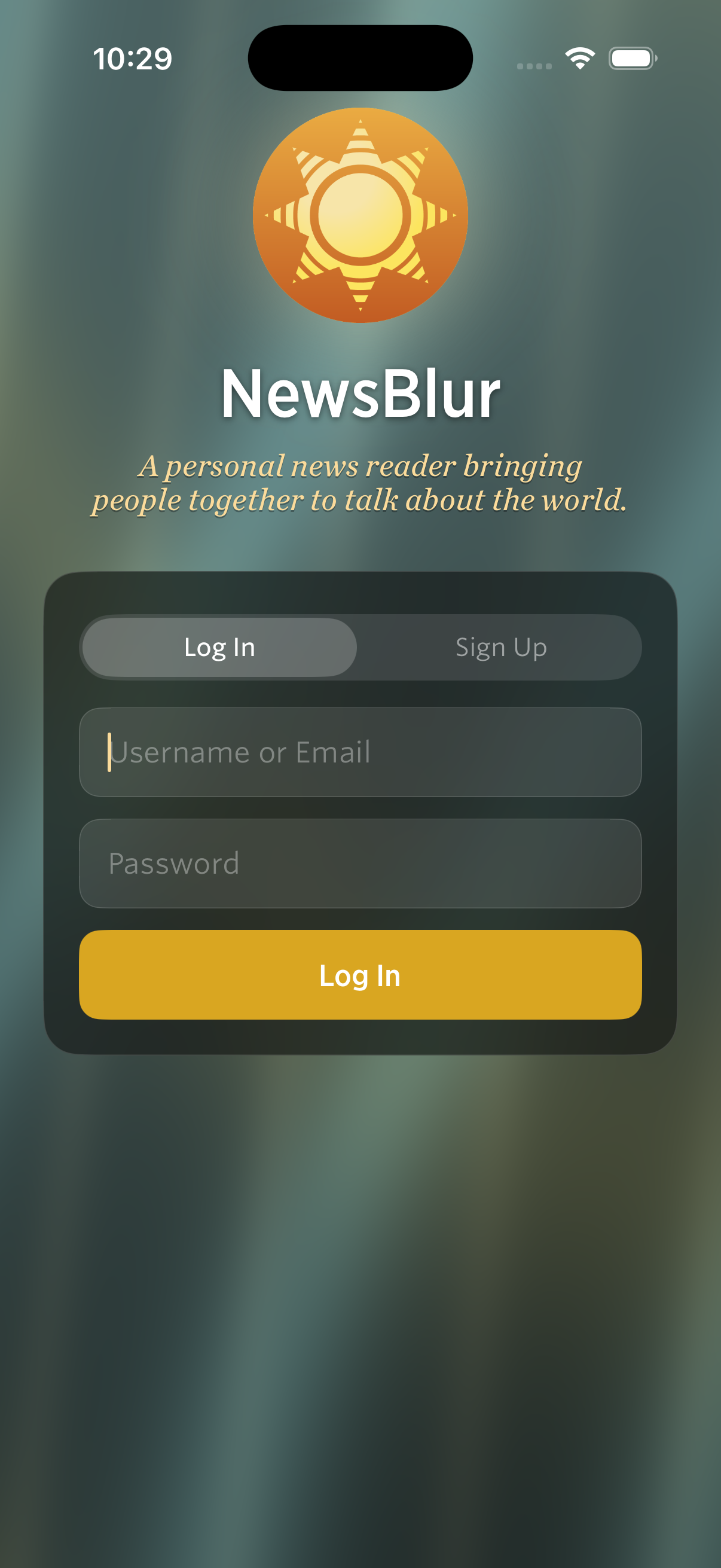
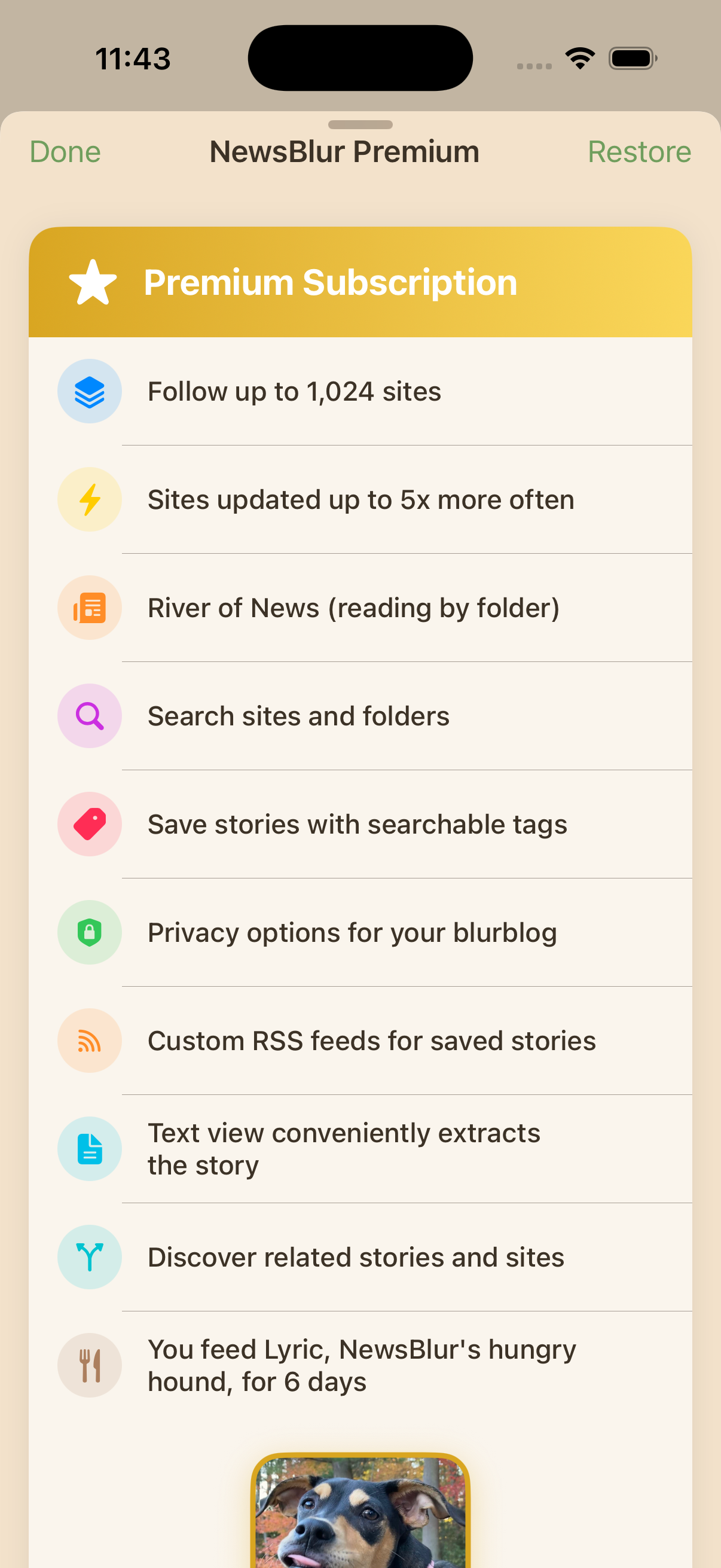
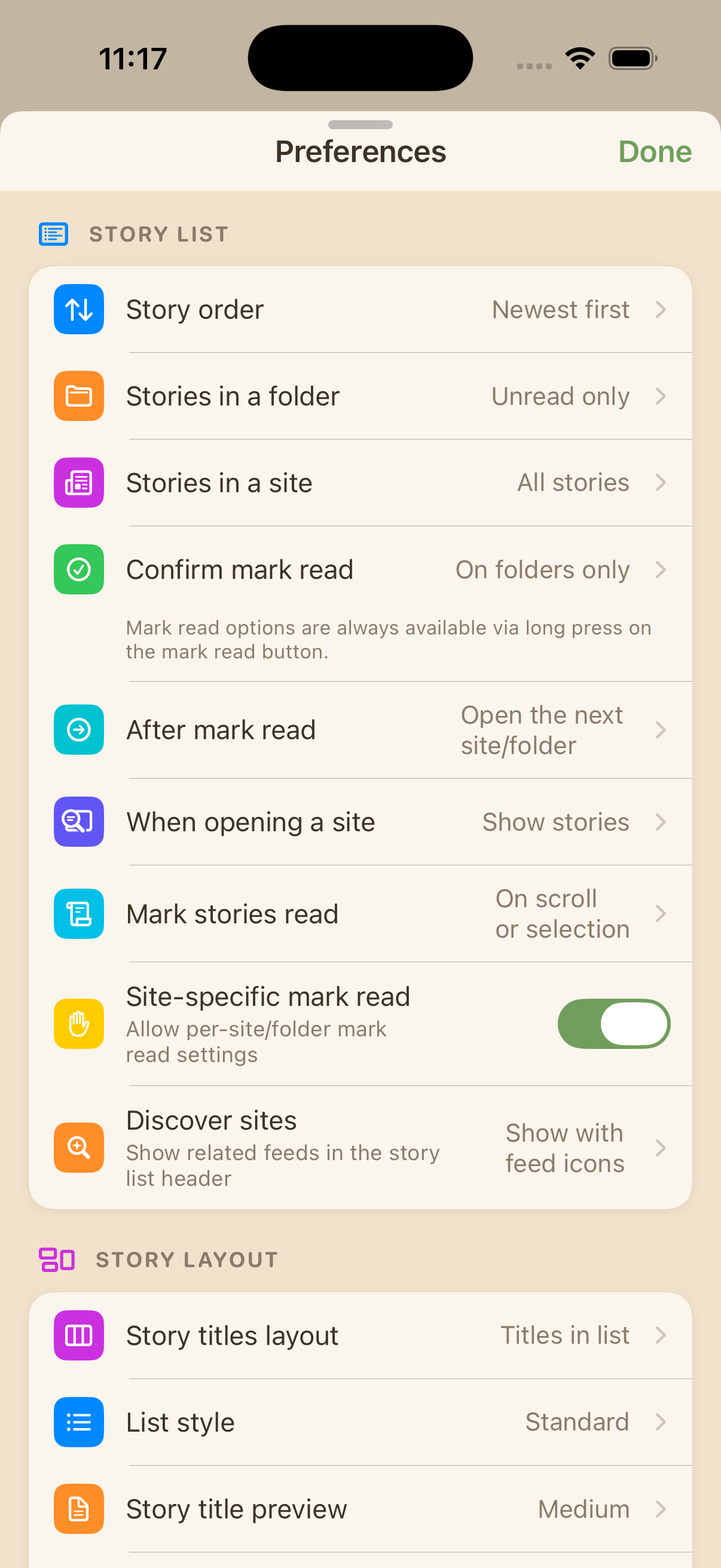
The login screen now features animated Metal shader waves with a frosted glass card. Preferences have moved from the old InAppSettingsKit to a new native SwiftUI PreferencesView. The Premium upgrade screen has been redesigned to include Ask AI integration and the new Premium Pro tier.
Share, Trainer, and Ask AI dialogs are presented as swipeable sheets on iPhone with grabber handles, replacing the old full-screen modals. The sync indicator has moved from a large HUD to a subtle top-right nav bar dot.
Ask AI
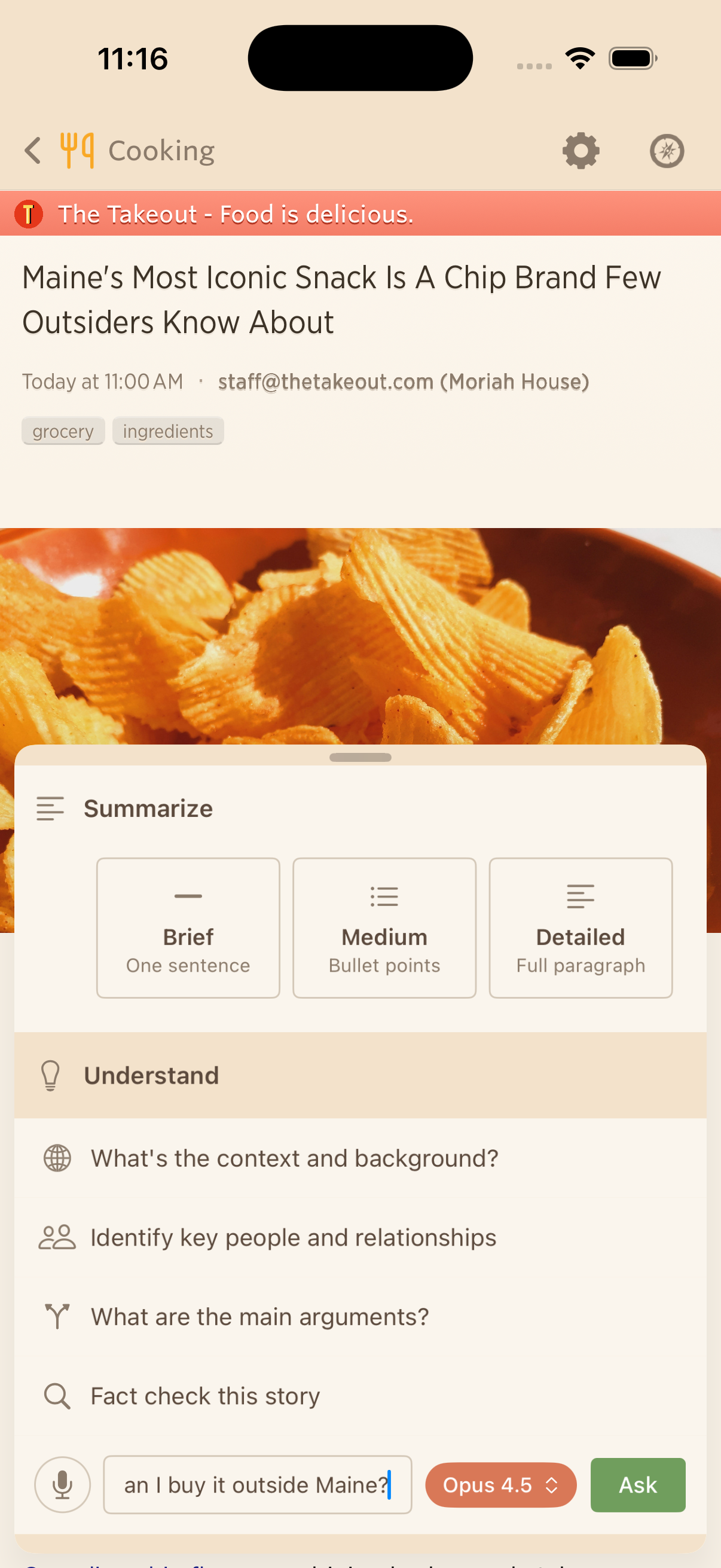
Ask AI brings the same AI-powered Q&A from the web to your phone and Mac. Select a story, tap Ask AI, and ask questions about it. Summarize a long article in one sentence, get the backstory on a developing situation, or fact-check a claim. Pick from multiple AI models and keep the conversation going with follow-ups.
Push notifications with feed favicons
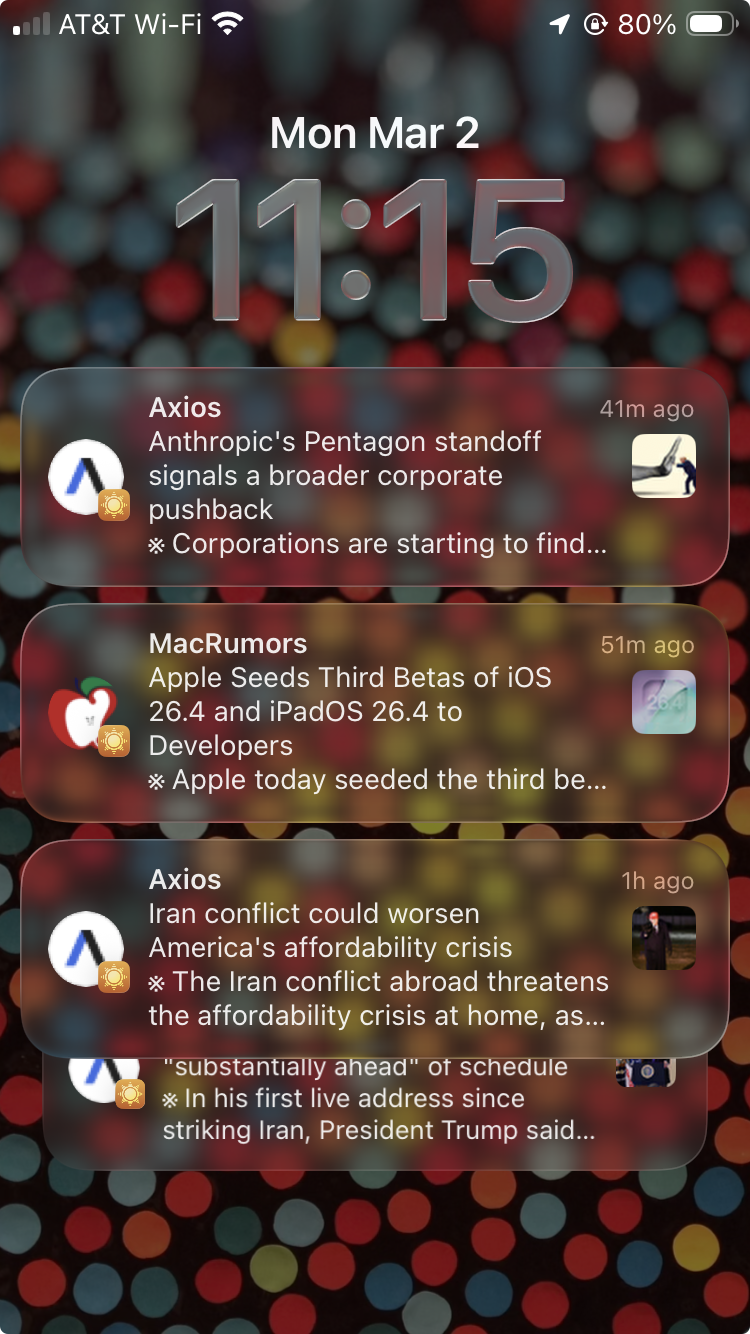
Push notifications now show your feed’s favicon alongside the notification using Communication Notifications. At a glance, you can tell which feed a story came from before you even open it.
Everything else
Beyond the headline features, this release includes a long list of improvements and fixes across iPhone, iPad, and Mac.
Improvements
- Pinch-to-zoom images to full-sized Quick Look preview in any story.
- Mark Story Read options: mark read on scroll, on selection, after an interval, or manually.
- Premium Pro tier added to the iOS upgrade dialog with higher limits.
- Custom feed and folder icons now supported on iOS.
- Unmute support for individual feeds.
- Collapse-all and expand-all button on All Site Stories.
- Modernized menu bar on Mac and iPad with keyboard shortcuts.
- Icons added to context menus on Mac and iPad.
- Redesigned story action buttons with modern styling.
- Text, URL, and regex classifiers added to the iOS Intelligence Trainer.
- Compact story title cells with equalized vertical spacing in list view.
- Fetching/offline banner moved from bottom overlay to top of story titles.
- Feed list search bar replaced with a compact text field.
- Scroll-to-hide toolbar synced with swipe-back gestures.
- Sidebar toggle buttons for showing and hiding the feed list.
- Redesigned Add Site as a SwiftUI half-height sheet with autocomplete.
- Story traverse bar and feed bar fade gradually as you scroll.
- Mac Catalyst: dismiss modals via overlay tap or Escape key.
- Mac Catalyst: trackpad swipe gesture support.
- Improved theme selector pill contrast for medium and light themes.
- Show toolbar when tapping status bar to scroll to top.
Fixes
- Fixed WebSocket disconnects from EIO4 protocol and session lifecycle issues.
- Fixed story width rendering wider than viewport on first load on iPhone.
- Fixed memory issues with PINCache cost limits.
- Fixed offline queue priority inversion.
- Fixed saved stories showing incorrect read/unread status.
- Fixed YouTube Error 153 with HTTPS and inlined resources.
- Fixed trainer popover showing empty content on first open.
- Fixed crashes with custom feed icons in story detail.
- Fixed blank statistics modal by adding missing JS globals.
- Fixed white flash and navbar color mismatch when opening stories in dark themes.
- Fixed sepia theme yellow tint on Mac Catalyst.
- Fixed (null) username and missing avatar when sharing on Mac Catalyst.
- Fixed Catalyst pill bar AppKit chrome artifacts.
- Fixed Mac traverse bar layout, highlights, and previous button state.
- Fixed Discover popover placement on Mac and iPad.
- Fixed mark-read pill confirmation.
- Fixed status bar color and liquid glass gradient boundary.
- Fixed stale collapsed folder unread counts on iPad.
- Fixed stale story responses when switching folders quickly on iPad.
- Fixed Mac Catalyst split divider limited to grab handle area.
NewsBlur for iOS 26, iPadOS 26, and macOS Tahoe is available now on the App Store for iPhone, iPad, and Mac. If you have feedback or run into issues, I’d love to hear about it on the NewsBlur forum.
This is a companion discussion topic for the original entry at https://blog.newsblur.com/2026/03/05/newsblur-v14-for-ios-and-mac/