<p>I have a lot of folders. Over the years I’ve organized my feeds into categories like News, Tech, Cooking, and Comics. But when I’m scanning my feed list, they all look the same—just folder icons with text. I wanted a way to make certain folders stand out at a glance, especially the ones I check most often.</p>
That’s why I built custom icons for both folders and feeds. You can now personalize any folder or feed with an emoji, a preset icon in any color, or even upload your own image.
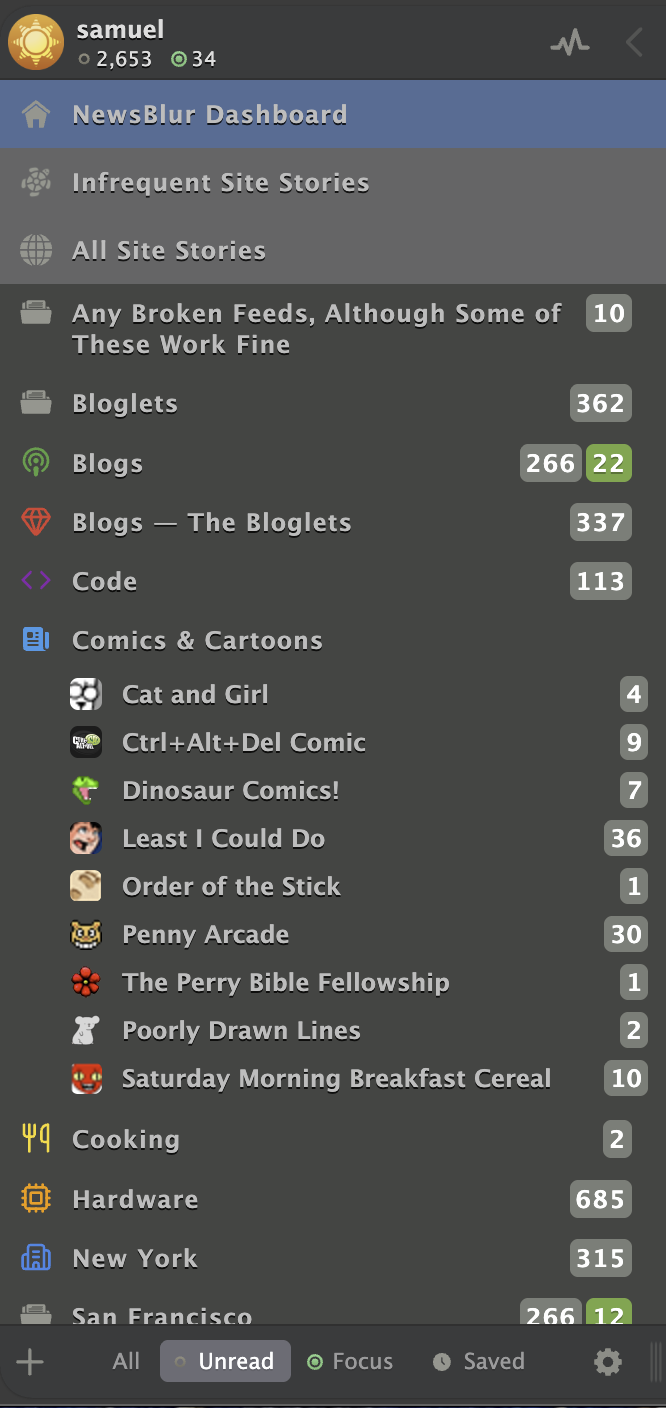
How it works
Right-click on any folder or feed in your feed list and select “Folder settings” or “Site settings”. You’ll see a new “Folder Icon” or “Feed Icon” tab where you can customize the icon.
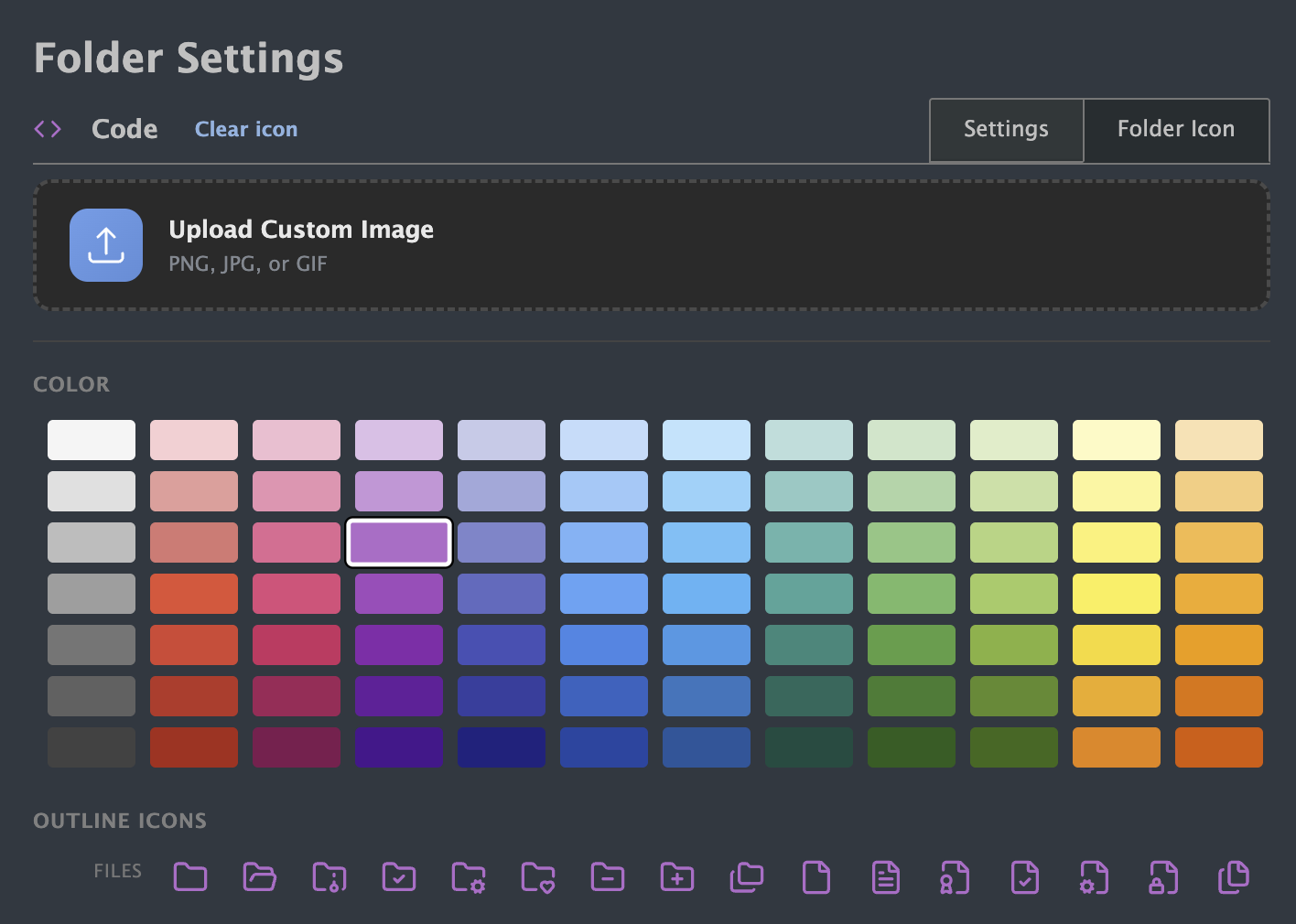
There are three ways to set a custom icon:
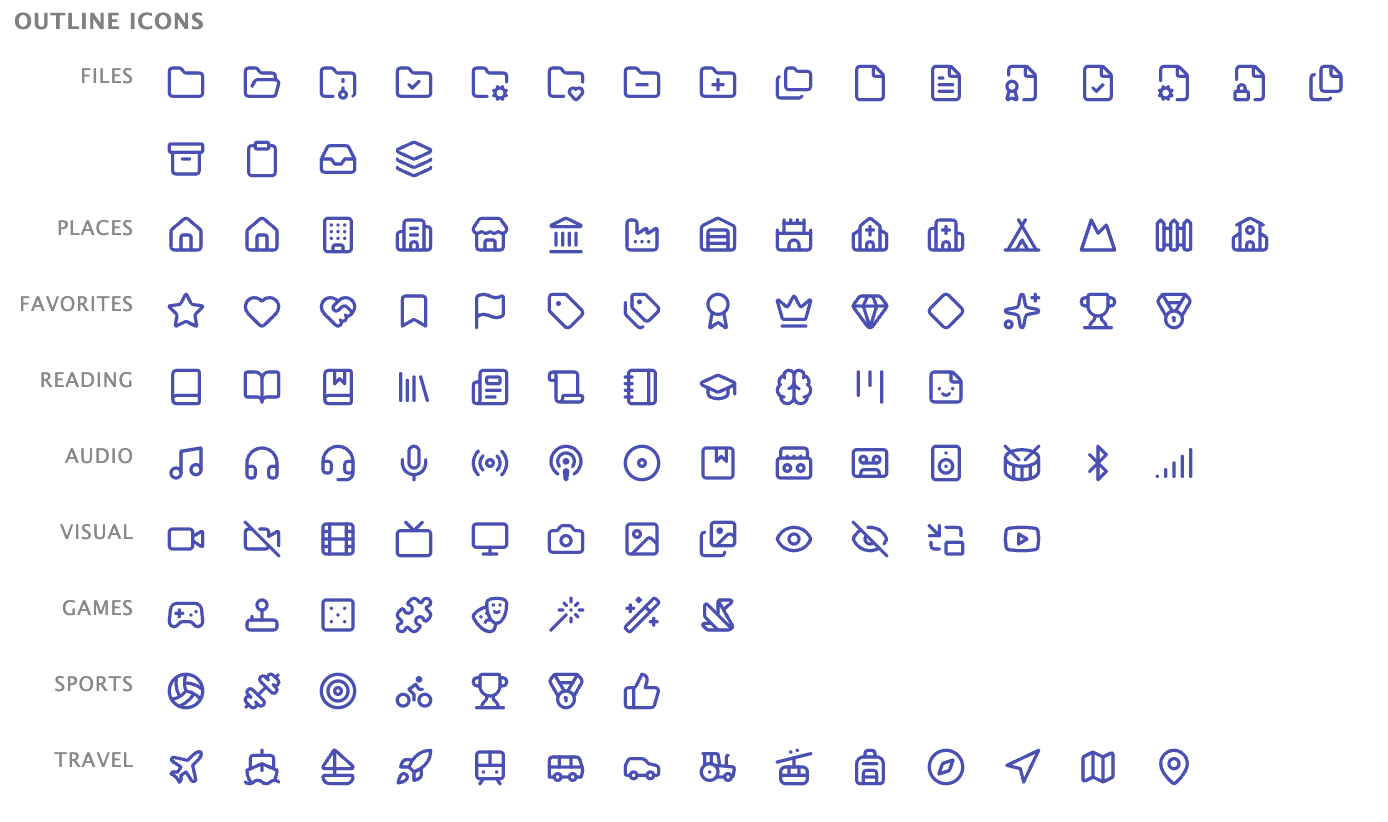
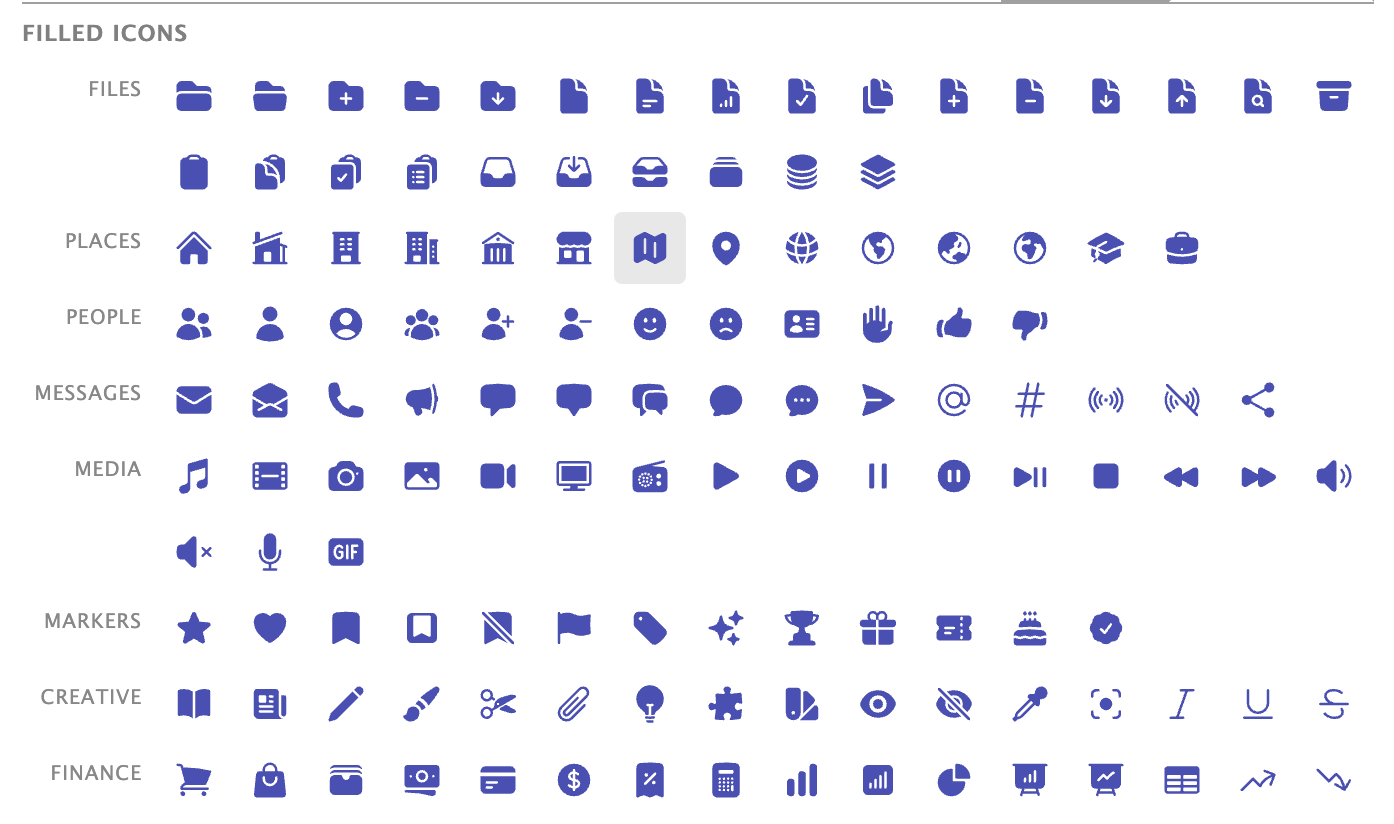
Preset icons: Pick from over 240 icons (a mix of outline and filled styles) and colorize them with any of 84 colors organized by hue. Want a red heart for your favorites folder? A blue code bracket for programming feeds? It’s all there.
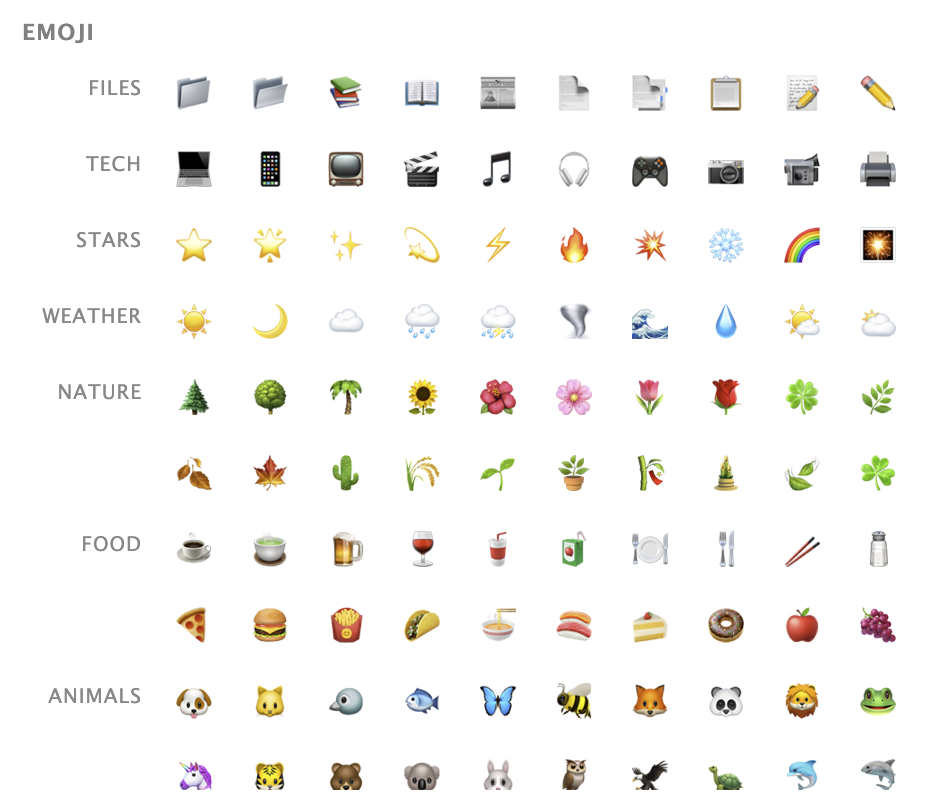
Emoji: Choose from 180 emojis organized by category. A basketball for sports feeds, a fork and knife for cooking, a newspaper for news—you get the idea.
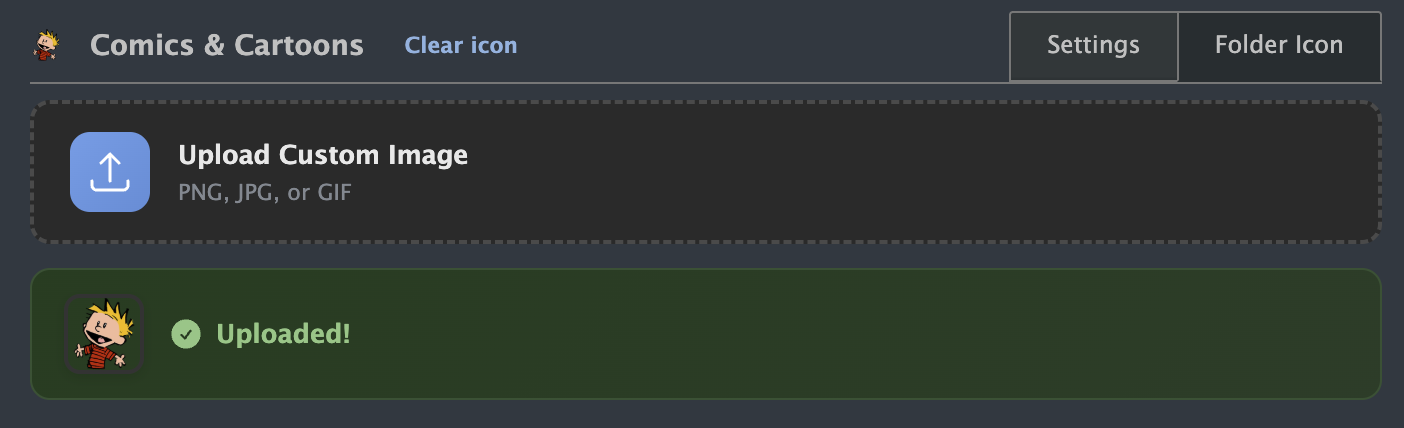
Upload your own: Have a specific image in mind? Upload any image and it will be automatically resized to fit perfectly in your feed list.
Great for feeds without icons
Many feeds don’t have favicons, or they have generic RSS icons that all look the same. Custom feed icons let you give these feeds distinctive icons so you can spot them instantly. I’ve been using this to add icons to older blogs and newsletters that never bothered setting up a proper favicon.
Custom icons are available now on the web for all NewsBlur users. Folders and feeds both support the same icon options of emoji, preset icons with colors, or uploaded images.
If you have feedback or ideas for additional icon options, please share them on the NewsBlur forum.
This is a companion discussion topic for the original entry at https://blog.newsblur.com/2026/01/07/custom-icons/